WordPress has been the undisputed king of the web for years, powering an incredible portion of the internet. But its dominance doesn't mean it's the right choice for every project. A new generation of powerful, specialized, and user-friendly platforms has emerged to meet modern demands.
If you find yourself wrestling with plugin conflicts, security vulnerabilities, or a clunky user experience, you're not alone. Many businesses discover that the "one-size-fits-all" approach of WordPress no longer meets their specific needs for performance, design freedom, or scalability. This guide is for you. We'll dive deep into the best WordPress alternatives, breaking down who they're for, where they excel, and where they fall short.
This resource provides a clear, comprehensive comparison of the top 12 platforms, complete with screenshots and direct links. Whether you're a designer craving pixel-perfect control, an entrepreneur launching an online store, or a marketer building a content engine, a better solution is out there. For businesses focused on sales, it's also crucial to understand your options; to truly move beyond WordPress, it's essential to explore the 12 best e-commerce platforms for small businesses to ensure you're choosing a solution tailored to your growth ambitions.
Let's explore the platforms that can help you build a faster, more secure, and more effective website.
1. Webflow
Webflow is a powerful visual development platform that bridges the gap between no-code website builders and traditional coding. It's one of the best WordPress alternatives for designers, agencies, and businesses that crave complete design control without writing code. Instead of relying on templates, you build visually using a canvas that translates your actions directly into clean HTML, CSS, and JavaScript. This gives you the freedom to create custom, responsive designs with complex interactions and animations that are difficult to achieve in other builders.
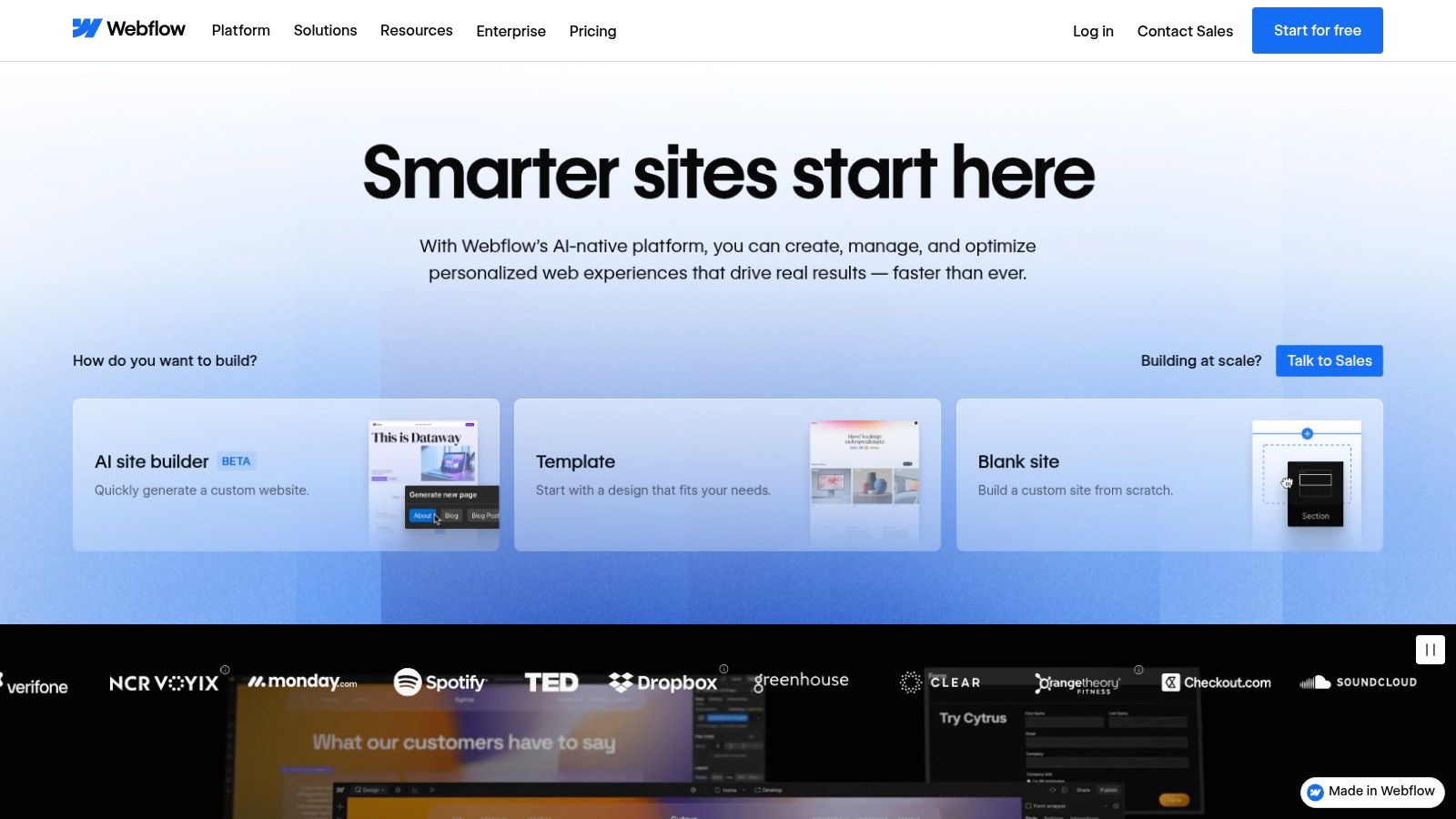
It combines this design flexibility with a robust, integrated Content Management System (CMS) and top-tier managed hosting. This all-in-one approach simplifies the tech stack, eliminating the need to manage separate hosting, security plugins, and performance updates.
Key Considerations
- Best For: Designers, creative agencies, and marketing teams needing pixel-perfect control and a dynamic CMS for content-rich sites like blogs, portfolios, and corporate websites.
- Pros: Unmatched design freedom, clean code output, and an excellent, integrated CMS. It's a fantastic tool for creating unique, high-performance websites.
- Cons: There is a significant learning curve, especially for those unfamiliar with web design principles like the box model, CSS Grid, or Flexbox. It is more expensive than many simpler builders.
- Pricing: Starts with a free plan for learning and staging. Paid site plans begin at $14/month (billed annually) for basic sites, with CMS and Business plans costing more.
While simpler builders like Squarespace offer a faster start, they can't match Webflow's customization ceiling. For a detailed comparison of these two powerful choices, explore a Squarespace vs Webflow comparison to see which suits your needs best. For small businesses weighing their options, understanding the landscape of top website builders is a crucial first step.
Website: https://webflow.com
2. Squarespace
Squarespace is a leading all-in-one website platform renowned for its award-winning templates and ease of use. It stands out as one of the best WordPress alternatives for small businesses, creatives, and service professionals who prioritize a polished design and a fast, hassle-free setup. The platform bundles everything you need, including a domain, SSL security, and hosting, into a single, cohesive package, eliminating the technical overhead of managing separate components. This unified approach allows you to focus on your content and business, not on plugins and updates.
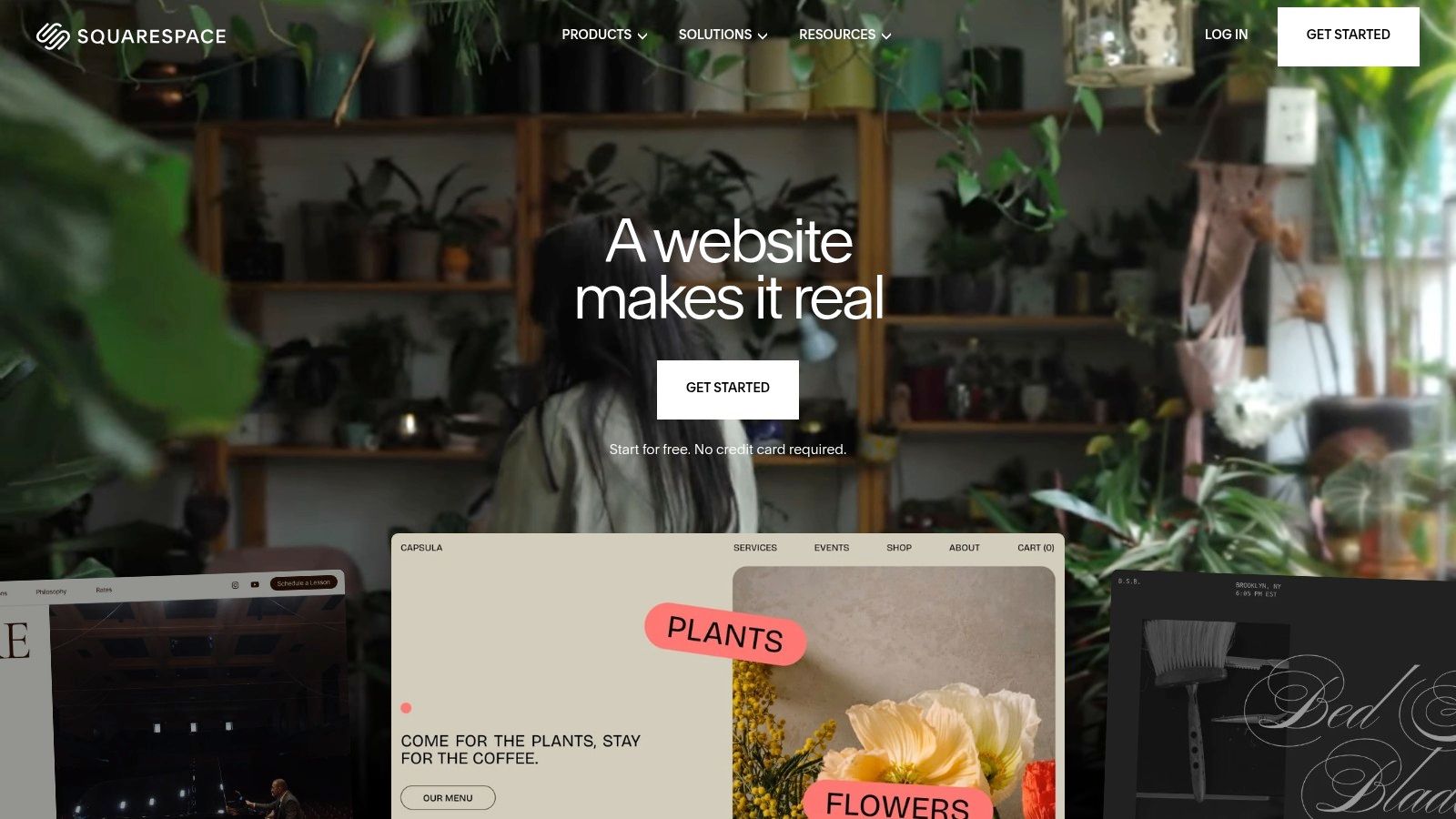
Its drag-and-drop editor and extensive library of beautifully designed, mobile-responsive templates make it incredibly easy to create a professional-looking website without any coding knowledge. Squarespace also offers a robust suite of integrated tools for commerce, appointment scheduling, member areas, and email marketing, making it a powerful solution for businesses looking to manage their entire online presence from one dashboard.
Key Considerations
- Best For: Small businesses, artists, bloggers, and service providers who need a visually stunning, low-maintenance website with integrated commerce and marketing tools.
- Pros: Exceptionally easy to use with a quick setup process. The cohesive admin ecosystem simplifies management, and the built-in tools for commerce and services are excellent.
- Cons: Offers less design flexibility and developer-level control compared to open-source systems. Advanced customizations often require using code blocks or third-party extensions.
- Pricing: Plans start at $16/month (billed annually) for a personal website. Business and Commerce plans with more advanced features are available at higher price points.
Website: https://www.squarespace.com
3. Wix
Wix is a dominant force in the website builder market, offering a highly approachable, all-in-one platform that makes it one of the most accessible WordPress alternatives for small businesses and individuals. Its primary appeal lies in its user-friendly drag-and-drop editor and a vast library of professionally designed templates, allowing users to create visually appealing sites without any technical expertise. The platform also offers an AI-powered builder (Wix ADI) that can generate a website in minutes after answering a few simple questions.
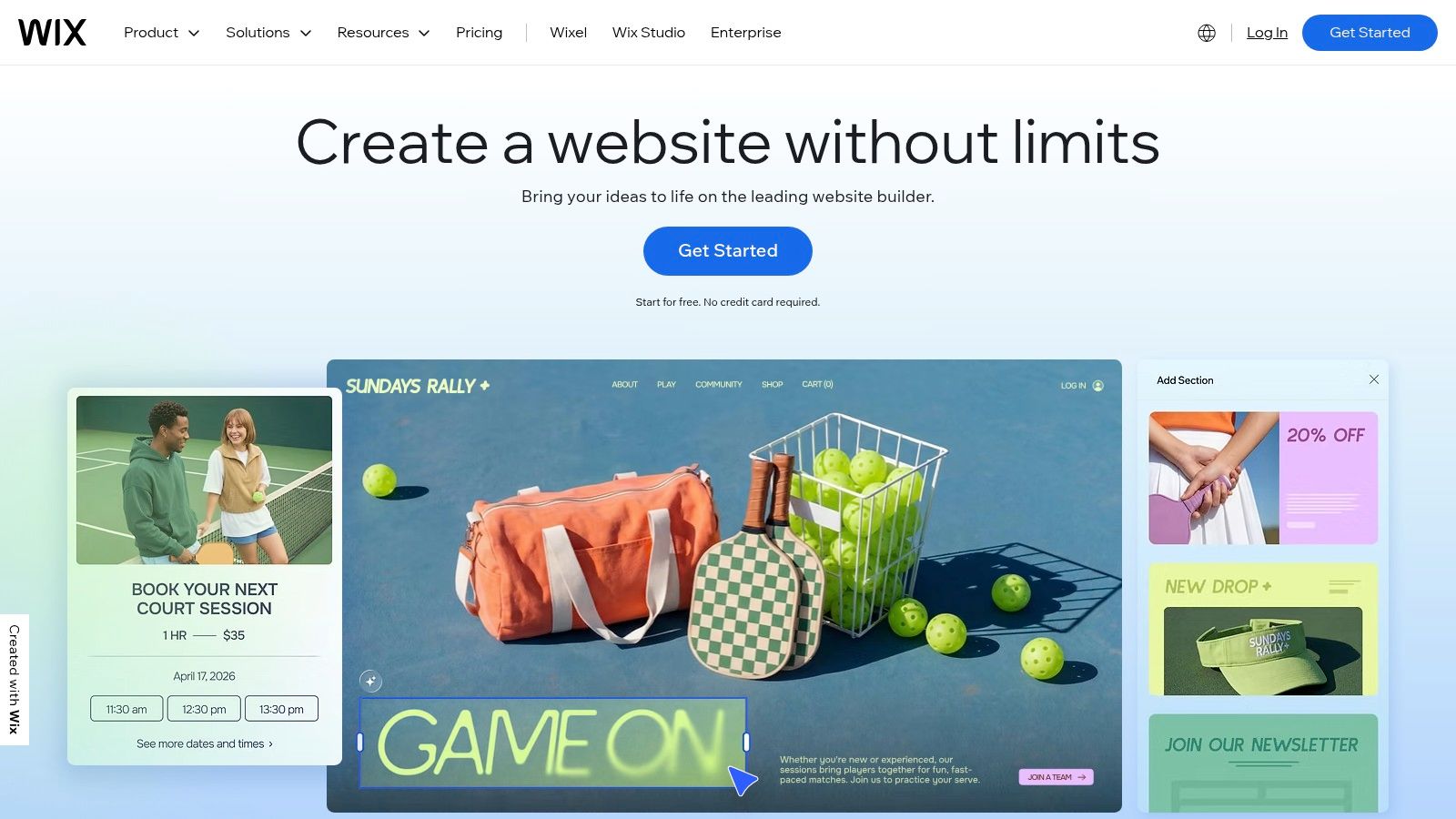
This turnkey approach extends to its feature set, which includes built-in ecommerce, booking systems, event management, and a massive App Market for adding more advanced functionality. This integrated ecosystem simplifies website management by consolidating hosting, security, and features into a single subscription, eliminating the plugin-heavy maintenance required by WordPress. For those needing more design control, the new Wix Studio editor provides a more advanced, responsive design experience.
Key Considerations
- Best For: Small business owners, entrepreneurs, and freelancers who need a fast, easy, and all-inclusive solution for building a professional online presence, portfolio, or online store.
- Pros: Extremely user-friendly with a minimal learning curve. The extensive App Market and built-in features offer broad functionality without needing third-party integrations.
- Cons: While flexible, the design freedom doesn't match professional-grade tools like Webflow. The cost can increase as you add more premium apps from the App Market.
- Pricing: Offers a limited free plan. Premium plans start at $17/month (billed annually) for personal use, with business and ecommerce plans ranging from $27 to $159/month.
Website: https://www.wix.com
4. Shopify
For businesses where commerce is the central function, Shopify is one of the best WordPress alternatives available. It is a comprehensive, all-in-one commerce platform designed to help users start, run, and grow a business. It provides a robust online storefront, integrated payment processing, and powerful back-office tools for managing products, inventory, and shipping. Unlike WordPress, which requires plugins like WooCommerce for ecommerce, Shopify has these capabilities built into its core.

This focus makes it an incredibly reliable and scalable solution for online stores of all sizes. The platform handles everything from marketing and payments to secure checkout and shipping, letting you focus on your products and customers. Its extensive app store allows for further customization, enabling sales across social media channels, marketplaces, and in-person via its POS system.
Key Considerations
- Best For: Entrepreneurs, small businesses, and large-scale retailers who need a powerful, dedicated platform for selling products online and in-person.
- Pros: A mature and reliable commerce and fulfillment stack, excellent scalability for growing stores, and a strong support and developer ecosystem.
- Cons: Transaction fees apply if you don't use Shopify Payments, and the reliance on third-party apps for advanced features can increase monthly costs significantly.
- Pricing: Plans start at $29/month (billed annually) for the "Basic" plan, with more advanced plans available for growing businesses.
While WordPress offers flexibility, Shopify provides a more streamlined, secure, and dedicated commerce experience. For those debating between a versatile CMS and a specialized selling machine, a detailed Shopify vs WordPress comparison can help clarify which platform best aligns with your business goals.
Website: https://www.shopify.com
5. Ghost (Ghost Pro)
Ghost is a modern, open-source publishing platform built for creators, bloggers, and media brands who want to build a business around their content. As one of the best WordPress alternatives for content-first businesses, it excels by integrating publishing, newsletters, and paid memberships into a single, elegant system. Unlike WordPress, which requires multiple plugins for subscriptions and email, Ghost includes these features natively, allowing you to launch paid content and newsletters with ease.
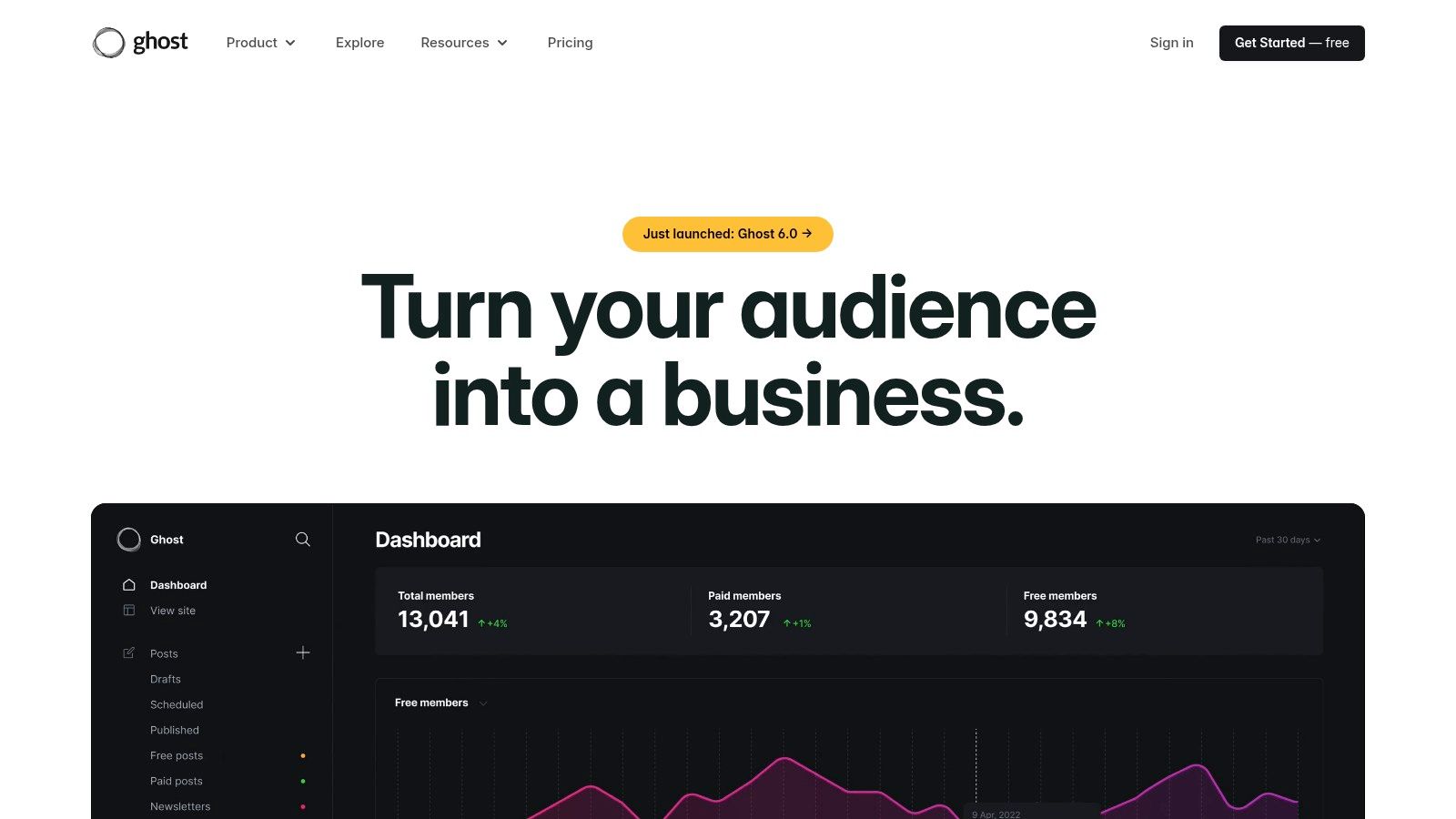
The platform is focused entirely on providing a clean, distraction-free writing experience and direct audience monetization. Ghost(Pro) is the fully managed PaaS (Platform as a Service) offering, which handles all the technical aspects like hosting, security, and updates, so you can focus solely on creating content. This makes it an ideal solution for publishers who have outgrown platforms like Substack and need more design control and brand ownership.
Key Considerations
- Best For: Independent writers, publishers, and content creators who want to build a direct relationship with their audience through memberships and paid newsletters.
- Pros: Built-in memberships, subscriptions, and email newsletters with zero platform fees on revenue (standard Stripe fees apply). The writing interface is exceptionally clean and user-friendly.
- Cons: It is not a general-purpose website builder; it's less suited for complex corporate sites or e-commerce stores. Its theme and integration ecosystem is smaller than WordPress's.
- Pricing: Ghost(Pro) pricing is based on audience size, starting at $9/month (billed annually) for up to 500 members.
Choosing the right platform is critical, and understanding your core needs is the first step. For a deeper dive into this decision, see our guide on how to choose a CMS for your project.
Website: https://ghost.org
6. Craft CMS
Craft CMS is a flexible, content-first platform that stands out as one of the best WordPress alternatives for developers and agencies building bespoke websites. Unlike WordPress, which started as a blogging tool, Craft was built from the ground up to handle custom content structures. It gives developers the tools to create highly specific content models, making it ideal for projects that don't fit into a standard page-and-post paradigm.
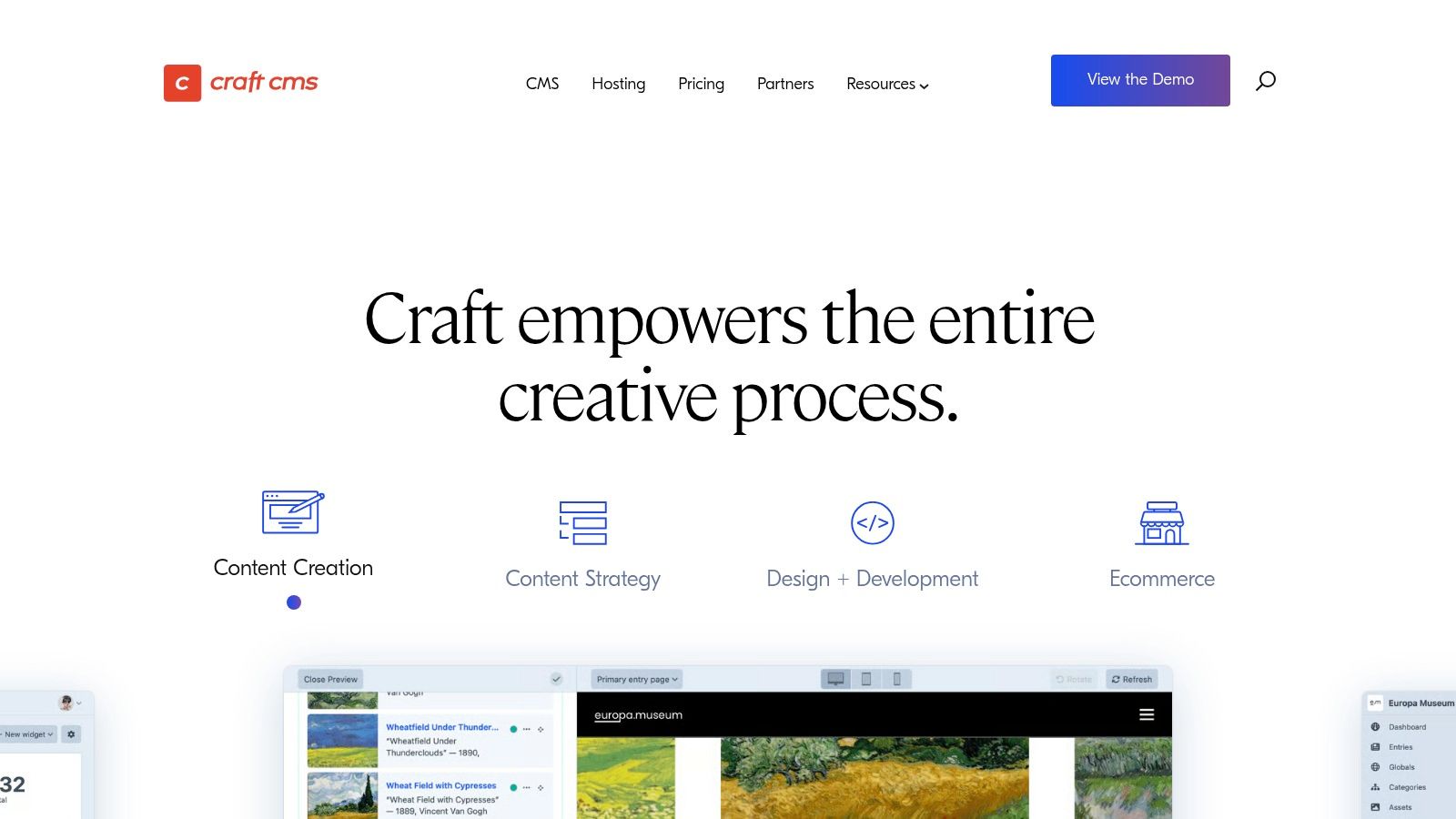
This developer-centric approach means you get a clean, intuitive control panel for clients without the clutter of themes and plugins they don't need. It uses the Twig templating engine, providing full control over markup and design, ensuring the final product is exactly as envisioned. For businesses needing a tailored solution, Craft CMS offers a robust and secure foundation.
Key Considerations
- Best For: Developers, agencies, and businesses that require a completely custom website with complex and unique content relationships. It's excellent for large corporate sites, multi-language platforms, and e-commerce stores with specific needs.
- Pros: Unparalleled content modeling flexibility, strong developer ergonomics, and a clean, user-friendly control panel for content editors. The one-time license model for its pro version is attractive for client projects.
- Cons: It requires a developer for setup and customization, making it less accessible for non-technical users. The self-hosted version requires license renewal fees after the first year to receive updates.
- Pricing: Offers a free "Solo" plan for simple sites. The "Pro" plan, which most businesses will need, is a one-time fee of $299 per project, plus $59/year for updates after the first year. A managed Craft Cloud hosting solution is also available with its own pricing tiers.
Website: https://craftcms.com
7. Framer
Framer is a modern, design-focused website builder that has rapidly become one of the best WordPress alternatives for teams that prioritize visual polish and collaboration. It excels at allowing users to design and launch stunning, interactive marketing websites with incredible speed. Framer’s intuitive visual canvas, similar to design tools like Figma, empowers designers to create fluid animations and responsive layouts without touching code, while its integrated CMS and fast hosting handle the technical backend.
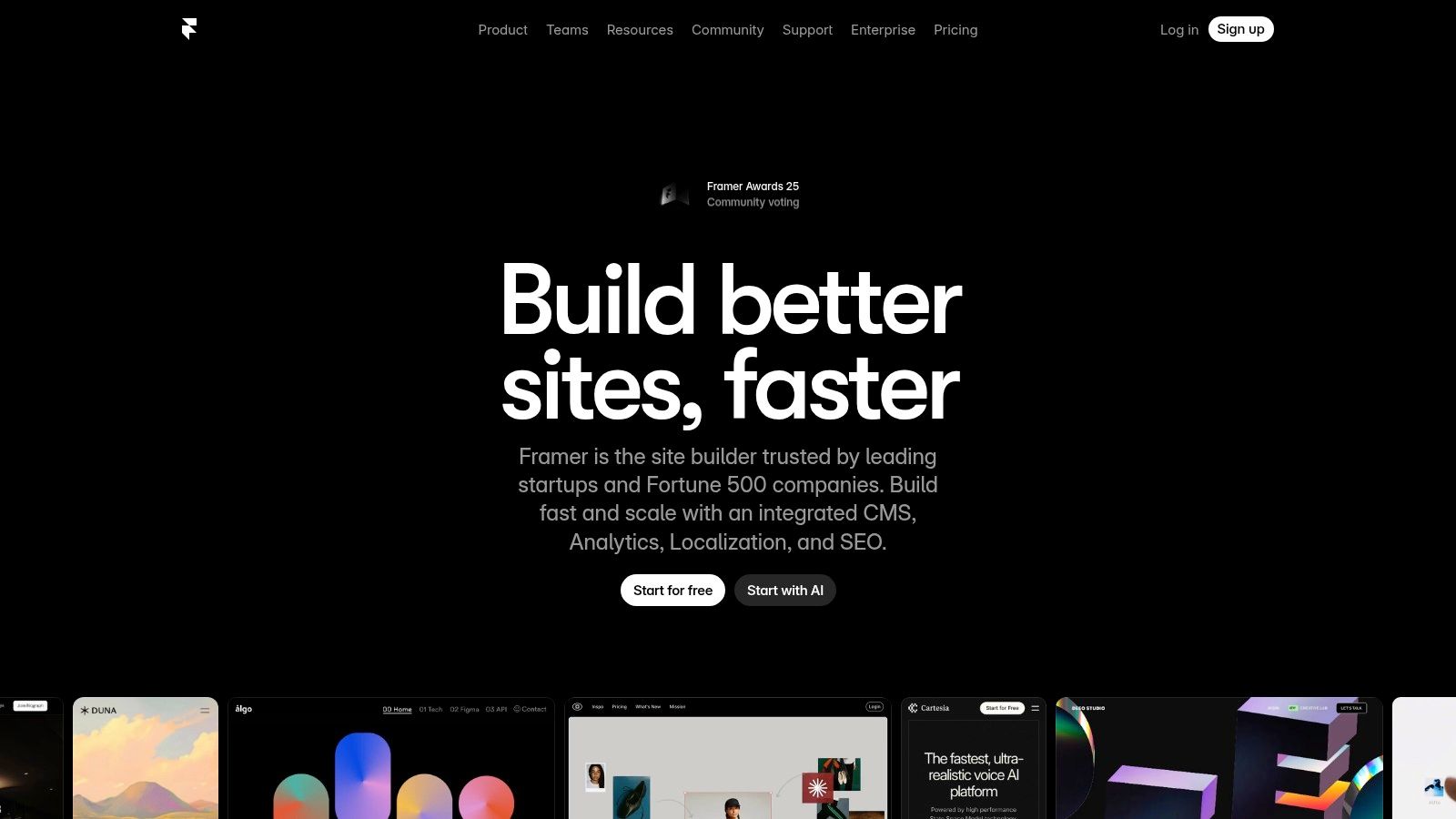
This platform is particularly strong for marketing teams and agencies that need to iterate quickly. Features like real-time collaboration, user roles, and easy-to-manage content collections streamline the workflow from design to publication. It simplifies the entire process, offering a powerful all-in-one solution for creating high-performance, visually rich websites.
Key Considerations
- Best For: Marketing teams, startups, and design agencies that need to build and deploy beautiful, animated marketing sites, landing pages, and blogs quickly.
- Pros: Extremely fast design-to-publish workflow, excellent collaboration features, and impressive performance out of the box. The visual editor is intuitive for anyone with a design background.
- Cons: The CMS has item and page limits on lower-tier plans, which can lead to overage costs. It is not a native e-commerce platform and requires third-party integrations for complex store functionality.
- Pricing: Offers a free plan for hobby projects. Paid plans start at $15/month (billed annually) for basic sites, with Pro and Business plans offering more features and higher limits.
Website: https://www.framer.com
8. Duda
Duda is a professional website builder specifically designed for agencies, digital publishers, and hosting companies that manage multiple websites for clients. It stands out as one of the best WordPress alternatives for professionals who need to build high-quality, scalable sites quickly. Its core strengths lie in its team collaboration features, client management tools, and white-label capabilities, allowing agencies to present the platform as their own.
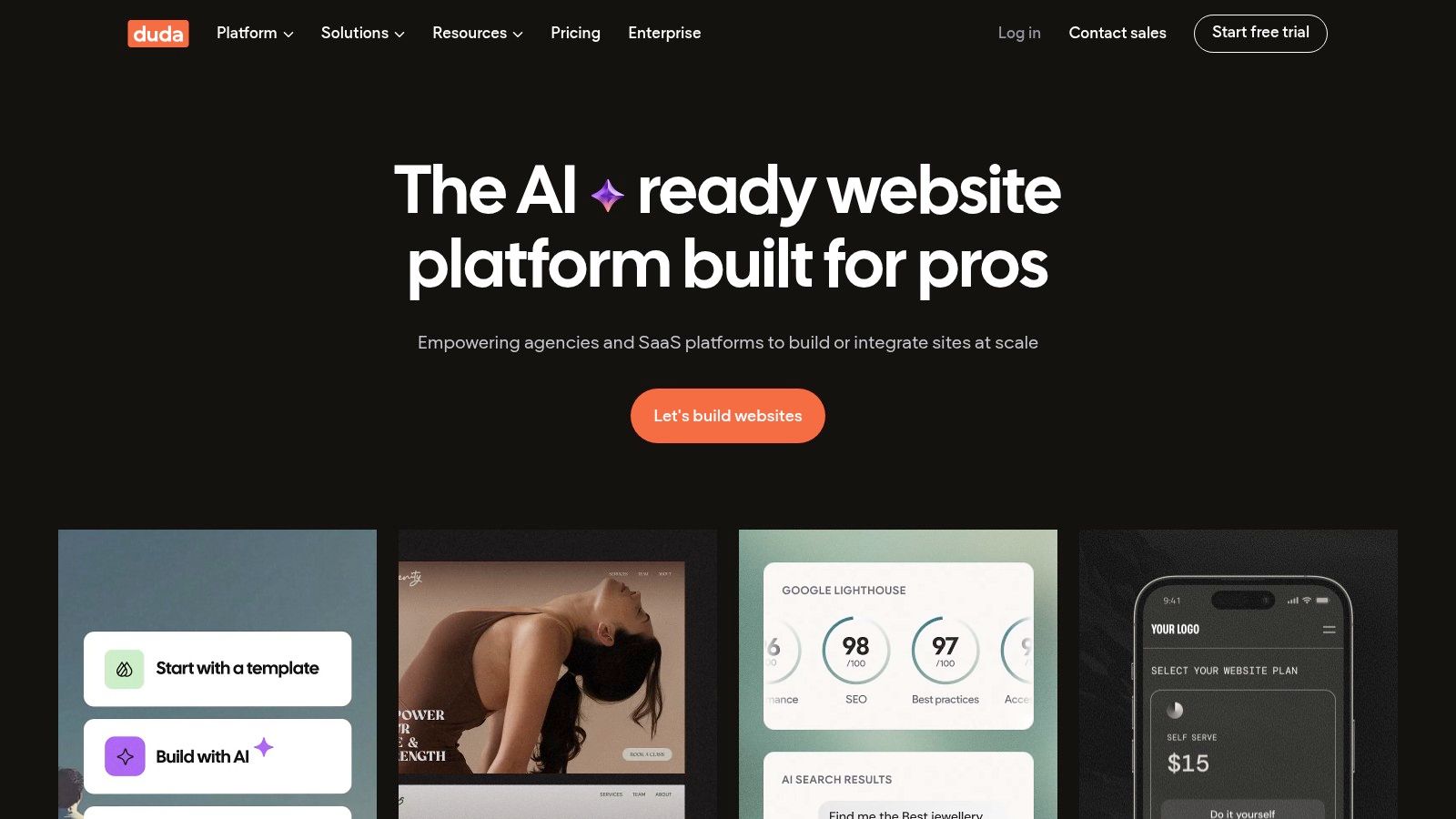
The platform streamlines the web design workflow with a powerful drag-and-drop editor, reusable sections and templates, and an integrated content library. This efficiency is coupled with advanced features like dynamic pages connected to data collections, a widget builder for custom functionality, and robust AI tools that assist with content generation and SEO optimization.
Key Considerations
- Best For: Web design agencies, freelancers, and SaaS platforms that need a scalable, white-label solution for building and managing a large portfolio of client websites efficiently.
- Pros: Excellent agency-focused tools including client billing and branded portals. Powerful team collaboration and permission settings. Fast site-building process with reusable assets and strong core performance.
- Cons: E-commerce functionality is less advanced than dedicated platforms like Shopify. While flexible, it may not offer the same depth of customization as a platform like Webflow.
- Pricing: Agency plans are the main focus, starting at $22/month (billed annually) for one website and team member. Higher-tier plans support more sites and unlock features like the widget builder and dynamic pages.
Website: https://www.duda.co
9. HubSpot Content Hub
HubSpot Content Hub is an all-in-one platform that tightly integrates a powerful Content Management System (CMS) with a world-class Customer Relationship Management (CRM). It stands out as one of the best WordPress alternatives for businesses that want to leverage customer data to drive their content strategy. This connection allows you to create highly personalized digital experiences, from dynamic website content that changes based on visitor attributes to targeted calls-to-action, all within a single ecosystem.
The platform is designed for marketing and sales alignment, providing tools like an AI content assistant, built-in SEO recommendations, and robust analytics. Instead of piecing together disparate plugins for marketing, analytics, and CRM, HubSpot offers a unified solution that simplifies operations and provides a holistic view of the customer journey, making it a strong contender for businesses focused on growth and lead generation.
Key Considerations
- Best For: Marketing-driven businesses, B2B companies, and enterprises that need a CMS deeply connected to their marketing, sales, and service tools for personalization and lead nurturing.
- Pros: Unbeatable integration between CMS, CRM, and marketing automation. Offers strong governance, security, and partitioning features suitable for enterprise use. Extensive training and support resources are available.
- Cons: The cost can be significantly higher than other alternatives, especially at the Professional and Enterprise tiers. It may be overly complex for simple brochure websites or personal blogs.
- Pricing: Offers a free CMS with HubSpot branding. Paid plans start at $25/month, with Professional and Enterprise tiers offering advanced features like personalization and A/B testing at a higher price point.
Website: https://www.hubspot.com/products/cms
10. Square Online (Square/Block)
Square Online is an e-commerce platform built by the payment processing giant Square, making it a natural WordPress alternative for businesses that sell both online and in-person. It's designed for seamless integration between a digital storefront and physical point-of-sale (POS) systems. This unified approach allows retailers, restaurants, and service providers to manage inventory, sales data, and customer information from a single, cohesive dashboard, simplifying operations significantly.
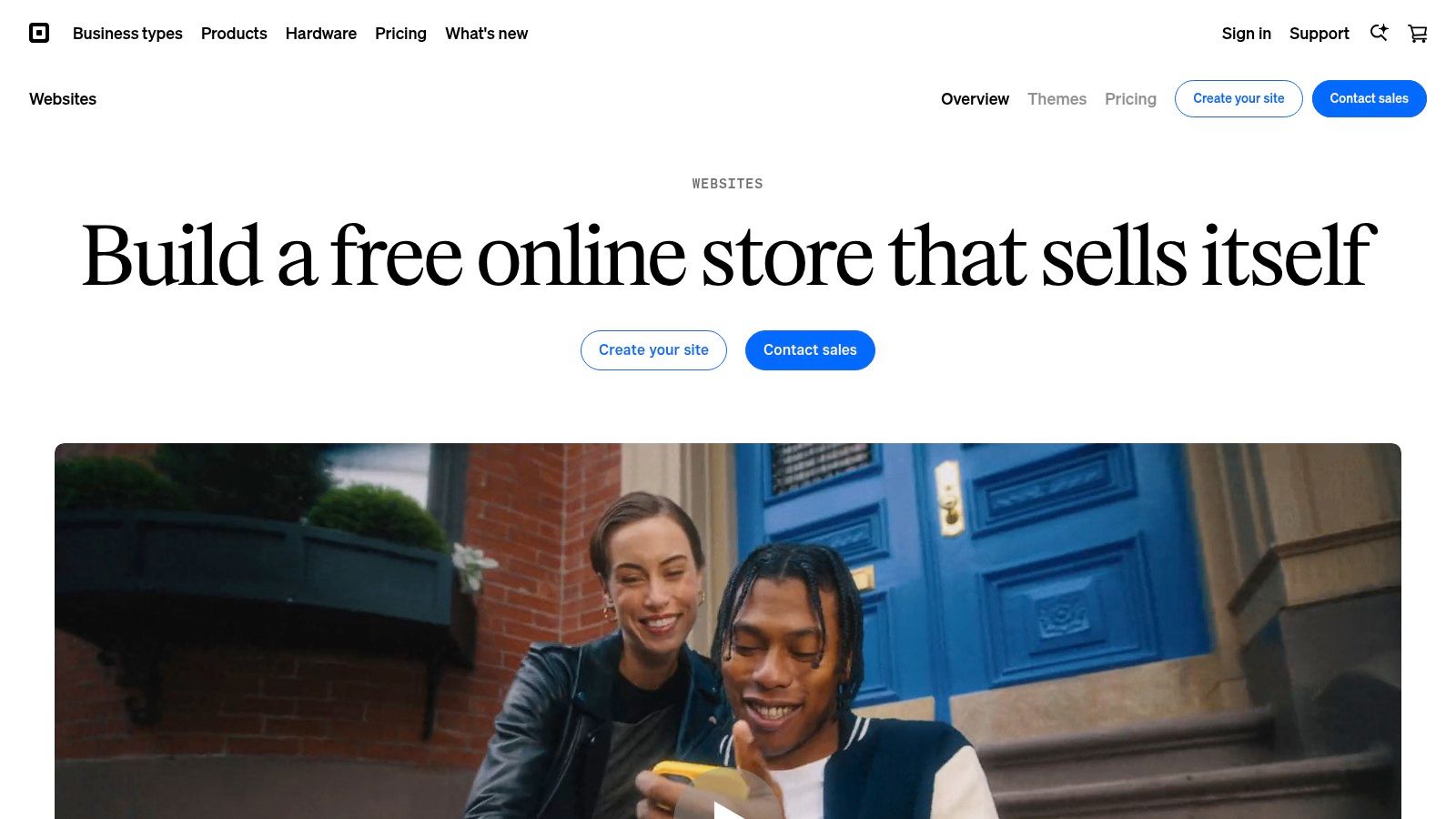
The platform is more than just a payment gateway with a website builder attached. It offers a full suite of tools tailored for commerce, including appointment booking, curbside pickup options, local delivery, and integrated marketing features like email and text campaigns. For businesses already using Square for in-person transactions, adopting Square Online is an incredibly straightforward way to expand into the digital space without the complexity of connecting disparate systems.
Key Considerations
- Best For: Retailers, restaurants, and local service businesses that need a synchronized system for managing online and offline sales, inventory, and payments.
- Pros: Flawless integration with Square's POS and payment ecosystem. It offers transparent processing fees and powerful commerce features like appointment booking and local delivery.
- Cons: The website builder offers less design flexibility and customization compared to design-focused platforms like Webflow or Squarespace. Advanced features often require upgrading to higher-priced plans.
- Pricing: Offers a free plan that allows you to sell online (transaction fees apply). Paid plans with more features start at $29/month (billed annually).
Website: https://squareup.com/us/en/online-store
11. Drupal
Drupal is a powerful, open-source content management system (CMS) that stands out as an enterprise-grade WordPress alternative. It's engineered for building complex, highly customized, and secure digital experiences. Unlike simpler website builders, Drupal is a framework designed for developers to create sophisticated websites for large organizations, government entities, and higher education institutions that require robust user permission systems, multilingual capabilities, and extensive API integrations.
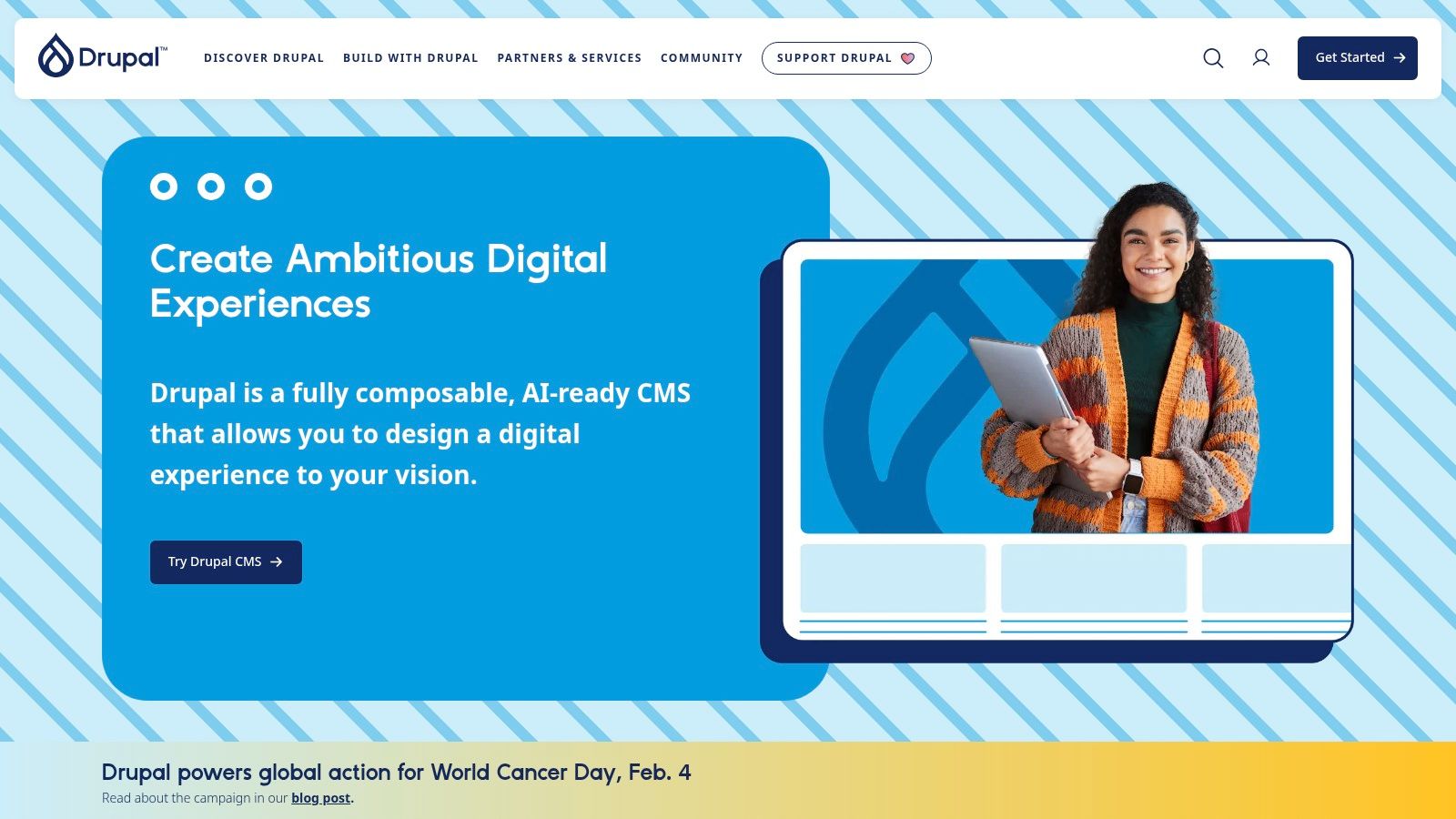
Its strength lies in its modular architecture, allowing developers to extend the core functionality with thousands of available modules to handle virtually any requirement. Drupal’s content modeling is far more flexible than WordPress's post-and-page structure, making it ideal for managing diverse and interconnected content types. This makes it one of the best WordPress alternatives for ambitious, content-heavy projects where scalability and security are non-negotiable.
Key Considerations
- Best For: Large enterprises, government agencies, universities, and organizations needing a highly secure, scalable, and customizable platform for complex websites and web applications.
- Pros: Extremely powerful and flexible for developers. It features a strong security track record and an active open-source community. There are no licensing fees for the software itself.
- Cons: Has a steep learning curve and requires significant development expertise to build and maintain. The total cost of ownership can be high due to development and specialized hosting needs.
- Pricing: The Drupal software is free and open-source. Costs come from development, custom theme/module creation, and specialized hosting, which can range from hundreds to thousands of dollars per month depending on the site's complexity.
Website: https://www.drupal.org
12. Joomla
Joomla is a veteran open-source Content Management System (CMS) that has powered websites and online applications for years. As a flexible and powerful WordPress alternative, it excels at managing structured content for mid-sized websites, community portals, and corporate intranets. Its core architecture is designed for complexity, offering more advanced user access controls (ACL) and native multilingual support right out of the box, which often requires extra plugins in WordPress.
Unlike all-in-one builders, Joomla is self-hosted software, giving you complete freedom to choose your hosting provider and control your data. While its extension directory is smaller than WordPress's plugin ecosystem, it contains a wide array of high-quality components, modules, and templates for adding functionality like forums, e-commerce, and event management. This makes it a solid choice for developers and businesses that need more granular control than what hosted platforms offer.
Key Considerations
- Best For: Developers, educational institutions, and mid-sized businesses building content-heavy sites, community platforms, or intranets that require robust user permissions and multilingual capabilities from the start.
- Pros: Excellent built-in features like multilingual support and user access controls, strong security track record, and complete flexibility as an open-source platform.
- Cons: The learning curve is steeper than WordPress and hosted builders. The interface can feel less intuitive for beginners, and its extension marketplace, while capable, is not as vast as its main competitor's.
- Pricing: Joomla itself is free, open-source software. Costs come from web hosting, premium templates, and paid extensions, which vary widely based on your needs.
Website: https://www.joomla.org
Top 12 WordPress Alternatives Comparison
| Platform | Core features | Target audience | Strengths & unique points | Pricing & value | Quality |
|---|---|---|---|---|---|
| Webflow | Visual designer, native CMS, hosting, ecommerce | 👥 Designers, agencies, content teams | 🏆 High design control; ✨ CMS + hosting; collaboration | 💰 Mid–High; subscription & potential overages | ★★★★☆ |
| Squarespace | Polished templates, commerce, marketing, domains | 👥 SMBs, creators, service businesses | 🏆 Fast launch; ✨ Cohesive admin & built-in tools | 💰 Low–Mid; simple tiers | ★★★★☆ |
| Wix | AI site builder, large template/app library, ecommerce | 👥 Small businesses, non-technical users | 🏆 Very approachable; ✨ AI + app ecosystem | 💰 Low–Mid; add-ons can raise cost | ★★★☆☆ |
| Shopify | Online store, payments, POS, analytics, apps | 👥 Merchants, retailers, high-volume sellers | 🏆 Mature commerce stack; ✨ scalable checkout & integrations | 💰 Mid–High; app fees & processor costs | ★★★★☆ |
| Ghost (Ghost Pro) | Publishing, memberships, built-in email, themes | 👥 Publishers, creators, newsletters | 🏆 Content-first UX; ✨ native memberships & newsletters | 💰 Low–Mid; managed hosting (Stripe fees apply) | ★★★★☆ |
| Craft CMS | Fine-grained content models, templating, plugins | 👥 Developers, bespoke projects, agencies | 🏆 Developer-friendly; ✨ detailed content modeling; license option | 💰 Mid; license + hosting/dev | ★★★★☆ |
| Framer | Design-centric editor, CMS, staging, collaboration | 👥 Marketing teams, designers | 🏆 Rapid design-to-launch; ✨ collaboration & A/B tools | 💰 Low–Mid; fixed tiers + add-ons | ★★★★☆ |
| Duda | White-label, client portals, team workflows, widgets | 👥 Agencies, SMB portfolios | 🏆 Agency-focused tools; ✨ white-label & client management | 💰 Mid; feature tiers for agencies | ★★★★☆ |
| HubSpot Content Hub | CRM-backed CMS, personalization, AI tools | 👥 Enterprise marketing & CRM teams | 🏆 CMS+CRM unified; ✨ deep personalization & governance | 💰 High; costly at Pro/Enterprise | ★★★★☆ |
| Square Online | Website + store, Square payments, POS, marketing | 👥 Local retailers, restaurants, service businesses | 🏆 Unified online/offline payments; ✨ simple commerce & POS tie-in | 💰 Low–Mid; transparent processing fees | ★★★☆☆ |
| Drupal | Extensible core, modules, multisite, security | 👥 Enterprises, government, higher-ed | 🏆 Extremely flexible; ✨ strong security & community | 💰 Low (OSS) + hosting/dev costs | ★★★★☆ |
| Joomla | Multilingual core, extensions, ACL, templates | 👥 Mid-sized sites needing structured content | 🏆 No license fees; ✨ built-in multilingual & access control | 💰 Low; self-host + dev costs | ★★★☆☆ |
Choosing Your Path Forward: How OneNine Can Help
Navigating the vast landscape of best wordpress alternatives can feel like an overwhelming task. We've journeyed through a wide array of platforms, each with its own distinct philosophy and purpose. From the visual development power of Webflow and Framer to the streamlined e-commerce engine of Shopify, the right choice is never one-size-fits-all. Your decision hinges entirely on your unique business goals, technical resources, and long-term vision.
The key takeaway is this: moving away from WordPress is not just about swapping one tool for another. It's about making a strategic decision to align your digital presence with your core objectives. For some, this means prioritizing a simple, no-fuss experience with a platform like Squarespace. For others, it involves harnessing the pure content focus of Ghost or embracing the enterprise-level security and scalability of Drupal.
Making the Right Choice for Your Business
Choosing your platform is the critical first step. To make a confident decision, step back and assess what truly matters for your organization's success.
- For Design-Centric Brands: If creative control and a pixel-perfect user experience are non-negotiable, platforms like Webflow and Framer offer unparalleled freedom without forcing you to write code. They are ideal for marketing sites, portfolios, and businesses where brand presentation is paramount.
- For E-commerce and Retail: If your primary goal is selling products online, a dedicated solution is almost always the best path. Shopify provides a robust, scalable, and secure ecosystem built specifically for commerce, handling everything from inventory to payment processing.
- For Content Creators and Publishers: If you run a blog, magazine, or membership site, a platform like Ghost puts the focus squarely on content creation and audience engagement. Its clean interface and built-in monetization tools are designed for publishing excellence.
- For Complex and Custom Projects: When you need a highly tailored solution that can handle unique data structures and intricate workflows, a flexible CMS like Craft CMS or Drupal provides the powerful foundation required for custom development and enterprise-level functionality.
Beyond the Decision: Implementation and Migration
Once you've selected your ideal platform, the real work begins. Migrating your content, redesigning your user experience, and ensuring a seamless transition without disrupting your SEO or business operations are significant challenges. This is where a strategic partner becomes invaluable.
Executing a successful platform migration requires technical expertise, careful planning, and a deep understanding of both the old and new systems. Without a clear strategy, you risk data loss, broken links, and a negative impact on your search engine rankings. This is why simply picking one of the best wordpress alternatives is only half the battle; implementing it correctly is what ensures a successful outcome.
At OneNine, we specialize in guiding businesses through this exact process. We don't just recommend tools; we build digital foundations. Our team has extensive hands-on experience with the platforms covered in this article, from architecting custom solutions on Craft CMS to scaling high-growth stores on Shopify and building visually stunning marketing sites on Webflow. We help you not only choose the right path but walk it with confidence.
Ready to move beyond WordPress and build a website that truly works for your business? The team at OneNine has the expertise to guide your selection, manage a seamless migration, and develop a custom solution tailored to your goals. Schedule a consultation with our experts today and let's build your future, together.


