
A web designer's toolkit is no longer just about visual design; it's an integrated ecosystem of applications for prototyping, development, collaboration, and asset management. Choosing the right software stack is critical for efficiency and delivering high-quality, modern websites. The right combination of tools can streamline your workflow, enabling you to move from a simple wireframe to a fully functional, high-performance website faster than ever before. This guide cuts through the noise to provide a comprehensive look at the best tools for web designers available today.
We have compiled a definitive list of 12 essential platforms and resources that address every stage of the web design process. From industry-standard design software like Figma and Adobe Creative Cloud to powerful no-code builders like Webflow and Framer, this list covers the entire spectrum. We also explore indispensable asset libraries, including ThemeForest, Icons8, and Font Awesome, that provide the building blocks for unique digital experiences.
This article is designed to be a practical resource. For each tool, you will find a clear summary, screenshots, direct links, and a breakdown of its core strengths and potential limitations. We will detail specific use cases, analyze pricing structures, and offer insights based on real-world application. Our goal is to help you make informed decisions, whether you're a freelancer building your first professional toolkit, an agency refining its processes, or a business owner looking to understand the technology behind your website. We'll also explain how we at OneNine utilize or support these tools to deliver exceptional results for our clients.
1. Figma
Figma has become the industry standard for UI/UX design, and for good reason. It’s a comprehensive, cloud-based platform that unifies the entire design process, from initial brainstorming in FigJam to creating high-fidelity, interactive prototypes and handing them off to developers. This all-in-one approach makes it one of the best tools for web designers looking to streamline their workflow and reduce tool-switching.
Its standout feature is real-time, multi-platform collaboration. Teams can work together simultaneously on the same file, leaving comments and iterating instantly, which drastically speeds up feedback cycles. The robust component library and design system features ensure consistency across large-scale projects, a core principle of effective design. By establishing these standards, teams can more easily implement essential website design best practices from the very start.
Key Details & Use Case
- Best For: Teams of all sizes needing a single source of truth for UI/UX design, from freelancers to large enterprises.
- Why It Stands Out: Its unmatched real-time collaboration and integrated Dev Mode, which provides developers with the code snippets and specs they need directly from the design file, bridge the gap between design and development seamlessly.
- Pricing: Offers a generous free tier for individuals. Paid plans start at $12 per editor/month (Professional) and scale up for organizational needs.
- Pros: Exceptional collaboration, an extensive ecosystem of plugins, and a unified workflow from ideation to handoff.
- Cons: Can become sluggish on lower-spec computers when handling very large files. The pricing structure can be complex for teams with mixed roles.
2. Adobe Creative Cloud
While Figma dominates UI/UX, Adobe Creative Cloud remains an indispensable powerhouse for web designers who need to create custom assets beyond the interface. This comprehensive suite includes industry-standard applications like Photoshop for raster graphics, Illustrator for vector illustrations, and After Effects for motion graphics. Its strength lies in providing deep, specialized capabilities for creating everything from custom icons and photo edits to complex animations, making it one of the best tools for web designers who manage the entire visual asset pipeline.
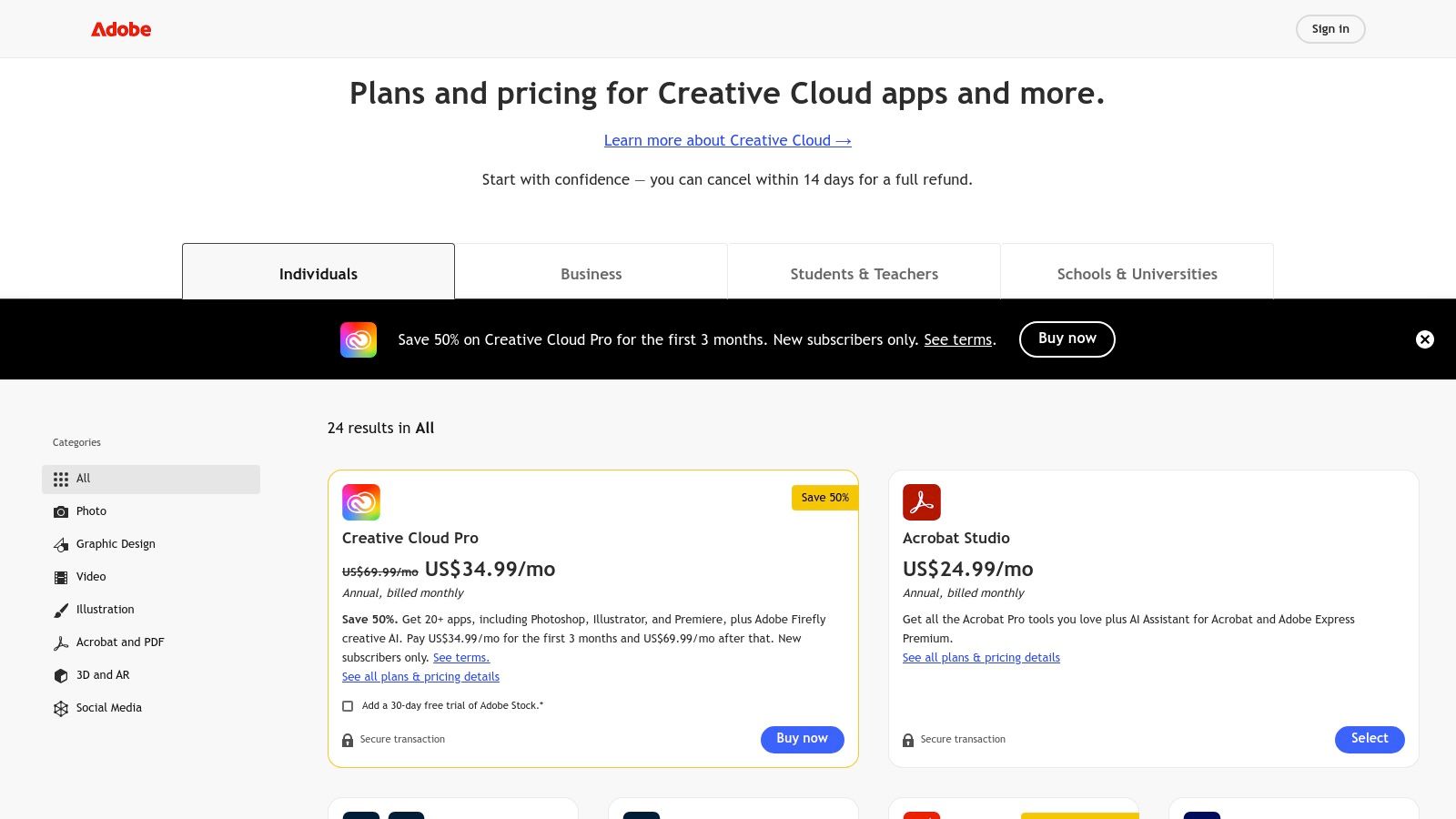
The integration of Adobe Firefly, its generative AI, into core apps like Photoshop has fundamentally changed asset creation workflows. Features like Generative Fill allow for rapid ideation and manipulation of imagery directly within the design environment. Furthermore, the cross-app integration via Creative Cloud Libraries ensures that assets created in one program are instantly available and synced across others, creating a cohesive ecosystem for producing high-quality, original web content from scratch.
Key Details & Use Case
- Best For: Designers and agencies needing a powerful, all-in-one suite for creating custom graphics, illustrations, video, and other visual assets for web projects.
- Why It Stands Out: Its sheer depth of features across more than 20 specialized applications is unmatched. The tight integration between apps and the addition of powerful generative AI tools create a seamless workflow for any creative task.
- Pricing: Subscription-based. The "All Apps" plan for individuals is typically around $59.99/month, with business and student plans available.
- Pros: Deep creative capabilities and industry-wide adoption for client compatibility. Frequent feature updates and powerful integrations between applications.
- Cons: The subscription-only model can be costly compared to single-purpose tools. The advanced features in each app come with a significant learning curve.
3. Webflow
Webflow is a powerful visual development platform that bridges the gap between design and production, allowing designers to build professional, responsive websites without writing code. It translates your visual designs directly into clean, semantic HTML and CSS, offering a level of control that traditional site builders often lack. This makes it one of the best tools for web designers who want to create custom, production-ready marketing sites, blogs, and e-commerce stores with an integrated CMS and hosting.
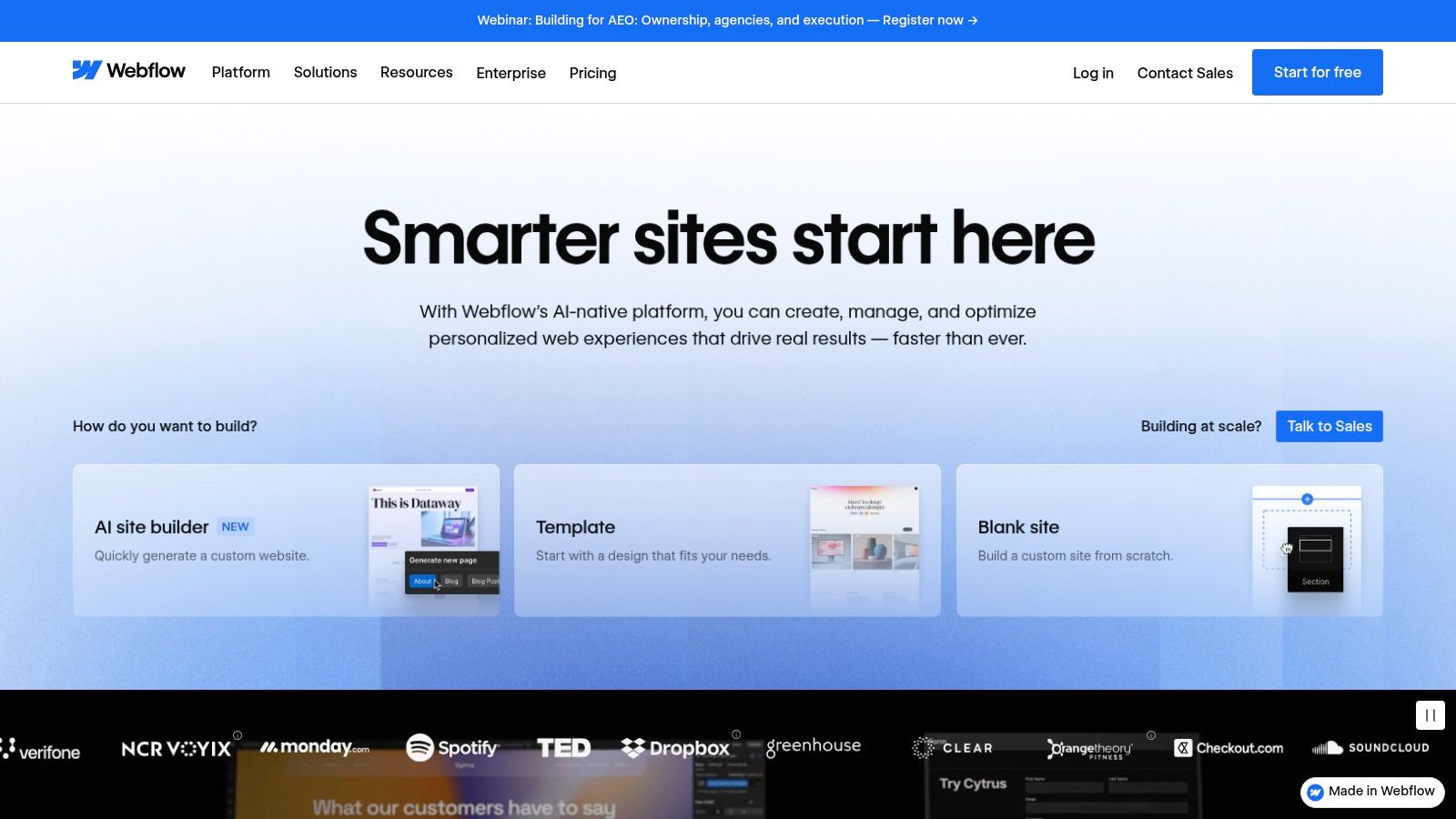
Its all-in-one nature simplifies the entire web creation process, from initial build to launch and maintenance. Unlike platforms that rely heavily on templates or plugins, Webflow gives designers granular control over every element, interaction, and animation. For businesses evaluating different platforms, understanding the specific advantages is key; you can see a detailed comparison in our Webflow vs. WordPress analysis. This direct control empowers designers to execute their vision with precision.
Key Details & Use Case
- Best For: Designers, freelancers, and agencies who need to build and launch custom, high-performance marketing websites without relying on a separate development team.
- Why It Stands Out: It provides a true visual canvas for web development that outputs production-quality code. The built-in hosting, CDN, and client-friendly CMS create a seamless and reliable end-to-end solution.
- Pricing: Offers a free plan to start building. Paid site plans start at $14/month (billed annually) for basic sites and scale up for CMS, Business, and E-commerce needs.
- Pros: Radically speeds up production time from design to live site, offers excellent performance with its integrated hosting, and provides a powerful CMS for clients.
- Cons: The per-site pricing model can become costly for agencies managing many client projects. The learning curve is steeper than simpler drag-and-drop builders.
4. Framer
Framer is a powerful design-to-website builder that empowers designers to create and launch fully functional, high-performance websites without writing code. It bridges the gap between a design tool and a web development platform, allowing for the seamless transition from a static design concept to a live, interactive marketing site or landing page. This unique position makes it one of the best tools for web designers who want total creative control over the final product.
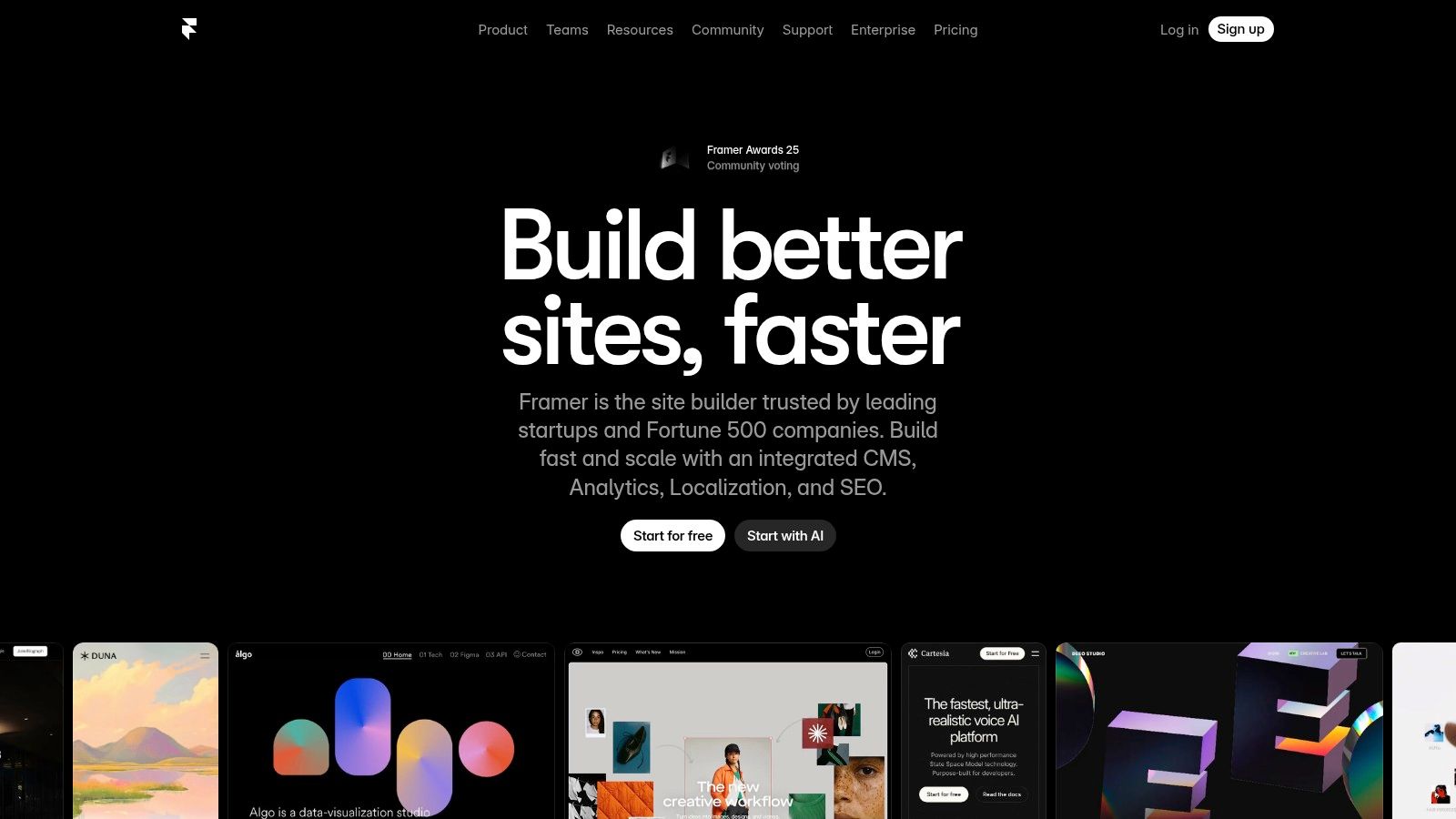
The platform is built for speed, both in the creation process and in site performance. Framer’s visual editor feels familiar to anyone used to modern design software, but every element is a real web component. It includes a built-in CMS, exceptional SEO controls, and enterprise-grade hosting with a global CDN. This integrated approach means designers can manage everything from layout and animations to content and publishing within a single, unified environment, dramatically accelerating the go-to-market timeline.
Key Details & Use Case
- Best For: Designers, freelancers, and marketing teams needing to rapidly produce and launch high-fidelity, performance-optimized websites and landing pages.
- Why It Stands Out: Its ability to directly publish pixel-perfect designs as live websites is unmatched. Features like staging environments, instant rollbacks, and built-in CMS offer a professional-grade workflow that is typically reserved for development teams.
- Pricing: A free plan is available for hobby projects. Paid plans start at $10 per site/month (Mini) and scale up with more features and resources for professionals and businesses.
- Pros: Extremely fast path from design to a live, polished website. Staging and rollback features significantly reduce launch risks. Excellent template ecosystem and designer-centric controls.
- Cons: Can be less flexible than a full custom codebase for highly complex web applications. Bandwidth and CMS item overages can lead to additional costs at scale.
5. Sketch
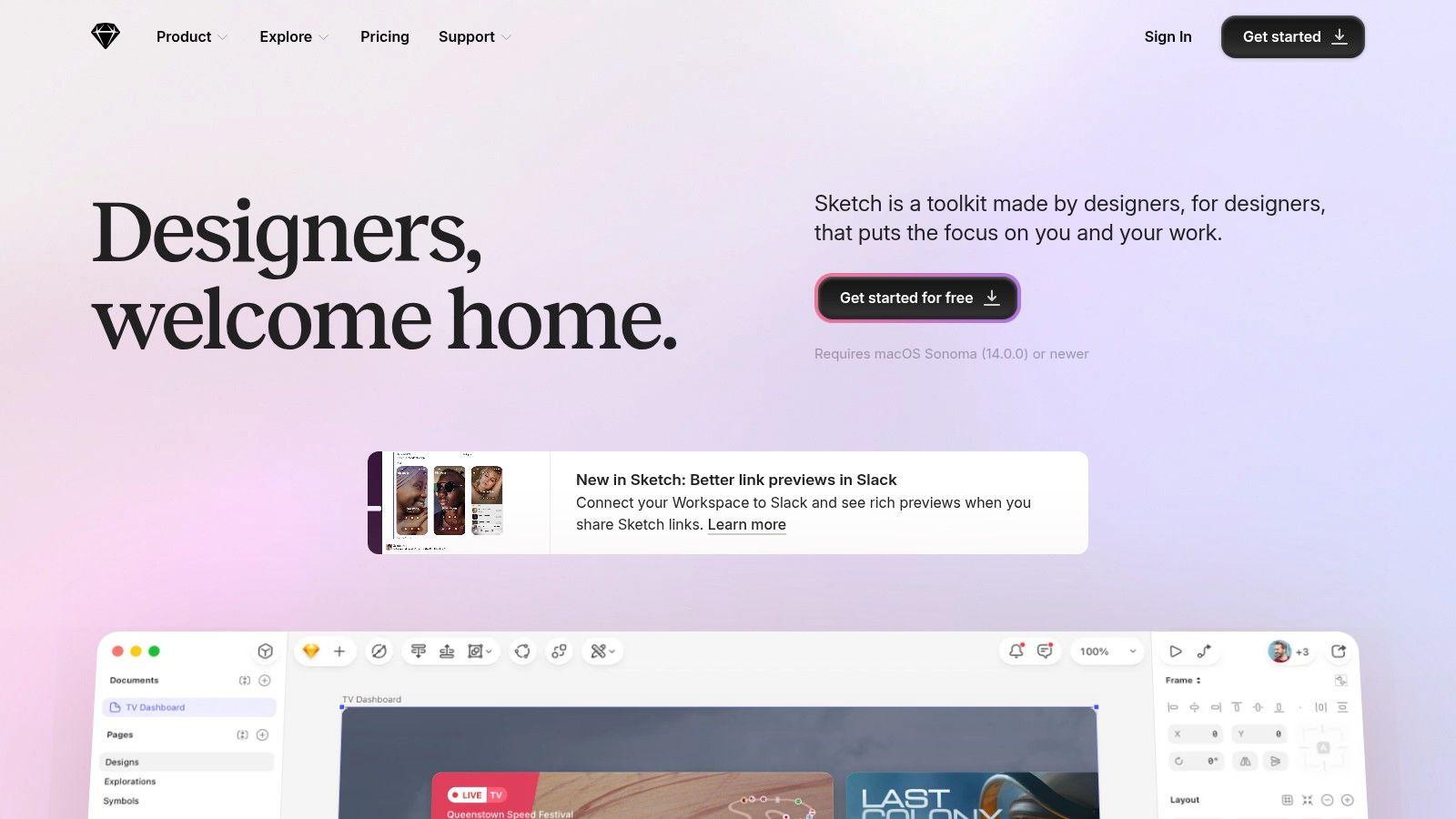
Sketch was one of the original pioneers in vector-based UI design, offering a lightweight and focused alternative to clunky, all-purpose graphics editors. It remains a powerful Mac-native application celebrated for its speed, clean interface, and precision. While competitors have shifted to a fully browser-based model, Sketch maintains its desktop-first approach, complemented by a web workspace for collaboration, sharing, and developer handoff. This makes it a top choice for designers who prioritize the performance and stability of a native macOS environment.
The platform excels at creating and managing comprehensive design systems through its robust Symbols, text styles, and shared library features. These elements ensure brand consistency is maintained effortlessly across complex projects. For designers embedded in the Apple ecosystem, Sketch's deep integration with macOS allows for a fluid and highly responsive workflow, making it one of the best tools for web designers who value performance and a focused, native application experience.
Key Details & Use Case
- Best For: Mac-based designers and teams who prefer a native application's performance and want flexible licensing, including a perpetual license option.
- Why It Stands Out: Its hybrid model combines a powerful, native macOS editor with a web app for viewing and handoff. The optional perpetual license is a rare offering that appeals to those who dislike subscription-only models.
- Pricing: A Standard subscription is available for $12 per editor/month or $120 annually. A Mac-only license can be purchased for a one-time fee of $120, which includes one year of updates.
- Pros: Excellent performance on macOS, a clean and intuitive interface, and flexible licensing options that include a one-time purchase.
- Cons: The editor is exclusive to macOS, which is a major limitation for teams with mixed operating systems. Its plugin ecosystem is smaller than Figma's.
6. ThemeForest (Envato Market)
ThemeForest serves as a massive marketplace for website themes and templates, making it an invaluable resource for designers needing a rapid starting point. It offers a vast library of pre-built designs for platforms like WordPress, Shopify, and HTML, alongside UI kits and other design assets. For projects with tight deadlines or budgets, ThemeForest provides a practical alternative to building from scratch, allowing designers to find a template that closely matches their vision and then customize it to fit the client's brand.
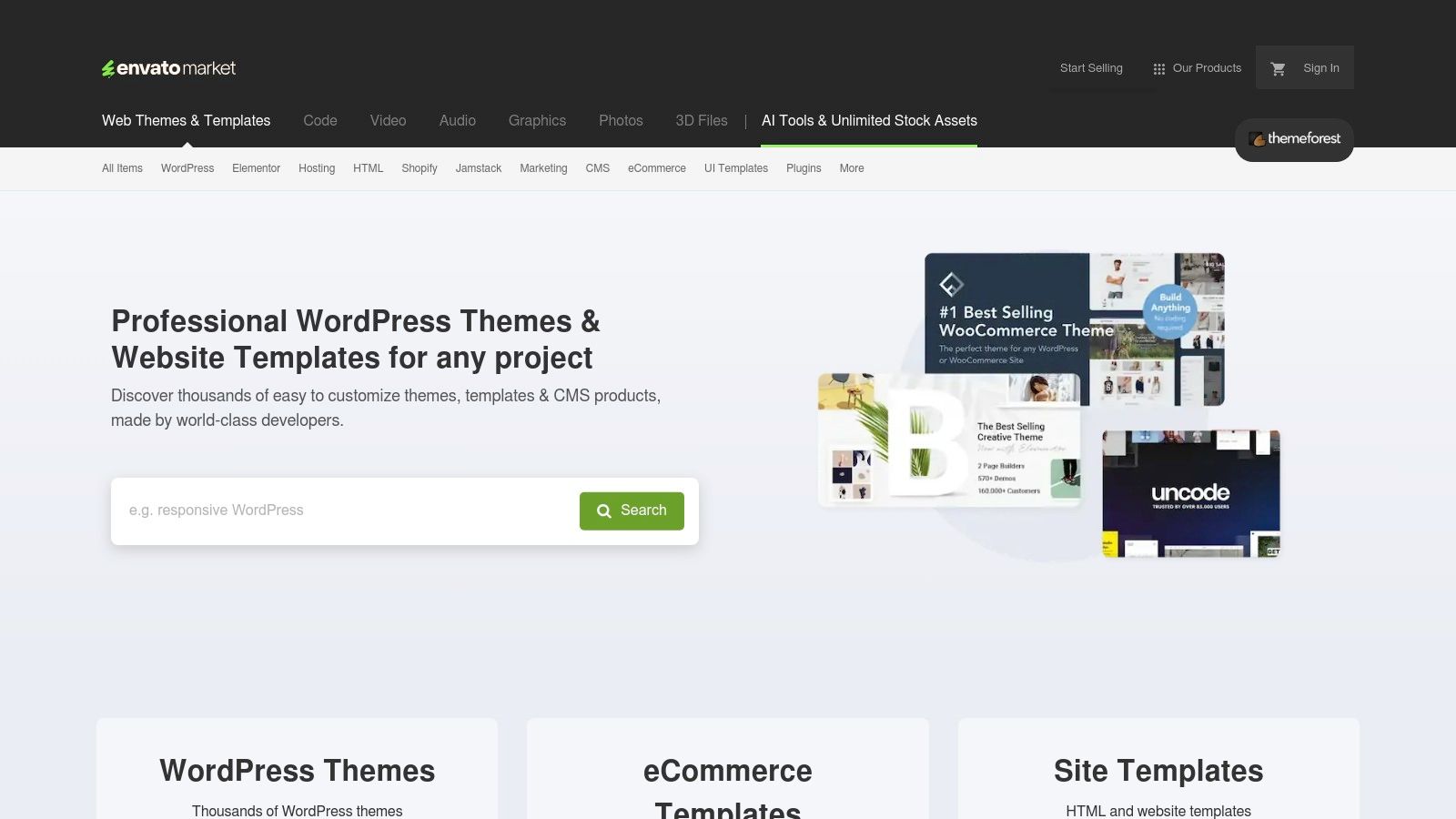
The platform's strength lies in its sheer volume and variety, catering to nearly every industry and niche imaginable. However, the quality of these themes can vary significantly, as they are created by independent authors. It’s crucial to vet each theme carefully by checking reviews, live previews, and author support policies. A well-chosen theme can be a huge time-saver, but a poorly coded one might come with performance issues, like unoptimized images, which is why understanding the best image formats for the web is essential for optimization post-purchase.
Key Details & Use Case
- Best For: Web designers and agencies looking for pre-built themes to accelerate project timelines, especially for popular CMS platforms.
- Why It Stands Out: Its unparalleled selection and competitive pricing make it the go-to marketplace for finding specific, niche templates that would be time-consuming to create from the ground up. The user rating system and sales data provide social proof to help guide purchasing decisions.
- Pricing: Varies by item. Most themes are sold with a one-time license fee, typically ranging from $19 to $79, which includes a limited period of author support.
- Pros: Enormous selection for virtually any platform, competitive one-off pricing, and a helpful marketplace structure with live demos and reviews.
- Cons: Code quality and performance are inconsistent across different authors. Included plugins can sometimes lead to bloat, and author support is often time-limited.
7. Creative Market
Creative Market is an essential marketplace for web designers who need high-quality, ready-made assets to accelerate their projects. It's a vast library of design resources, including fonts, graphics, UI kits, website templates, mockups, and photos, all created by independent designers. This platform allows you to purchase assets a la carte or subscribe to a membership for credits and discounts, making it flexible for both one-off needs and ongoing project requirements.
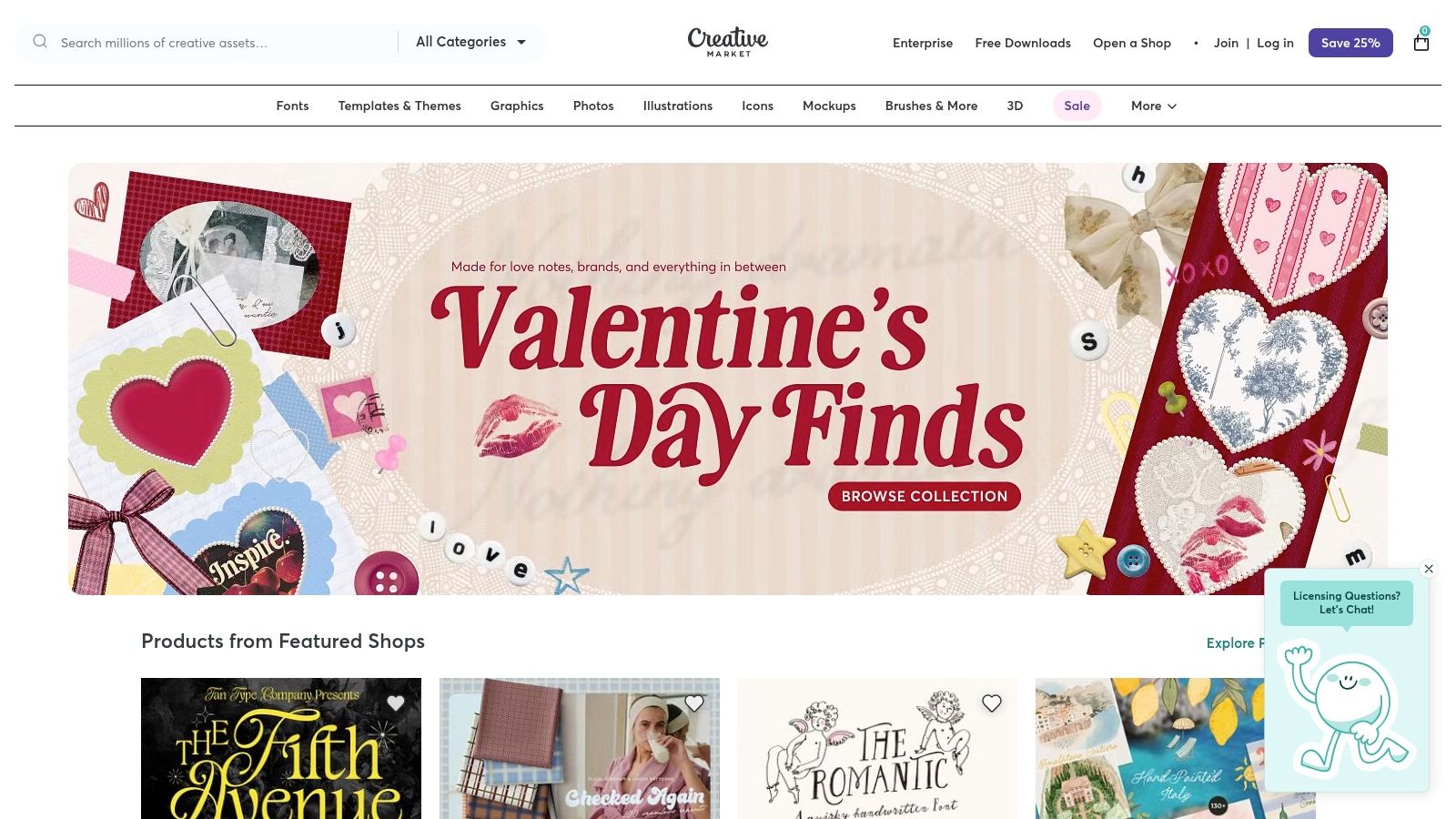
Its strength lies in the sheer diversity and quality of assets available, which can save designers countless hours of work. Instead of building every icon, illustration, or font from scratch, you can find a professionally crafted element that fits your design vision. This makes Creative Market one of the best tools for web designers looking to improve efficiency without sacrificing aesthetic quality, especially on projects with tight deadlines. The direct support for independent creators also ensures a constant flow of fresh, unique content.
Key Details & Use Case
- Best For: Freelancers and agencies needing a wide variety of design assets like fonts, UI kits, and templates on a flexible, per-project basis.
- Why It Stands Out: It offers a massive, well-curated catalog with a straightforward a la carte purchasing model, alongside a membership that provides ongoing value and access to monthly free goods.
- Pricing: Assets can be purchased individually. Membership plans with credits and discounts start at $19.95/month.
- Pros: Extensive selection of high-quality assets, flexible purchasing options, and direct support for a global community of creators.
- Cons: License terms can vary between items, so you must verify the usage scope for each client project. The credits-based system can add another layer of billing to manage.
8. Envato Elements
Envato Elements is an indispensable resource for designers and agencies that need a constant supply of high-quality creative assets. It operates on a subscription model, offering unlimited downloads of millions of items, including stock photos, graphics, video templates, fonts, and even WordPress themes and plugins. This all-in-one library makes it one of the best tools for web designers looking to accelerate project timelines without compromising on quality or dealing with complex licensing.
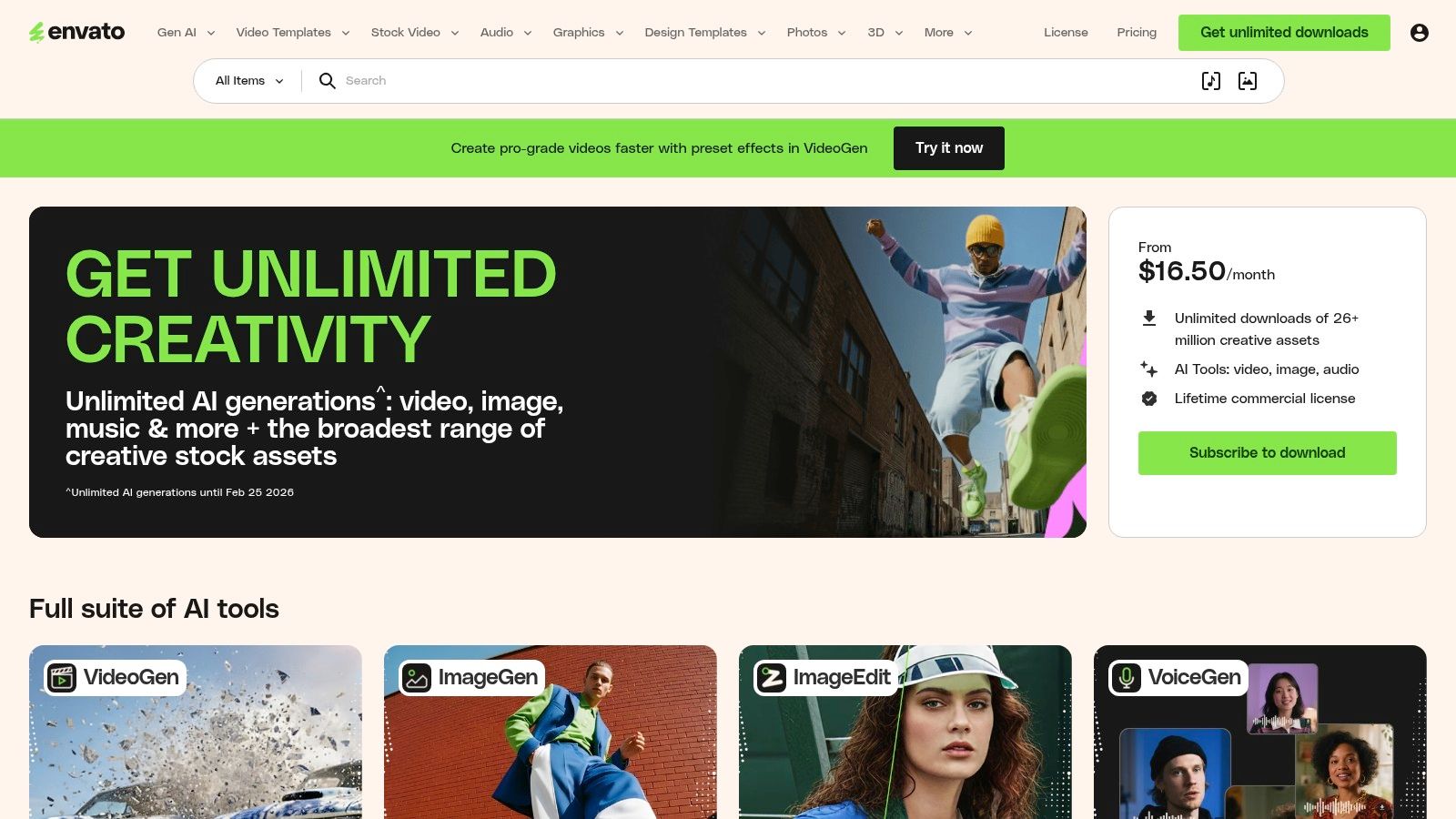
The platform’s single, straightforward commercial license is a major draw, simplifying the often-confusing world of asset usage rights for client work. Instead of purchasing assets individually, a single subscription covers everything, providing incredible value for high-volume creative production. While it offers a massive library, designers often seek out top Envato Elements alternative picks to further diversify their resource toolkit and find specialized assets for unique projects.
Key Details & Use Case
- Best For: Freelancers and agencies requiring a wide variety of creative assets for recurring deliverables like websites, social media content, and video projects.
- Why It Stands Out: The "unlimited downloads" model provides unmatched value for money, and its single commercial license simplifies legal considerations for client projects.
- Pricing: Individual plans are priced at $16.50/month (billed annually). Team plans are also available, offering centralized billing and management.
- Pros: Incredible value for high-volume users, a simple and broad commercial license, and an extensive library covering multiple creative categories.
- Cons: Asset quality can be mixed and often requires careful curation. An active subscription is necessary to license newly downloaded items for new projects.
Visit Envato Elements
9. Icons8
High-quality assets are the building blocks of compelling web design, and Icons8 provides a massive, cohesive library of them. More than just an icon repository, it’s a comprehensive creative platform offering illustrations, stock photos, and even royalty-free music. This integrated approach allows designers to maintain a consistent aesthetic across all visual and auditory elements without juggling multiple subscriptions or asset providers.
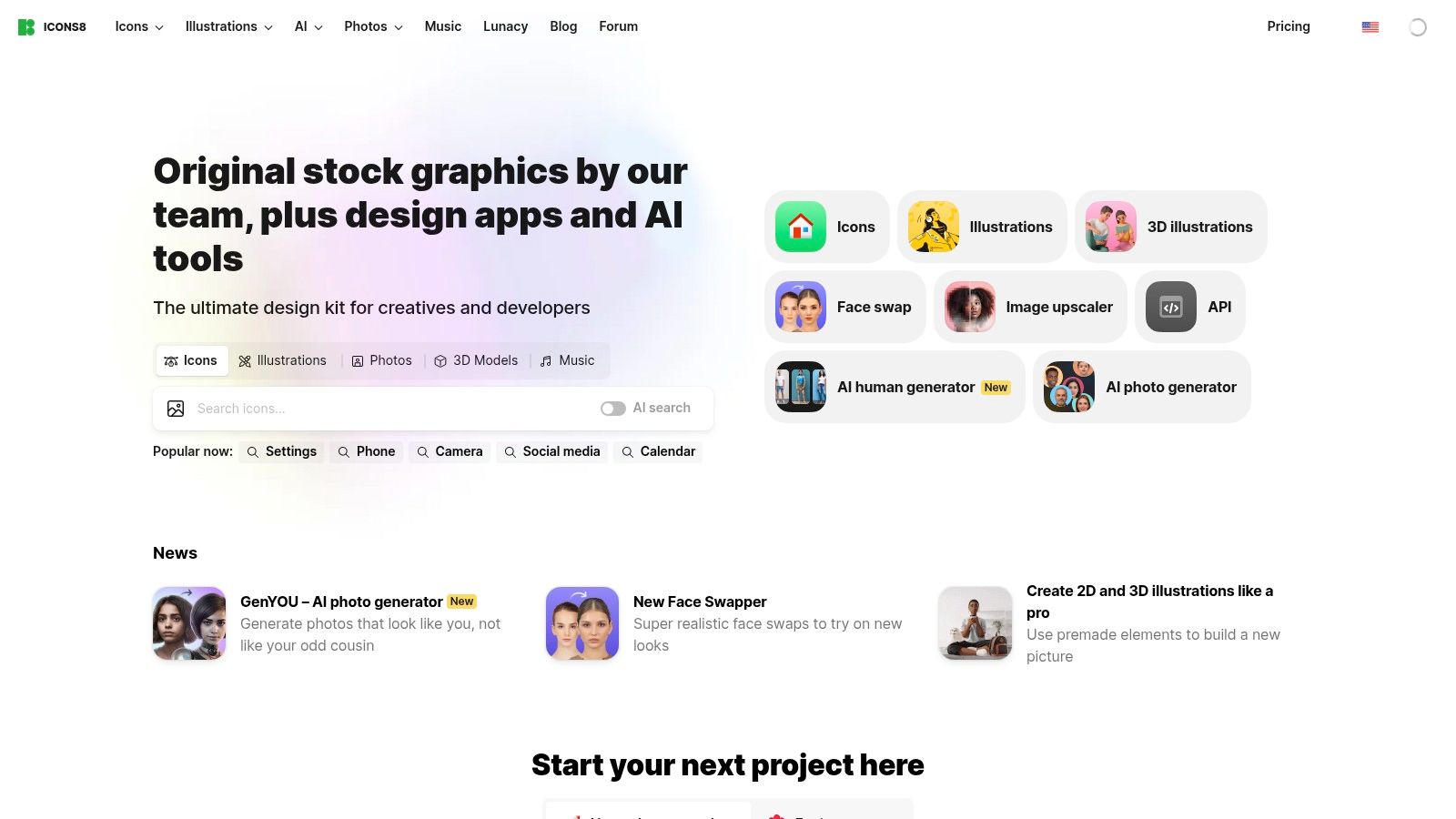
The platform’s strength lies in its bundled AI utilities and deep workflow integrations. Tools like the background remover and image upscaler are built directly into the ecosystem, saving designers precious time on routine editing tasks. With plugins for Figma and Sketch, along with their own design app, Lunacy, Icons8 ensures that finding and using the right asset is a seamless part of the creative process, making it one of the best tools for web designers who need to work quickly and efficiently.
Key Details & Use Case
- Best For: Designers, marketers, and content creators who need a large, consistent library of diverse digital assets and quick-edit AI tools.
- Why It Stands Out: Its all-in-one offering of icons, illustrations, photos, and music, combined with useful AI utilities and strong plugin support, creates a powerful and efficient asset ecosystem.
- Pricing: Free access to lower-quality assets with attribution. Paid subscriptions start at $13/month (billed annually) for full access to all assets and tools.
- Pros: Enormous and stylistically consistent asset library, bundled AI tools for fast asset preparation, and excellent plugin support for major design platforms.
- Cons: The subscription model is based on quotas, which can require monitoring for high-volume teams, and there is no option for one-off asset purchases.
10. The Noun Project
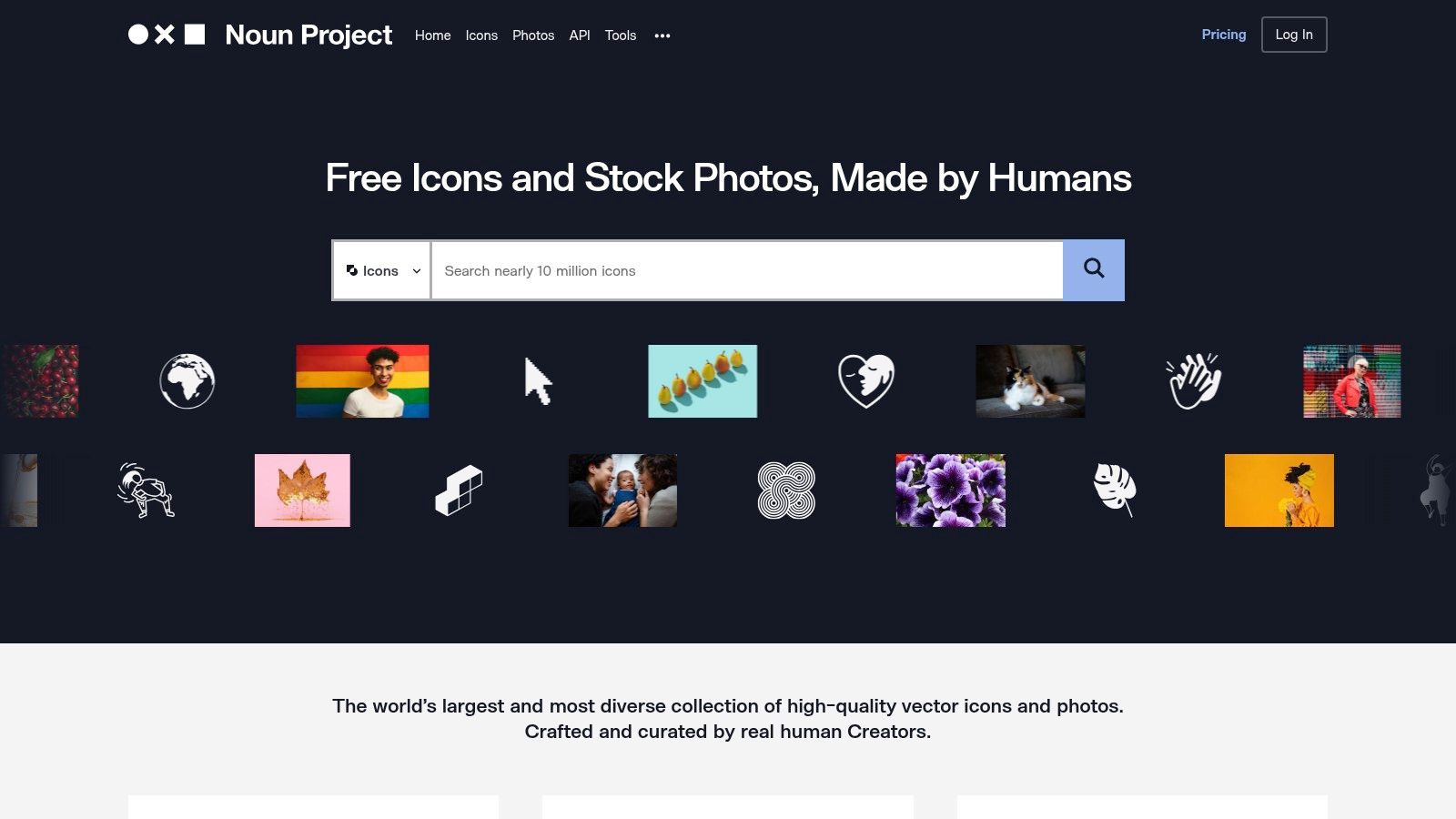
Sourcing high-quality, legally compliant icons is a recurring task in web design, and The Noun Project has established itself as the definitive library for this purpose. It offers millions of curated vector icons from a global community of creators, covering nearly any concept imaginable. This makes it an indispensable resource for building consistent visual language across a website, ensuring that everything from navigation elements to feature highlights is clear and cohesive.
For web designers, the platform’s real value lies in its seamless integration with major design tools. With plugins for Figma, Adobe Creative Cloud, and even Google Slides, designers can search and insert icons directly into their projects without breaking their workflow. This efficiency is crucial for maintaining momentum and makes The Noun Project one of the best tools for web designers looking to accelerate asset sourcing. The clear, straightforward licensing removes ambiguity, providing peace of mind for both agencies and their clients.
Key Details & Use Case
- Best For: Designers and teams needing a vast, searchable library of icons with simple licensing for websites, presentations, and marketing materials.
- Why It Stands Out: Its sheer volume and variety of icons are unmatched. The direct-to-app plugins and straightforward subscription model for attribution-free usage make it incredibly efficient for professional workflows.
- Pricing: Free access requires attribution. Paid plans start at $39.99/year for an individual Pro account, with team and API plans also available.
- Pros: Enormous and diverse library of icons, clear and simple royalty-free licensing, and excellent plugins for major design software.
- Cons: Icon styles vary widely, so it takes careful curation to find a cohesive set. The photo library is less extensive compared to dedicated premium stock photo sites.
11. Font Awesome
Font Awesome is the internet's most popular icon toolkit, providing designers and developers with a massive, consistently styled library of icons. Its ubiquity makes it an essential resource, offering a simple way to add scalable vector graphics to any web project, ensuring visual clarity and a professional finish without creating icons from scratch. For web designers, it's a go-to for quickly implementing common UI elements like social media logos, navigation arrows, and action buttons.
The platform streamlines icon management through hosted kits, which allow for easy updates and performance optimization via a CDN. With multiple styles available-including Solid, Regular, Light, Duotone, and Thin-Font Awesome provides the flexibility needed to match any brand aesthetic. This comprehensive coverage and ease of implementation solidify its position as one of the best tools for web designers looking to enhance user interfaces efficiently.
Key Details & Use Case
- Best For: Designers and developers needing a vast, high-quality, and easy-to-implement icon library for web projects of any scale.
- Why It Stands Out: Its sheer size, stylistic variety, and robust implementation options (from simple CSS classes to React components) make it incredibly versatile. The Figma plugin also ensures a seamless workflow from design mockups to live code.
- Pricing: A powerful free plan is available. Font Awesome Pro starts at $99/year for one user, offering access to the full icon library and advanced features.
- Pros: Enormous and ever-growing icon library, multiple style options for design flexibility, and excellent documentation with strong community support.
- Cons: Overuse of the kit can add to page load times compared to using individual SVGs. The Pro plan's pageview limits may require upgrades for high-traffic sites.
12. Amazon (Design Hardware & Peripherals)
While software tools are crucial, a web designer's physical setup is equally important for productivity and ergonomics. Amazon serves as an indispensable marketplace for sourcing the essential hardware that powers creative work. From high-resolution, color-accurate monitors and graphic tablets to ergonomic mice and external storage solutions, its vast selection and competitive pricing make it a go-to for both initial setups and urgent replacements. This accessibility to reliable gear makes it one of the best tools for web designers to maintain an efficient physical workspace.
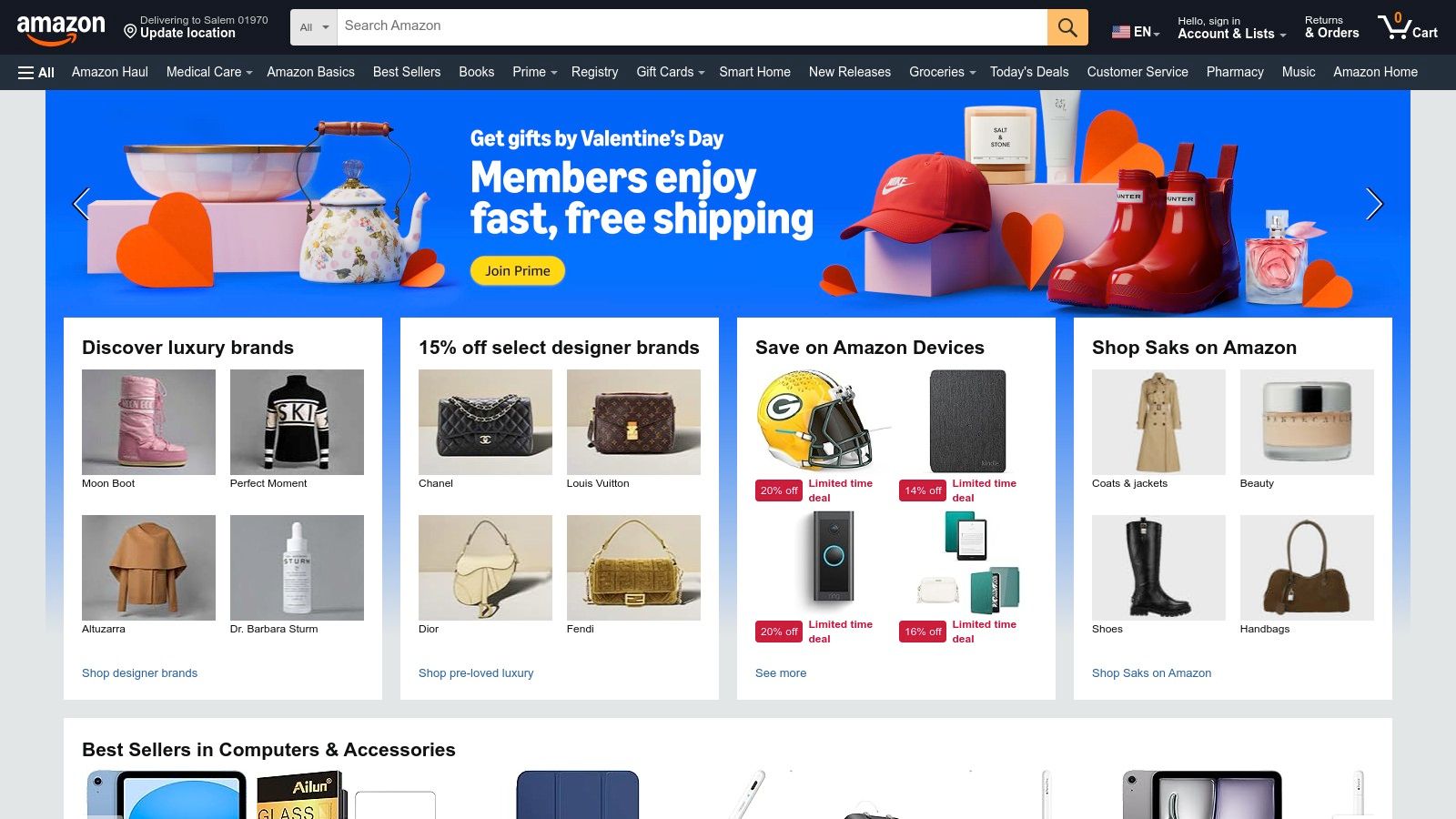
The platform’s real value lies in its convenience and the sheer breadth of options available with fast shipping. Beyond software, a web designer's toolkit also includes essential hardware. When considering cost-effective options for your main workstation, such as a laptop, you can explore guides on finding the best refurbished laptops to balance performance and budget. For peripherals, the extensive user reviews on Amazon provide invaluable real-world feedback, helping you make informed decisions on everything from a Wacom tablet to a professional-grade monitor calibrator without leaving your desk.
Key Details & Use Case
- Best For: Designers needing quick access to a wide variety of hardware, from essential peripherals to specialized equipment, often with next-day delivery.
- Why It Stands Out: Its unmatched logistical network and vast inventory mean you can find almost any piece of design-related hardware you need and have it delivered quickly, minimizing downtime when a critical tool fails.
- Pricing: Varies by product. Prime membership ($14.99/month) offers free, fast shipping on eligible items, which is a major benefit for frequent purchases.
- Pros: One-stop shop for urgent gear replacements, competitive pricing, extensive user reviews, and wide availability across the U.S.
- Cons: Third-party sellers vary greatly, so always check ratings and return eligibility. Some product categories may have shorter return windows.
Top 12 Web Design Tools Comparison
| Product | Core features | Quality ★ | Value / Price 💰 | Target 👥 | Unique / Top benefit ✨🏆 |
|---|---|---|---|---|---|
| Figma | Real-time UI/UX design, prototyping, Dev Mode, plugins | ★★★★★ | 💰 Seat-based subscription; scalable for teams | 👥 Cross-functional design & product teams | 🏆 Real-time collaboration + ✨ extensive plugin & library ecosystem |
| Adobe Creative Cloud | Photoshop, Illustrator, After Effects, Firefly AI, cloud libs | ★★★★★ | 💰 Subscription-only; costly for full-suite users | 👥 Professional designers & agencies | 🏆 Industry-standard apps + ✨ deep multi-format capabilities |
| Webflow | Visual responsive builder, CMS, hosting, ecommerce | ★★★★☆ | 💰 Per-site plans; great for go-live marketing sites | 👥 Designers/marketers building production sites | ✨ Visual→semantic HTML + 🏆 integrated hosting & CMS |
| Framer | Design-to-site builder, staging, rollback, fast hosting | ★★★★☆ | 💰 Fast launches; watch for bandwidth/CMS overages | 👥 Landing-page teams & fast-launch designers | 🏆 Staging & instant rollback ✨ high-performance sites out of box |
| Sketch | Mac-native UI editor, web workspace, optional perpetual license | ★★★★☆ | 💰 Mac-only perpetual or subscription; good offline option | 👥 macOS designers & typography-focused teams | ✨ Mac performance + 🏆 optional one-time license for security workflows |
| ThemeForest (Envato Market) | Marketplace for themes/templates (WP, Shopify, HTML) | ★★★☆☆ | 💰 Low-cost per-item; quality varies by author | 👥 Agencies needing quick starts or niche templates | ✨ Vast catalog & demos 🏆 fast project bootstrap |
| Creative Market | Fonts, graphics, UI kits, templates; credits & membership | ★★★★☆ | 💰 A‑la‑carte purchases or membership credits | 👥 Freelance designers & small studios | ✨ Strong search + monthly free goods |
| Envato Elements | Unlimited-download subscription for assets + simple license | ★★★★☆ | 💰 Unlimited subscription—high value for agencies | 👥 Agencies & teams with recurring asset needs | 🏆 Unlimited downloads + ✨ simplified commercial license |
| Icons8 | Icons, illustrations, photos, music + AI tools (remover/upscaler) | ★★★★☆ | 💰 Subscription with quotas & transparent overages | 👥 Teams needing ready assets + quick AI utilities | ✨ Bundled AI utilities & Lunacy app 🏆 clear quotas |
| The Noun Project | Curated vector icons & photos, plugins, clear licensing | ★★★★☆ | 💰 Individual/team subscriptions or a‑la‑carte licensing | 👥 Designers needing consistent, licensed icon sets | ✨ Massive curated icon library 🏆 straightforward licensing |
| Font Awesome | Web icon toolkit (free + Pro), hosted kits/CDN, Figma resources | ★★★★☆ | 💰 Free tier; Pro plans with pageview/bandwidth limits | 👥 Web developers & UI designers | 🏆 Ubiquitous icon set + ✨ multiple styles and hosted kits |
| Amazon (Design Hardware & Peripherals) | Marketplace for pen tablets, monitors, storage, calibration tools | ★★★☆☆ | 💰 Wide price range; competitive deals & fast shipping | 👥 Teams needing hardware procurement or quick replacements | ✨ One-stop shop & Prime shipping 🏆 broad availability |
Choosing the Right Tools for Your Next Project
Navigating the vast landscape of digital tools can feel overwhelming, but as we've explored, the modern web designer’s toolkit is more powerful and accessible than ever. The key takeaway isn't that one tool reigns supreme over all others; it's that the best tools for web designers are those that create the most efficient and effective workflow for a specific project's unique demands. Your ideal stack is a strategic combination of software, assets, and hardware that aligns with your team's skills, your client's budget, and your ultimate project goals.
The Core Takeaways: A Summary of Your Toolkit
We covered a lot of ground, from all-in-one design platforms to specialized asset libraries. Let's recap the core themes.
First, the design and prototyping space is dominated by collaborative, cloud-based platforms. Figma has cemented its place as the industry standard for its real-time collaboration and all-in-one capabilities, making it a safe and powerful bet for most teams. However, the rise of tools like Webflow and Framer signifies a major industry shift, blurring the lines between design and development. These platforms empower designers to build and launch production-ready websites with stunning animations and interactions, often without writing a single line of code.
Second, efficiency is amplified by high-quality assets. You don't need to reinvent the wheel for every icon, font, or illustration. Marketplaces like Envato Elements offer incredible value with unlimited downloads, while Creative Market provides a curated selection of unique, premium assets. For specific needs, specialized libraries like Icons8, The Noun Project, and Font Awesome are indispensable for maintaining consistency and saving countless hours.
How to Select the Right Tools for Your Needs
Choosing the right tool isn't just about features; it's about context. Before you commit to a new subscription or platform, ask yourself and your team these critical questions:
- What is the project's primary goal? Is it a simple marketing landing page, a complex e-commerce store, or a dynamic web application? The complexity will dictate whether a no-code tool like Framer is sufficient or if you need the robust ecosystem of Adobe Creative Cloud paired with a custom development workflow.
- What are your team's existing skills? If your team is full of seasoned designers who are comfortable in Figma but have no coding experience, a platform like Webflow could be a natural next step. Conversely, if you have a strong development team, they may prefer the clean code output from a more traditional design-to-code process.
- What is the long-term plan for the website? Consider scalability and maintenance. A site built in Webflow is easy for marketers to update, but a custom-coded site may offer more flexibility for future integrations. The initial build is just one part of the equation; long-term management is equally important.
- What is the budget for both tools and implementation? Factor in subscription costs, asset purchases, and the time (which is also money) it will take to learn and implement a new tool. An Envato Elements subscription, for instance, can be far more cost-effective than purchasing assets individually for a project with heavy visual needs.
Ultimately, the best approach is to remain flexible and open to experimentation. The digital tool ecosystem is constantly evolving. What works perfectly for one project might be overkill for the next. By staying informed and focusing on solving the problem at hand, you can build a technology stack that not only produces beautiful designs but also drives tangible business results. Your toolkit is a living entity, meant to be refined and updated as you grow.
Feeling overwhelmed by the options and need a partner to build and manage your digital presence? OneNine specializes in navigating this complex landscape, selecting the perfect combination of tools and platforms to build high-performance websites for businesses just like yours. Let us handle the technology, so you can focus on growing your business.


