
The whole Webflow vs. Squarespace debate really boils down to one thing: do you want simplicity or control? Squarespace is all about getting a beautiful, professional-looking site up and running with minimal fuss. Webflow, on the other hand, gives you the keys to the kingdom, offering total control over every design detail.
Deciding between them isn't just about features; it’s about figuring out which platform best fits your team's skills, your budget, and where you want your business to be a year from now.
Choosing the Right Website Platform for Growth
For small businesses and marketers, picking a website builder is a big deal. It's a decision that shapes how your brand looks online, how easily you can publish content, and ultimately, how well you can attract customers. This guide cuts through the marketing fluff to give you a real-world comparison based on our agency's experience building sites on both platforms.
We're going to focus on the stuff that actually matters for growing a business:
- Design Flexibility: How much freedom do you have to make the site look and feel exactly like your brand?
- Content Management: Can it handle a simple blog, or is it powerful enough for a complex, resource-heavy content hub?
- E-commerce Potential: What are its capabilities for selling products online and scaling your store?
- SEO & Performance: Does it give you the tools you need to rank well on Google and deliver a fast user experience?
Getting this choice right from the start is crucial. It’s worth seeing how these two stack up against other leading platforms, which we cover in our guide to the best no-code website builders. Another key piece of the puzzle is how well your site can connect to other marketing tools. The rich ecosystem of Webflow integrations, for instance, can be a game-changer as your business grows.
To kick things off, here's a quick side-by-side look at the core differences.
Webflow vs Squarespace at a Glance
This table gives you a high-level snapshot to help you quickly see where each platform shines and who it’s built for.
| Criteria | Squarespace | Webflow |
|---|---|---|
| Ideal User | Beginners, artists, small businesses, and DIY users who need a beautiful site quickly with minimal technical effort. | Designers, agencies, and businesses that require total creative control and a highly customized, scalable website. |
| Learning Curve | Low. The drag-and-drop editor is intuitive and easy to master within hours. | High. The interface is powerful but complex, requiring time to learn web design principles like the box model. |
| Design Flexibility | Good. Structured, template-based design with the user-friendly Fluid Engine editor. | Excellent. A visual canvas that provides direct CSS control without code, enabling unique layouts and advanced animations. |
| CMS Capabilities | Basic. Great for standard blogs and portfolios but limited for complex, interconnected content. | Advanced. A powerful, relational database-style CMS for creating dynamic and scalable content hubs. |
Think of it this way: Squarespace gives you a beautiful, high-quality pre-fabricated home. You can paint the walls and arrange the furniture, but you can't move the walls. Webflow gives you the architectural plans, a pile of lumber, and a full set of power tools to build whatever you can imagine.
Comparing Design Flexibility and Creative Control
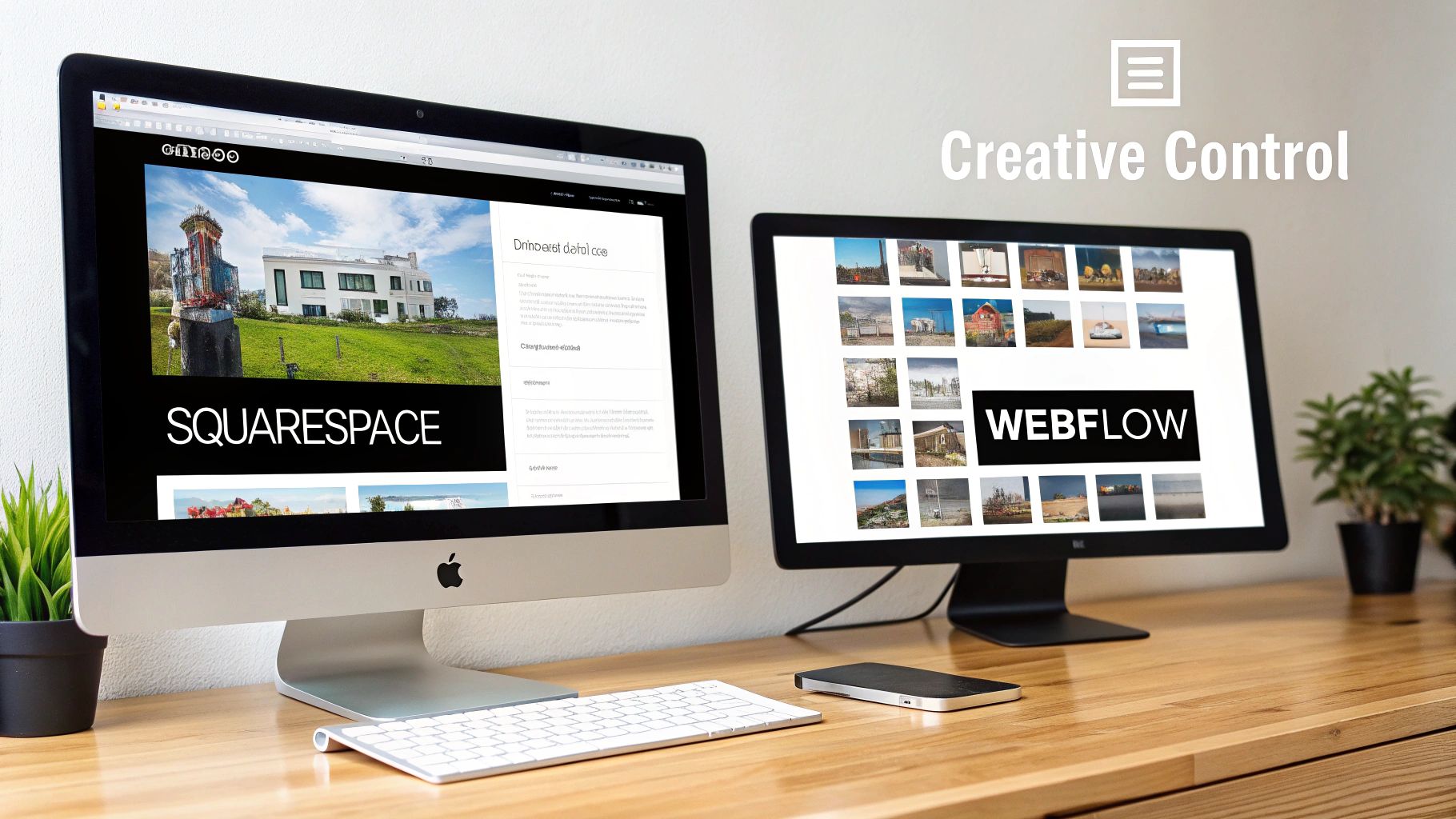
When you get down to it, the biggest difference between Webflow and Squarespace is their entire philosophy on design. This isn't just about picking a tool; it's about choosing an approach. One gives you structured simplicity and speed, while the other offers a blank canvas for complete creative freedom.
Squarespace is all about getting you a beautiful, professional-looking site with as little fuss as possible. Its system is built on a foundation of pre-designed sections and a user-friendly grid editor. This approach is fantastic because it guarantees that even a total beginner can put together a polished website that looks great on any device, automatically.
You can think of Squarespace as building with high-end, pre-fabricated modules. You pick the pieces you like, arrange them, change the colors and content, and you’ve built a solid structure in no time.
Squarespace and Its Fluid Engine
The introduction of Squarespace's Fluid Engine was a big leap forward. It gave users a lot more drag-and-drop freedom than the old classic editor. Now, you can layer elements on top of each other, resize them just by pulling on a handle, and create more dynamic layouts—all while staying within the helpful confines of its grid.
This is the perfect setup for a small business, say a local bakery or a solo consultant, that needs to get a great-looking site online over a weekend. You can choose a stunning template, pop in your content, and hit "publish" without a single worry about how it will look on a phone. The guardrails are there to keep you on track.
If you’re looking for creative website design inspiration, you'll see that while Squarespace offers a fantastic starting point, Webflow is what you need to bring the truly ambitious concepts to life.
Webflow: The Visual Development Canvas
Webflow is playing an entirely different game. It’s not just a website builder; it's a visual development platform. It gives you direct, hands-on access to the raw materials of the web—HTML, CSS, and JavaScript—but without forcing you to actually write the code.
Instead of starting with pre-made sections, you start with a blank canvas. You add foundational elements like containers (div blocks), headings, and images, and then you style them using a properties panel that directly mirrors what developers use with CSS. This is the heart of the Webflow vs. Squarespace debate.
Webflow’s approach is so powerful because it inherently teaches you the principles of web structure. You aren't just dropping content into a box; you are building the box itself, giving you pixel-perfect control over every single detail.
This means you can create truly bespoke layouts that are simply impossible in a section-based editor. Professional web design concepts become visual tools you can click and drag:
- Flexbox: A powerful way to align items in a row or column. It’s perfect for creating things like responsive navigation bars or neatly organized feature lists.
- CSS Grid: A system for designing complex, two-dimensional layouts. It's ideal for image-heavy portfolios or intricate product grids.
- Interactions: Webflow has a built-in animation engine that lets you create sophisticated, multi-step animations triggered by scrolling, clicking, or hovering.
When to Choose More Control
This level of control is exactly why design agencies and brands with a strong visual identity flock to Webflow. If your brand has a very specific, non-negotiable design vision—complete with unique layouts and complex animations—Webflow is the only tool that can deliver it without hiring a developer for a fully custom-coded site.
Imagine a tech startup that wants an interactive homepage where elements animate into view as you scroll. That's a straightforward build in Webflow. Trying to achieve that same effect in Squarespace would be incredibly difficult, likely requiring clunky custom code that could slow down your site and cause issues down the line.
At the end of the day, Squarespace gives you a streamlined path to a beautiful, functional website by removing complexity. Webflow, on the other hand, hands you the entire professional toolkit, offering unmatched creative power for anyone willing to learn how to use it.
4. Evaluating CMS Power and Content Strategy
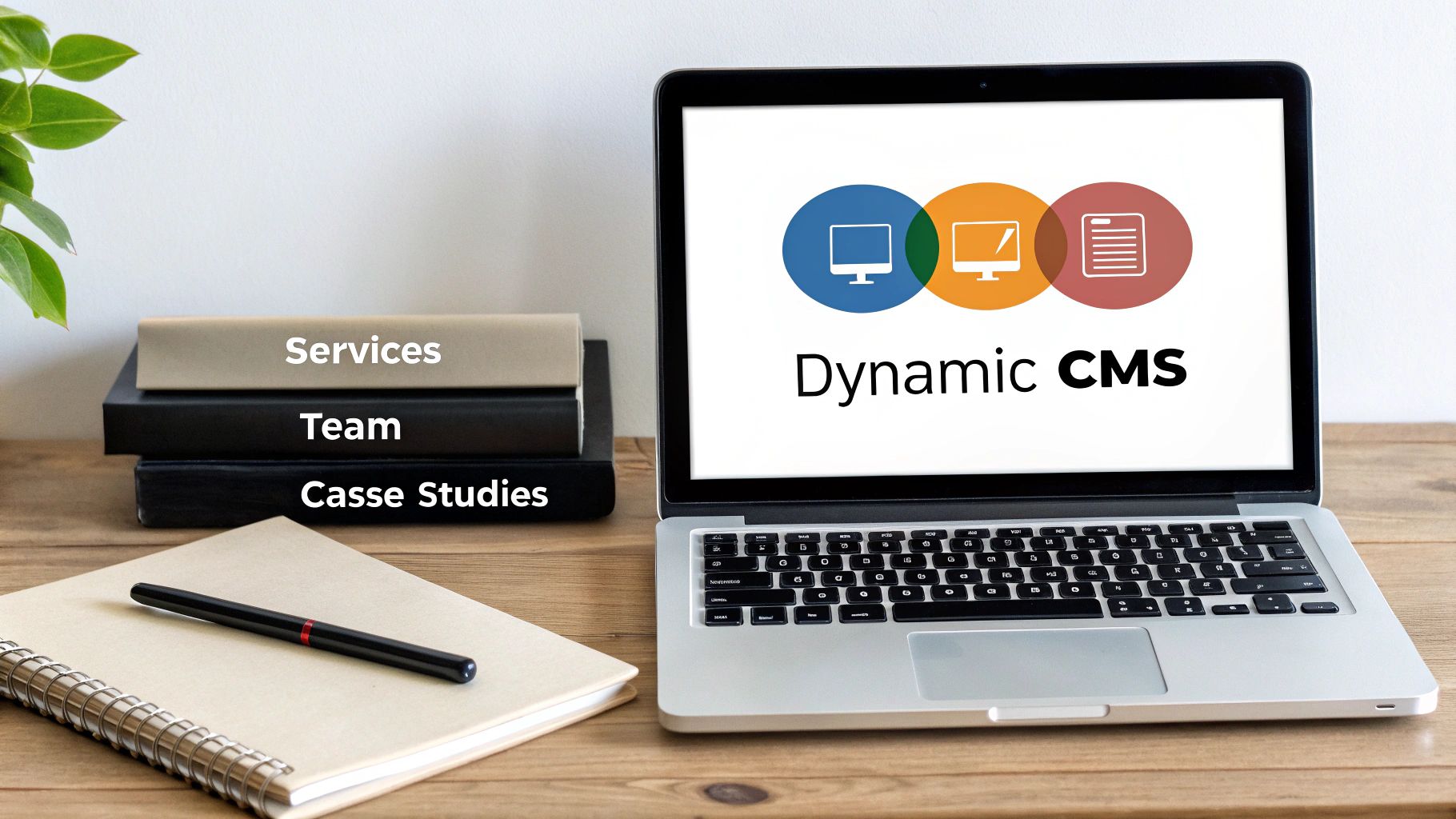
While flashy design often gets all the attention, a website's long-term value really comes down to its Content Management System (CMS). The CMS is the engine room of your site—it dictates how easily you can create, manage, and scale your content. And when we put Webflow and Squarespace side-by-side here, we see two completely different philosophies at play.
Squarespace offers a brilliantly simple and effective CMS. It’s built for straightforward content like a company blog, a portfolio, or basic service pages. The interface is clean and incredibly intuitive, meaning anyone on your team can jump in and publish a post without needing a technical background.
This simplicity is its biggest selling point. If all you need is a reliable platform for standard content, Squarespace provides an excellent user experience that gets the job done with minimal fuss.
Squarespace for Simple Content Management
Let's say you're a boutique consulting firm. Your content needs are pretty standard: a blog for industry insights, a portfolio for client projects, and pages for your services. Squarespace handles this perfectly.
- Blogging: Creating new posts, adding categories, and scheduling them is a breeze.
- Portfolios: The platform gives you beautiful grid layouts to show off your work with images and descriptions.
- Basic Pages: Adding or tweaking a service page is a simple point-and-click affair right in the editor.
For these common scenarios, Squarespace is more than enough. But this simple structure is also its biggest limitation. All your content exists in separate buckets—a blog post is a blog post, a portfolio item is a portfolio item. There’s no easy way to connect them or show relationships between them.
Webflow and the Power of a Relational CMS
Webflow's CMS is an entirely different animal. Think of it less like a content editor and more like a user-friendly database you can build visually. This is where Webflow really shines, allowing you to create interconnected content structures that can future-proof your marketing.
Instead of just having "Blog Posts," Webflow lets you create custom "Collections." A Collection can be anything you need it to be: Services, Team Members, Case Studies, Office Locations, or Job Openings. Each Collection gets its own set of custom fields, like images, dates, rich text, and—most importantly—references to other Collections.
The ability to link different content types is what makes Webflow's CMS so potent. Its growth shows just how much marketers and developers value this control. Webflow is seeing an 84% year-over-year growth in stores, with its CMS market share projected to double to 1.2% by March 2025. It currently powers 0.8% of all websites, a clear sign that its advanced features are in demand.
Key Differentiator: Webflow’s CMS lets you build relationships between content. A single "Case Study" can be linked to the "Service" it features and the "Team Members" who worked on it, creating a rich, interconnected web of content.
This relational structure allows you to build things that are simply out of reach in Squarespace. For example, on a Service page, you could automatically pull in and display all the case studies and team members related to that specific service. If you update a team member's bio, it changes everywhere they appear on the site—instantly.
This is a core topic we dive into in our comprehensive CMS comparison guide, where we look at how different platforms handle these complex content relationships. For any business with a sophisticated, data-driven content strategy, Webflow provides a foundation that can truly scale with your ambitions.
4. Analyzing E-commerce Capabilities for Online Stores

When you're selling online, the e-commerce engine behind your website isn't just a feature—it's the heart of your business. This is where the choice between Webflow and Squarespace becomes a critical decision between an integrated, simple system and one that offers total creative control. Your decision here will shape everything from how your products are displayed to the final click at checkout.
Squarespace built its reputation on a fantastic, all-in-one e-commerce solution that’s incredibly easy to use. It’s perfect for businesses that need to get a professional store up and running quickly without getting bogged down in technical complexities.
The All-In-One Approach of Squarespace
For businesses with a pretty standard product line—like a local boutique, an artist selling prints, or a café with its own merchandise—Squarespace delivers an incredibly smooth experience. Its built-in tools handle all the core functions of an online store right out of the box.
Here’s what makes Squarespace a solid choice:
- Integrated Product Management: Adding and managing physical products, digital downloads, or even services is a breeze with its simple, intuitive forms.
- Inventory Tracking: You can keep a close watch on stock levels with tools that update automatically every time you make a sale.
- Payment Processing: Connecting to major payment gateways like Stripe and PayPal is seamless.
- Order Fulfillment: Everything you need to manage orders, print shipping labels, and send customer notifications is in one unified dashboard.
Squarespace has steadily carved out a major space for itself over the past decade. It grew from a 0.3% CMS market share in 2014 to a respectable 3.3% by 2024 and now powers over 4.1 million live websites. Much of this growth comes from its robust, user-friendly e-commerce plans, which are a go-to for many small businesses.
The real magic of Squarespace e-commerce is its accessibility. A business owner with zero technical background can set up a fully functional store, manage inventory, and process payments without ever looking at a line of code.
This simplicity is a huge plus for small to medium-sized businesses whose main focus is selling, not web development. But that ease of use does come with a trade-off: you're limited in how much you can truly customize the shopping experience.
Webflow's Custom-Built Shopping Experience
The conversation shifts dramatically when your brand experience and unique functionality are non-negotiable. Webflow’s approach to e-commerce is built on its greatest strength: absolute design control. It hands you the tools to create a completely bespoke shopping journey that reflects your brand perfectly.
Where Webflow really shines is in its ability to break free from the constraints of a template. You can design product pages from a completely blank canvas, create unique cart interactions, and style a checkout process that feels like a natural part of your site, not some generic, bolted-on module.
This level of customization is a game-changer for brands that need to stand out. Imagine a high-end furniture store creating an immersive product page with interactive 3D models and custom variant selectors—that’s something you’d struggle to achieve on Squarespace. For anyone looking to build a highly tailored online shop, we've broken down what to look for in our guide on the best website builders for online stores.
Ultimately, the right choice comes down to what you need most. If you want a reliable, straightforward online store that you can launch quickly, Squarespace is an excellent, hassle-free option. But if your brand demands a unique, pixel-perfect shopping experience and you have the design muscle to build it, Webflow provides the powerful toolkit you need to bring that vision to life.
Breaking Down SEO Potential and Performance
Your website's visibility lives and dies by its Search Engine Optimization (SEO). This is one area where the gap between Webflow and Squarespace becomes a chasm. While both give you the tools to show up on Google, they’re built for very different levels of ambition. One gives you a solid foundation, while the other gives you a much higher ceiling to work with.
Squarespace has come a long way. For most small businesses, it’s a perfectly capable SEO platform that handles all the essentials. You can easily edit meta titles and descriptions, create clean URLs, and it automatically generates sitemaps for search engines to crawl.
If you’re running a local bakery, a photography studio, or a small consultancy, these built-in tools are often exactly what you need to build a strong presence in local search. No more, no less.
The Technical SEO Advantage with Webflow
Webflow, on the other hand, was built from the ground up with technical SEO in mind. Where Squarespace gives you the basics, Webflow hands you the entire toolkit. This granular control is what lets businesses truly compete in crowded markets.
The real difference is in the code and structure of the site itself:
- Semantic HTML: Webflow produces exceptionally clean, semantic code. It uses proper HTML tags (like
<nav>,<section>, and<article>) that give search engines clear signals about what your content is and how it’s organized. - Full URL Control: You get total control over your URL structures. This means you can create logical, keyword-rich paths without the frustrating limitations you often find in template-driven platforms.
- Advanced Schema Markup: Webflow can automatically generate structured data (schema) for any content in its CMS. This is what powers those rich results in Google—like star ratings or FAQs—that can seriously boost your click-through rates.
- Redirect Management: It has a powerful, easy-to-use system for managing 301 redirects. This is absolutely critical for protecting your SEO authority when you change URLs or move your site.
For any business where organic search is a core part of your growth strategy, Webflow's technical SEO capabilities give you a foundation you can fine-tune to an expert level. This has a direct impact on your ability to rank.
Comparing Site Speed and Core Web Vitals
Site speed isn't just about user experience anymore; it's a direct ranking factor. Google’s Core Web Vitals (CWV) measure loading speed, interactivity, and visual stability, and this is where the architectural differences between the two platforms really show.
Squarespace sites can be fast. But their reliance on JavaScript-heavy templates and third-party plugins can sometimes bog things down, leading to less-than-ideal CWV scores. For many sites, it's perfectly fine, but hitting those top-tier performance marks can be a struggle.
Webflow, in contrast, is obsessed with speed. It generates lean code and hosts every site on a global content delivery network (CDN) powered by Amazon Web Services (AWS) and Fastly. This infrastructure is built to get content in front of users incredibly quickly, wherever they are. The result? Webflow sites often score exceptionally well on performance tests right out of the box, giving them an immediate leg up in Google's performance-based algorithms.
If you’re serious about delivering the best possible user experience and reaping the SEO rewards that come with it, Webflow's performance-first design is a huge advantage.
Making Your Final Decision: Webflow or Squarespace?
Alright, we’ve covered a lot of ground comparing features. But how do you actually make the final call? It comes down to your real-world needs—your resources, your comfort level with technology, and where you see your business heading. Forget a simple pro/con list; let's dig into who should use which platform and why.
This decision tree gives you a great visual for picking the right tool based on what you need from your site's SEO.
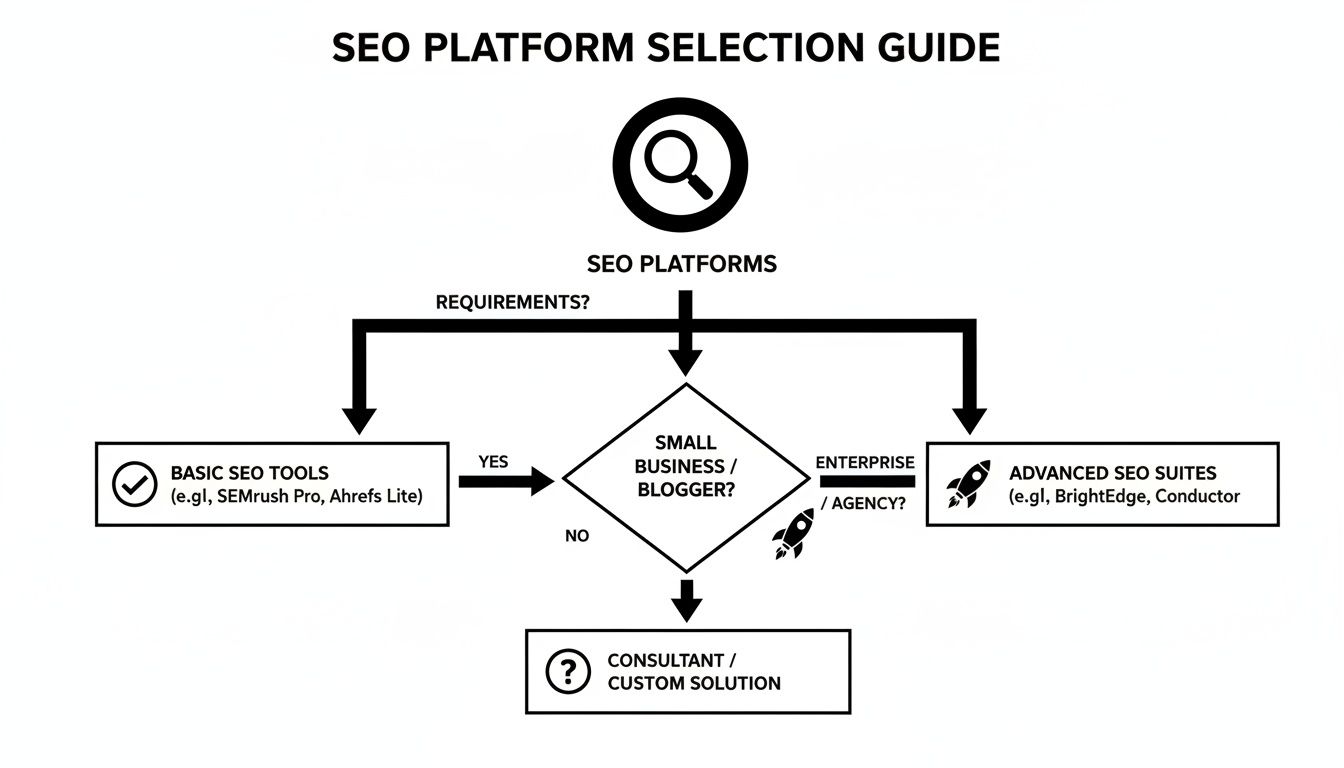
As the graphic shows, if your focus is on solid, foundational SEO that’s easy to get up and running, Squarespace has you covered. But if you’re aiming for deep technical control and a site built to scale, then Webflow is where you should be looking.
Choose Squarespace for Simplicity and Speed
When it comes to getting a beautiful, professional-looking site online fast, Squarespace is the clear winner. If you don’t want to get bogged down in technical details and just need something that works—and looks great—this is your platform.
You should choose Squarespace if you are a:
- Solo entrepreneur or consultant who needs a sharp portfolio or service site you can easily manage on your own.
- Local business, like a restaurant or retail shop, that needs an elegant online hub with simple e-commerce or booking tools.
- Creative professional—an artist, photographer, or writer—who needs a visually striking way to display your work in galleries and blogs.
- Marketer with zero time to spare who needs to spin up a campaign landing page without waiting on a developer.
The real magic of Squarespace for these folks is its all-in-one package. It strips away the technical headaches, letting you pour your energy into your content and your business, not the backend of your website.
Choose Webflow for Control and Scalability
Webflow is for teams who see their website not just as a brochure but as a powerful, evolving marketing engine. It’s the right move when a template feels too restrictive and you need total command over design, content, and performance.
You should choose Webflow if you are a:
- Growth-focused startup whose marketing site needs to scale with sophisticated content hubs and third-party integrations.
- Design agency or freelancer building completely custom websites for clients who expect a one-of-a-kind digital presence.
- Brand with complex content needs, like linking case studies to specific team members and services, which requires a relational CMS.
- Business where technical SEO and site speed are non-negotiable for winning new customers and staying ahead of the competition.
At the end of the day, the Webflow vs. Squarespace debate boils down to your goals. Squarespace helps you launch something great today. Webflow gives you the tools to build whatever you can imagine for tomorrow.
Frequently Asked Questions
When you're trying to decide between Webflow and Squarespace, a few common questions always seem to pop up about cost, the learning curve, and which one is flat-out "better." Let's get straight to the answers you need to make the right call.
Picking a platform isn't just about what you need today; it's about finding a partner for your business's future. It's all about aligning the tool's strengths with your goals, budget, and how hands-on you want to be.
Is Webflow Better Than Squarespace?
Honestly, it depends entirely on what you value most.
If you're after complete design freedom and technical control, then yes, Webflow is in a league of its own. It’s a visual development tool that gives you granular, pixel-perfect control over every single element, animation, and responsive setting. The result is clean, professional code that search engines love.
But if your main goal is simplicity and speed, Squarespace is the clear winner. Its drag-and-drop editor and stunning templates let virtually anyone launch a beautiful, professional-looking site in just a few hours, no technical skills required. For pure ease of use, Squarespace takes the cake.
Can a Beginner Use Webflow?
Yes, but it's not a walk in the park. A beginner can absolutely learn Webflow, but be prepared for a real learning curve. The interface feels more like professional design software than a simple website builder, and you'll need to get comfortable with core web concepts like the box model, CSS classes, and responsive breakpoints.
The good news is that Webflow has an incredible free learning resource called Webflow University. The tutorials are top-notch and can take a dedicated beginner from zero to hero. But it requires a genuine time commitment. In contrast, you can get the hang of Squarespace in an afternoon.
Which Is Cheaper: Webflow or Squarespace?
For a simple site like a portfolio or blog, Squarespace is almost always cheaper at the start. Its entry-level plans are priced lower and give you everything you need right out of the box. A basic Squarespace plan will cost you less than a comparable Webflow CMS plan.
The math gets a bit more complicated for bigger projects, though. If you need custom features on Squarespace and have to hire a developer to build them, that cost can easily shoot past what you'd pay for a higher-tier Webflow plan that offers that functionality natively. Think about the total cost of ownership, not just the sticker price.
At OneNine, we live and breathe these platforms every day. If you need an expert team to build a high-performing website or manage your digital presence, we’re here to help. Learn more about our website design and development services and let's create something that drives results.


