

Building a professional website no longer requires a deep understanding of code or a large budget. The rise of visual development tools means anyone can create a functional, beautifully designed site. The challenge is no longer how to build, but which tool to use. This guide is designed to help you navigate that decision with confidence.
We've analyzed the best no code website builders available today, moving beyond the marketing hype to provide a clear and practical assessment of each platform. Instead of generic feature lists, we focus on real-world applications, specific use cases, and honest limitations. This helps you understand not just what a builder can do, but what it’s like to actually use it for your project.
This resource is for entrepreneurs, marketers, small business owners, and anyone looking to establish a powerful online presence without writing code. We'll explore each option in detail, covering:
- Key Features & Strengths: What makes each platform stand out.
- Pricing & Value: A transparent look at costs and what you get.
- Pros & Cons: The good, the bad, and the deal-breakers.
- Ideal User: Who will benefit most from using this tool.
Each profile includes screenshots for a visual reference and direct links to get you started faster. Our goal is simple: to provide a comprehensive comparison that equips you to select the perfect no code website builder for your specific needs, saving you time and preventing costly mistakes. Let’s dive into the top contenders.
1. Wix
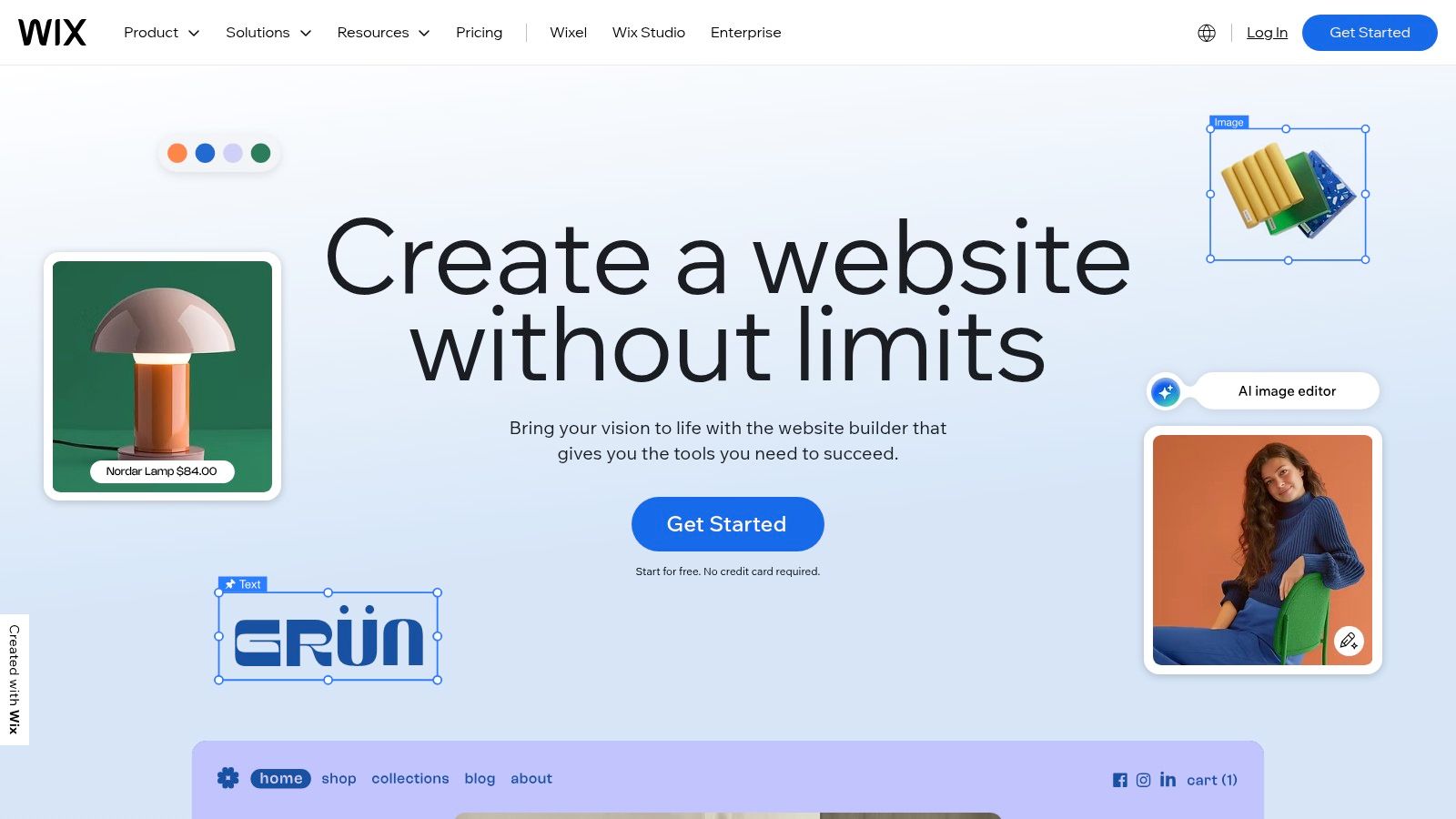
Wix stands out as one of the most comprehensive and user-friendly options in the no-code space, making it a top contender for the title of best no-code website builder. It's an all-in-one platform designed for everyone from solo entrepreneurs launching their first portfolio to established small businesses needing robust ecommerce and marketing tools. Its core strength lies in its dual-editor approach: the Wix ADI (Artificial Design Intelligence) for rapid site creation and the classic Wix Editor for granular, drag-and-drop control.
This flexibility allows you to start fast and then customize every pixel without writing a single line of code. The platform’s massive library of over 900 professionally designed templates provides a strong starting point for nearly any industry, ensuring your site looks polished from day one.
Key Features & Use Cases
Wix isn't just a simple page builder; its ecosystem is designed to grow with your business. The Wix App Market is a game-changer, offering hundreds of integrations to add functionality like event bookings, forum management, and advanced analytics.
- Ideal for Small Businesses: Perfect for service-based businesses like restaurants, salons, or consultants who need integrated booking systems (Wix Bookings) and customer management tools.
- Powerful Ecommerce: With Wix eCommerce, you can manage inventory, process payments, handle shipping, and even connect to a Point of Sale (POS) system in the US.
- Creative Portfolios: The highly visual editor and vast template selection make it a favorite among photographers, designers, and artists.
Pricing & Practical Considerations
Wix offers a free plan, which is excellent for testing the platform, but it includes Wix branding and doesn't allow a custom domain. Paid plans are required for professional use, starting from the Light plan (around $16/month) for basic sites up to the Business Elite plan for full-scale ecommerce.
Pros:
- Extremely beginner-friendly with a gentle learning curve.
- Huge ecosystem of templates and third-party apps.
- Scales well from a simple landing page to a complex online store.
Cons:
- Migrating your site content away from Wix can be difficult.
- The editor can sometimes feel slow or "heavy" on complex pages.
- Some essential business features are locked behind higher-priced plans.
Website: https://www.wix.com
2. Squarespace
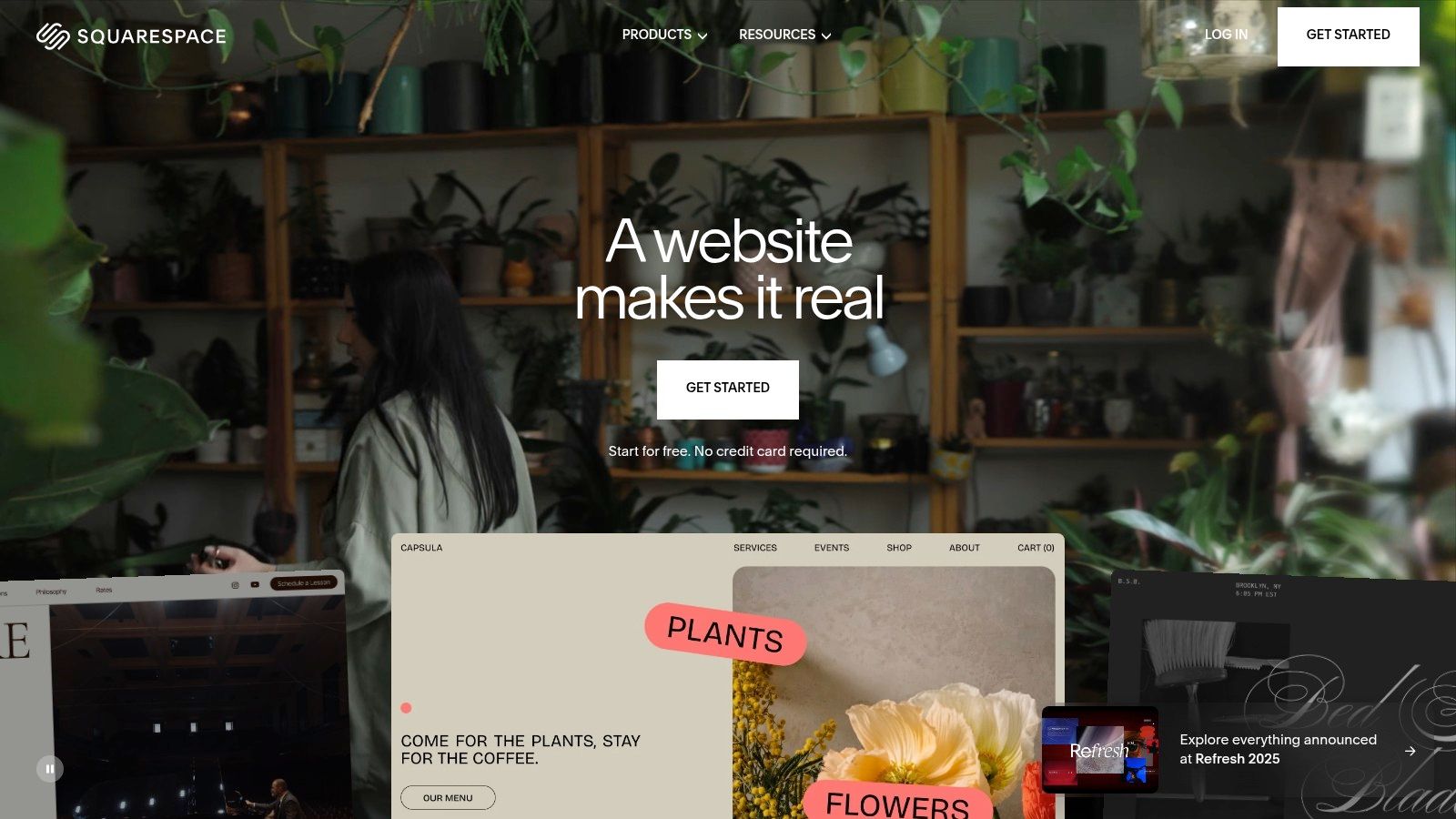
Squarespace has cemented its reputation as the best no-code website builder for those who prioritize design, aesthetics, and a cohesive brand experience. It is celebrated for its award-winning, professionally designed templates that provide a stunning and polished foundation for any project. The platform's all-in-one approach integrates commerce, marketing, and scheduling tools seamlessly, eliminating the need for a patchwork of third-party plugins.
Its modern "Fluid Engine" editor offers a structured yet flexible grid-based system for arranging content, ensuring your site maintains its design integrity across all devices. This focus on premium design makes it a top choice for creatives, online stores, and service-based businesses that need to make a strong visual first impression.
Key Features & Use Cases
Squarespace excels at providing a unified toolset to run and market your business directly from its dashboard. Everything from email campaigns to appointment scheduling is built-in, creating a streamlined workflow. You can learn more about why the design of a website is so important and see why Squarespace's approach is so effective.
- Ideal for Creatives and Portfolios: Photographers, artists, and designers flock to Squarespace for its visually-driven templates that showcase work beautifully.
- Streamlined Ecommerce: Perfect for boutiques, artisans, and digital creators selling products, services, or memberships with integrated payment and shipping tools.
- Service Professionals: The built-in Acuity Scheduling system makes it a powerful choice for consultants, trainers, and therapists to manage bookings and payments.
Pricing & Practical Considerations
Squarespace offers a 14-day free trial to build your site, but you must upgrade to a paid plan to go live. Plans start with the Personal plan (around $23/month) for basic sites and scale up to the Commerce Advanced plan for sophisticated online stores. Note that the lower-tier plans may include transaction fees.
Pros:
- Best-in-class aesthetics and design consistency.
- All-in-one approach reduces reliance on third-party apps.
- Excellent built-in tools for SEO, marketing, and analytics.
Cons:
- Less granular design freedom compared to a pure drag-and-drop editor like Wix.
- The editor's learning curve can be slightly steeper for absolute beginners.
- Transaction fees apply to the Business plan, requiring an upgrade for 0% fees.
Website: https://www.squarespace.com
3. Webflow
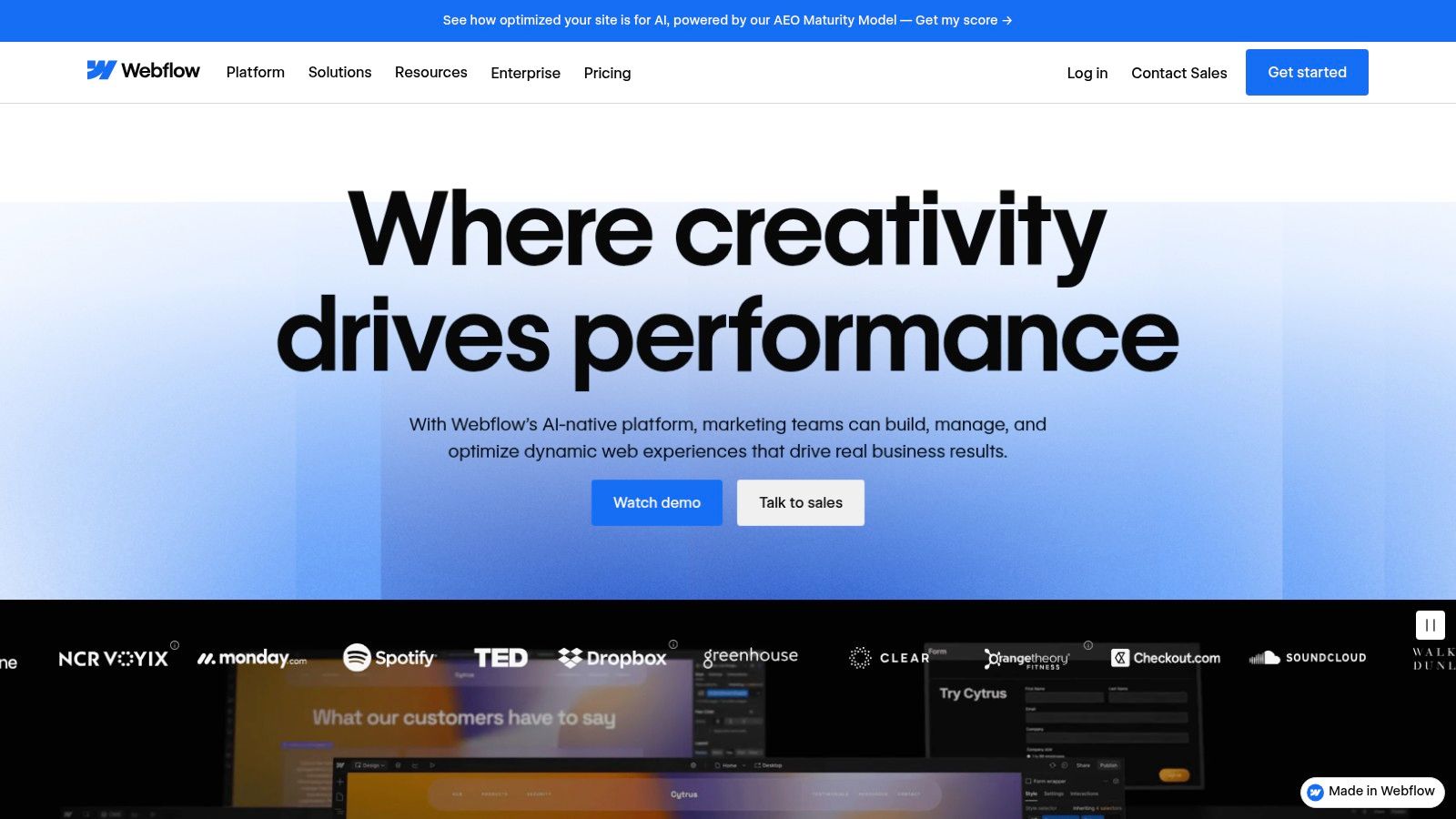
Webflow bridges the gap between traditional no-code builders and custom-coded websites, positioning itself as the best no-code website builder for designers and businesses seeking production-grade control. It offers a powerful visual canvas that essentially mirrors the logic of HTML and CSS, allowing for pixel-precise design and complex interactions without writing code. This makes it an ideal choice for professionals who understand web design principles but prefer a visual workflow.
Its strength lies in creating clean, semantic code that performs well and is highly customizable. The platform combines a powerful visual designer with a built-in Content Management System (CMS) and ecommerce capabilities, making it a robust, all-in-one solution for serious marketing sites, content hubs, and online stores.
Key Features & Use Cases
Webflow is more than just a page builder; it’s a professional web development platform. Its CMS Collections allow you to create and manage structured content like blog posts, team members, or case studies, which can be designed once and dynamically populated across your site. For those using Webflow to build their site, you might be interested in learning how to integrate feedback tools with Webflow to gather user insights directly.
- For Designers & Agencies: The ability to create completely custom, responsive designs and animations makes it a go-to tool for building high-end client websites.
- Advanced Marketing Sites: Perfect for businesses that need scalable content hubs, complex landing pages, and dynamic content without technical bottlenecks.
- Custom Ecommerce: Webflow Ecommerce allows for beautifully designed, custom storefronts that break free from template restrictions.
Pricing & Practical Considerations
Webflow’s pricing is layered, with separate plans for your workspace (where you build sites) and for individual site hosting. A free plan lets you build and learn, but a paid Site plan is needed to connect a custom domain. Basic Site plans start at around $14/month (billed annually), with CMS and Business plans offering more features. Ecommerce plans add a transaction fee, which is 2% on the Standard plan and 0% on higher tiers.
Pros:
- Near-code-level control and clean, semantic code output.
- Excellent training resources via Webflow University.
- Scales incredibly well for serious marketing sites and content hubs.
Cons:
- Steeper learning curve compared to simpler drag-and-drop builders.
- Pricing structure can be complex with Site, Ecommerce, and Workspace plans.
Website: https://webflow.com
4. Shopify
While many no-code builders add ecommerce as a feature, Shopify is an ecommerce platform first and foremost, making it the undisputed leader for anyone serious about selling products online. It provides a complete, end-to-end solution for launching, managing, and scaling an online store without touching a line of code. Its strength lies in its laser focus on commerce, from its world-class checkout experience to its powerful inventory and sales channel management.
Shopify streamlines the entire process of setting up a storefront with its customizable themes and intuitive drag-and-drop editor. This allows merchants to build a professional-looking store quickly and focus on what matters most: their products and customers. Its reputation as one of the best ecommerce platforms for small business is well-earned.

Key Features & Use Cases
Shopify's power extends far beyond a simple storefront. Its ecosystem is built to handle every aspect of retail, from digital marketing to physical fulfillment. The Shopify App Store is a massive advantage, offering over 8,000 apps to add specialized functionality like subscription billing, loyalty programs, or advanced SEO tools.
- Dedicated Ecommerce Stores: Ideal for direct-to-consumer (DTC) brands, dropshippers, and retailers of all sizes who need robust product management, secure payments, and scalable infrastructure.
- Multichannel Selling: Easily sell products across different channels like Facebook, Instagram, and Amazon, all managed from a single Shopify dashboard.
- Point of Sale (POS): Unify online and in-person sales with Shopify POS, perfect for businesses with physical stores, pop-up shops, or market stalls.
Pricing & Practical Considerations
Shopify offers a free trial and frequently runs promotions (like $1 for the first 3 months) to help you get started. Paid plans begin with the Basic plan (around $29/month when billed annually), which covers all the essentials for a new online store. Higher-tier plans like Shopify and Advanced unlock lower transaction fees and more advanced reporting features.
Pros:
- Best-in-class checkout and comprehensive ecommerce tools.
- Deep third-party ecosystem with thousands of specialized apps.
- Strong fulfillment/shipping perks and reliable customer support.
Cons:
- Costs can add up quickly with necessary third-party apps.
- Charges transaction fees on third-party payment gateways.
- The content and blog editor is less flexible than dedicated site builders.
Website: https://www.shopify.com
5. Hostinger Website Builder (formerly Zyro)
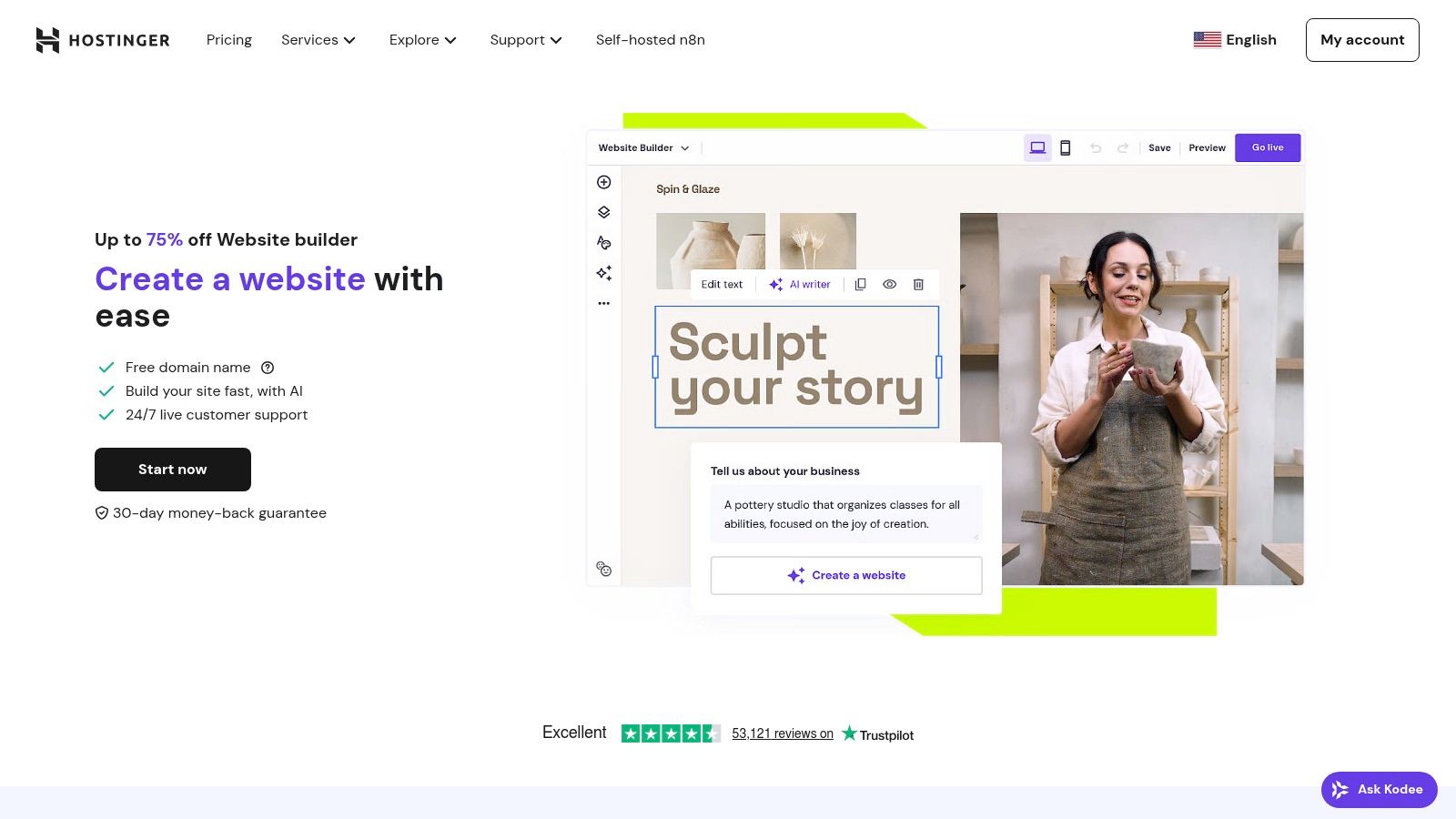
Hostinger Website Builder, which absorbed the Zyro platform, carves out its niche by combining affordable, high-speed hosting with a surprisingly robust set of AI-powered tools. It's positioned as an exceptionally cost-effective solution, making it one of the best no-code website builders for new businesses and solopreneurs who need to get online quickly without a hefty investment. Its drag-and-drop editor is clean and intuitive, prioritizing speed and simplicity over overwhelming complexity.
The platform's main advantage is its value proposition: you get a full-featured website builder bundled with Hostinger’s reputable web hosting. This integrated approach simplifies the entire process, from creation to launch, and is backed by a suite of AI assistants that can generate text, logos, and even entire website layouts from a simple prompt.
Key Features & Use Cases
Hostinger’s builder packs an impressive punch for its price point, offering tools that cover everything from initial design to marketing and sales. The built-in ecommerce functionality notably comes with 0% Hostinger transaction fees, making it a highly attractive option for new online stores.
- Ideal for New Entrepreneurs: The all-in-one package (free domain, SSL, email) and low entry cost are perfect for launching a first business website or portfolio on a budget.
- Simple Ecommerce Stores: Great for selling a small to medium number of products without worrying about platform fees eating into profits. It supports over 100 payment methods.
- AI-Assisted Content Creation: The AI writer, logo maker, and heatmap tools help users with limited design or marketing experience create a professional-looking site quickly.
Pricing & Practical Considerations
Hostinger Website Builder is offered as a single, comprehensive plan, often with significant introductory discounts for longer-term commitments (around $2.99/month for the initial term). This price includes hosting, a free domain for a year, and all builder features. Users should be aware that renewal rates are higher than the introductory price.
Pros:
- Extremely affordable introductory pricing with speedy hosting included.
- Quick and easy to launch a site using the AI tools and simple editor.
- Excellent value for small US businesses and solopreneurs.
Cons:
- Fewer advanced integrations compared to platforms like Wix or Webflow.
- The renewal price jumps significantly after the initial promotional term ends.
- The editor offers less granular control than more complex builders.
Website: https://www.hostinger.com/website-builder
6. GoDaddy Website Builder (Airo)
GoDaddy Website Builder, now powered by its AI tool "Airo," positions itself as the ultimate convenience choice for small business owners who want to get online fast. Instead of overwhelming users with granular design choices, it offers a streamlined, section-based editor that prioritizes speed and simplicity. It’s an ideal solution for those who already use GoDaddy for domains and hosting and prefer managing everything under one roof.
The platform's strength is its tight integration with GoDaddy’s broader ecosystem of business tools. The AI-driven setup process (Airo) asks a few questions about your business and generates a relevant, pre-populated website in minutes. This makes it one of the fastest ways to launch a professional-looking site without any prior experience, solidifying its place among the best no-code website builders for beginners.
Key Features & Use Cases
GoDaddy’s builder is more than just a landing page creator; it’s a simple, all-in-one marketing platform. The built-in marketing suite lets you manage email campaigns and social media posts directly from your dashboard, a feature many competitors charge extra for.
- Ideal for Service-Based Businesses: The integrated appointments tool is perfect for consultants, trainers, or salons needing a simple way for clients to book and pay for services online.
- Simple Ecommerce: You can sell physical or digital products, manage inventory, and even connect to GoDaddy’s POS hardware for in-person sales, making it great for small local shops.
- Quick-Start Solution: Perfect for entrepreneurs who need a "good enough" website live today and value speed over deep customization.
Pricing & Practical Considerations
GoDaddy offers several tiers, starting with a very basic free plan. Paid plans are competitively priced, especially with introductory offers, beginning with the Basic plan (around $10/month) for personal use. The Commerce plan (around $25/month) is required for full ecommerce features like appointments and online sales.
Pros:
- Extremely fast and easy onboarding thanks to AI assistance.
- Truly an all-in-one provider (domain, SSL, email, builder).
- Strong initial discounts often make it very affordable to start.
Cons:
- Significantly less design flexibility and creative control than competitors.
- The app marketplace is much smaller and less capable than rivals like Wix.
- Renewal pricing is considerably higher than the attractive introductory offers.
Website: https://www.godaddy.com/websites/website-builder
7. Weebly (by Square/Block)
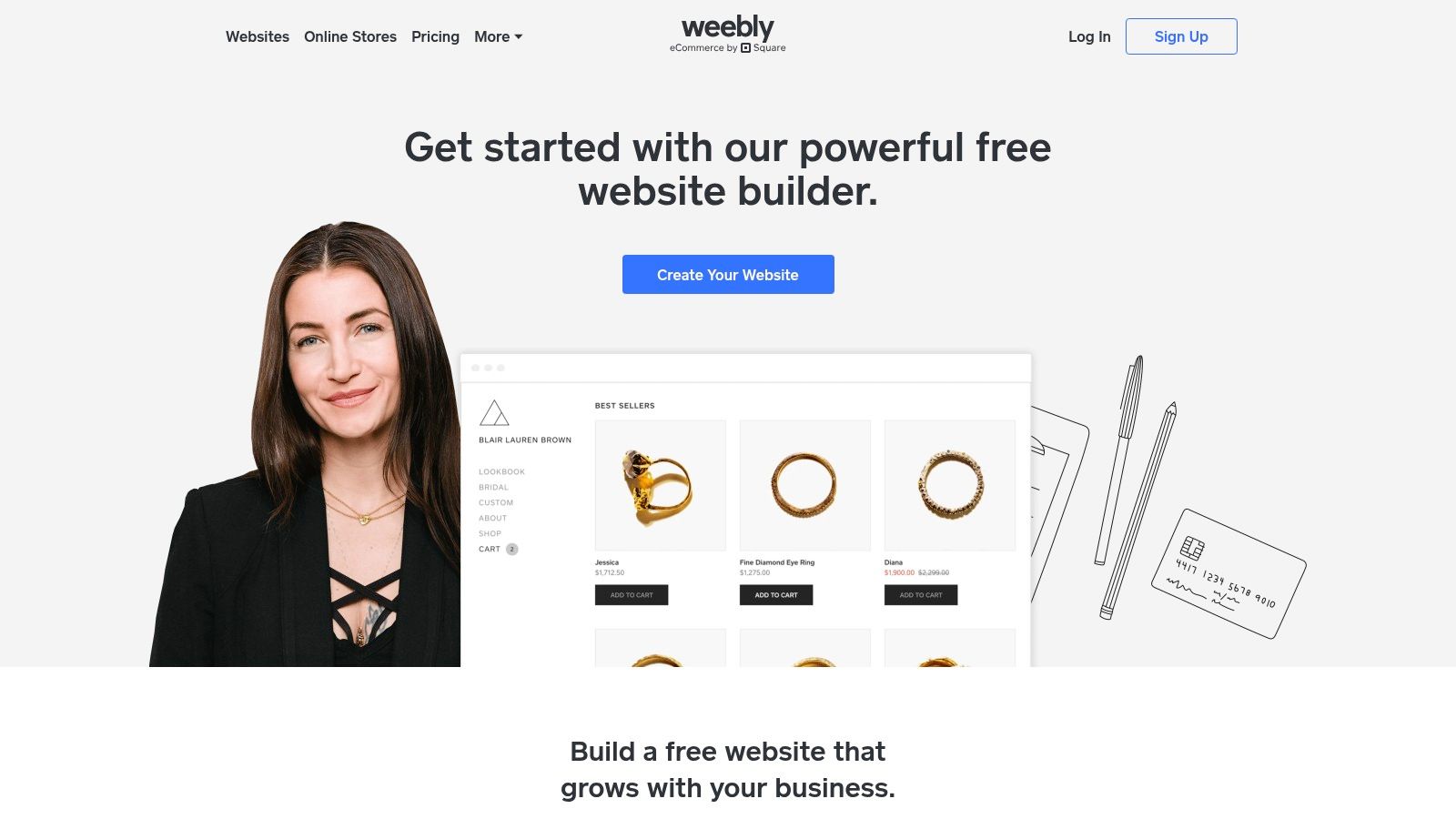
Weebly has long been a go-to choice for those seeking a straightforward, no-frills entry into website creation, and it remains one of the most approachable no-code website builders available. Now owned by Square, its core strength lies in its simplicity and deep integration with Square's payment ecosystem. Its classic drag-and-drop editor is exceptionally easy to learn, making it possible for absolute beginners to build a functional site in just a few hours.
The platform is designed for simplicity over complexity. While it may not offer the granular design freedom of some competitors, its structured approach prevents users from feeling overwhelmed and ensures a clean, organized final product.
Key Features & Use Cases
Weebly’s feature set is focused on the essentials, with a strong emphasis on small-scale commerce thanks to its Square integration. The platform's App Center allows for added functionality, though it is more limited than those of its larger rivals.
- First-Time Business Owners: Ideal for individuals or small businesses needing a simple online presence and a way to sell a few products or services directly.
- Basic Ecommerce: The seamless connection to Square for payments is its standout feature, perfect for existing Square users wanting to expand online.
- Blogs and Portfolios: Its clean interface and easy-to-use blogging tools make it a solid choice for creating content-focused websites without a steep learning curve.
Pricing & Practical Considerations
Weebly provides a free plan that lets you build and publish a site on a Weebly subdomain, which is great for testing the waters. For professional features like a custom domain, you'll need a paid plan. The Personal plan starts at around $10/month (billed annually), with Professional and Performance plans offering more ecommerce features and removing Weebly ads.
Pros:
- Extremely approachable and easy for absolute beginners.
- Affordable pricing with a generous free tier to get started.
- Seamless Square integration is a huge plus for simple online selling.
Cons:
- Fewer modern templates and less design flexibility than competitors.
- Product development has slowed, leading to a less feature-rich experience.
- Removing ads and accessing key features requires a paid plan.
Website: https://www.weebly.com
8. Framer (Framer Sites)
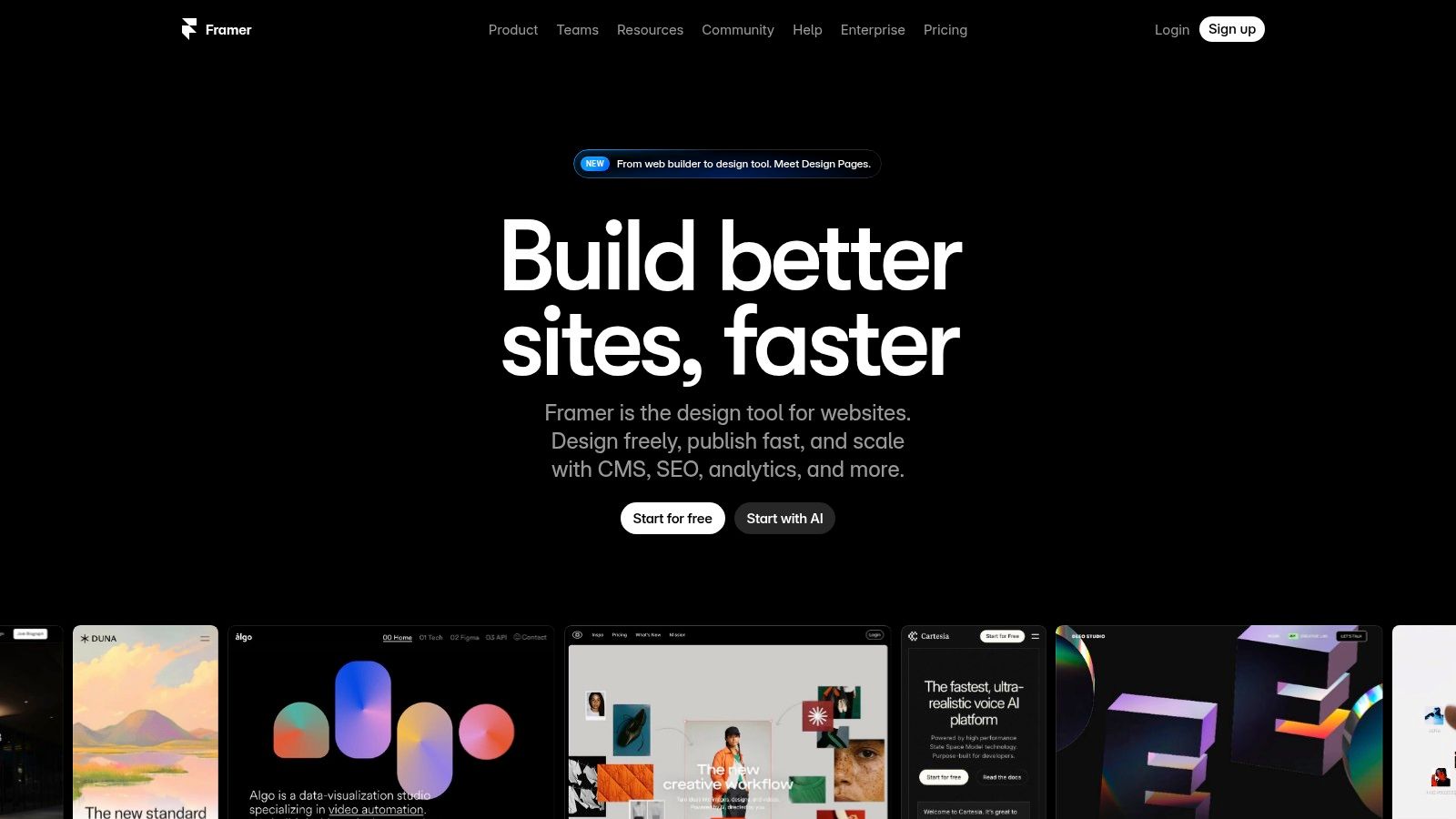
Framer has rapidly emerged as a favorite among designers, startups, and marketing teams looking for a modern, design-centric no-code website builder. It masterfully bridges the gap between powerful design tools like Figma and live, high-performance websites. Its core strength is a lightning-fast visual editor that allows for advanced animations and interactions that are difficult to achieve on other platforms without custom code.
The platform is built for speed, both in the design process and in the final product's performance, leveraging a global CDN to ensure quick load times. With growing AI features like the AI Wireframer and Workshop tools, Framer is also pushing the boundaries of rapid, intelligent site creation.
Key Features & Use Cases
Framer excels at creating visually stunning, interactive marketing websites and landing pages with a smooth, collaborative workflow. Its integrated CMS collections make managing dynamic content like blog posts or case studies incredibly straightforward.
- Ideal for Startups & Agencies: The platform's emphasis on high-fidelity design, team collaboration, and A/B testing makes it perfect for launching polished marketing sites and campaign landing pages quickly.
- Design-Forward Portfolios: Creatives love Framer for its ability to translate complex design concepts into fluid, interactive web experiences.
- SaaS & Product Websites: Excellent for companies needing to build fast, beautiful, and easily updatable sites to showcase their products and features.
Pricing & Practical Considerations
Framer offers a free plan to get started, which includes Framer branding. Paid plans are structured on a per-site basis, starting with the Mini plan (around $10/month per site) for simple projects and scaling up to the Pro plan for sites needing more traffic and CMS items. Team collaboration requires paid editor seats.
Pros:
- Excellent performance and modern design fidelity.
- Intuitive, fast editor with powerful animation and interaction tools.
- Clear per-site pricing model and generous free tier.
Cons:
- Native ecommerce capabilities are limited compared to Shopify or Webflow.
- The pay-per-site model can become costly for users managing many different projects.
- Steeper learning curve for those not familiar with modern design tools.
Website: https://www.framer.com
9. Carrd
Carrd has carved out a unique niche as the undisputed king of one-page websites. It’s an incredibly simple and lightning-fast builder designed for creating personal profiles, link-in-bio pages, landing pages for projects, and simple portfolios. Where other platforms aim for complexity, Carrd’s strength is its focused simplicity, making it one of the best no-code website builders for anyone needing a clean, functional, and beautiful single-page presence online without any bloat.
The platform is built around responsive, mobile-first templates that you can customize in a straightforward, intuitive editor. It strips away the complexity of multi-page navigation and site architecture, allowing you to launch a professional-looking page in minutes, not hours. This focus makes it the perfect tool for quickly validating an idea or creating a digital business card.
Key Features & Use Cases
Carrd excels at specific tasks where a single page is all you need. Its feature set is lean but powerful enough for its intended purpose, supporting custom domains, forms, widgets, and third-party embeds like Stripe or Gumroad for simple transactions.
- Link-in-Bio Pages: An ideal, low-cost alternative to services like Linktree for social media profiles.
- Simple Portfolios: Perfect for freelancers, artists, or developers who need a quick and stylish way to showcase their work.
- Landing Pages & Lead Gen: Excellent for creating simple lead capture forms for a new product, newsletter, or event.
Pricing & Practical Considerations
Carrd's pricing is almost unbelievably affordable. It offers a free plan that lets you build up to three sites on a carrd.co subdomain. The real value comes from its Pro plans, which start at just $19 per year. The Pro Standard plan removes Carrd branding and allows you to use custom domains, add forms, and embed custom code.
Pros:
- Extremely easy to learn and use; you can publish a site in under an hour.
- Outstanding value, with pro features available for a tiny annual fee.
- Produces clean, modern, and fully responsive one-page sites.
Cons:
- Strictly limited to single-page websites.
- Not suitable for blogs, complex business sites, or full ecommerce stores.
- Limited native integrations; relies on embeds for advanced functionality.
Website: https://carrd.co
10. Tilda
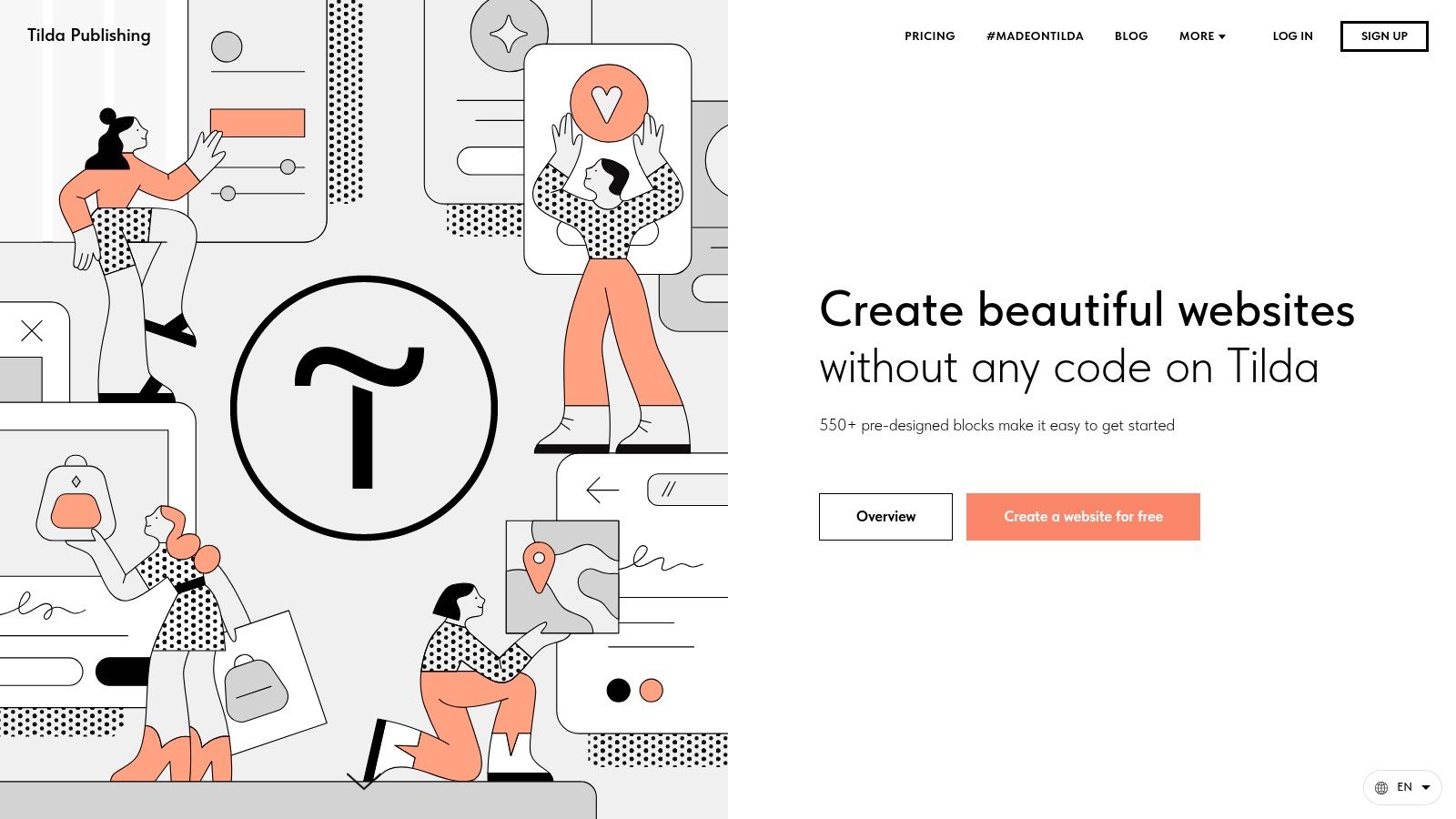
Tilda has carved out a niche as a design-focused, no-code website builder that excels at creating visually stunning landing pages, blogs, and portfolios. It operates on a block-based system, offering a massive library of over 550 pre-designed blocks that are both elegant and responsive. This approach allows users to quickly assemble professional-looking pages with a strong emphasis on typography and clean aesthetics.
What truly sets Tilda apart is its "Zero Block" feature, a powerful editor that provides complete creative freedom. This tool allows you to break free from the standard grid, placing elements anywhere on the canvas to create truly custom, pixel-perfect designs without touching any code. It’s an ideal middle ground for those who want more control than a simple block builder but don’t need the full complexity of a tool like Webflow.
Key Features & Use Cases
Tilda is more than just a page builder; it includes a suite of built-in tools for marketing and business operations, making it a surprisingly versatile platform. The ability to export website code on its higher-tier plan is a unique feature that appeals to agencies and developers.
- Ideal for Content-Rich Websites: Perfect for magazines, blogs, and event pages where beautiful design and readability are paramount.
- High-Converting Landing Pages: Marketers love Tilda for quickly creating and testing landing pages thanks to its built-in forms, CRM, and email campaign tools.
- Agency & Developer Hand-off: The Business plan's code export feature allows designers to build a site visually and then hand off clean HTML, CSS, and JS files to a developer for further integration.
Pricing & Practical Considerations
Tilda offers a free plan that allows you to build one website with core features, which is great for learning the platform. For professional use, the paid plans are straightforward. The Personal plan (around $15/month) unlocks a custom domain and all blocks, while the Business plan (around $25/month) adds code export and the ability to manage up to five websites.
Pros:
- Clean design system and extremely fast for creating beautiful landing pages.
- The Zero Block editor offers fantastic design flexibility.
- Transparent and affordable two-tier pricing structure.
- Code export is a valuable feature for developer collaboration.
Cons:
- The ecosystem of third-party integrations is smaller than competitors like Wix.
- Its ecommerce and business tools are less extensive than dedicated platforms like Shopify.
- The interface can take some time to get used to compared to simpler builders.
Website: https://tilda.cc
11. Dorik
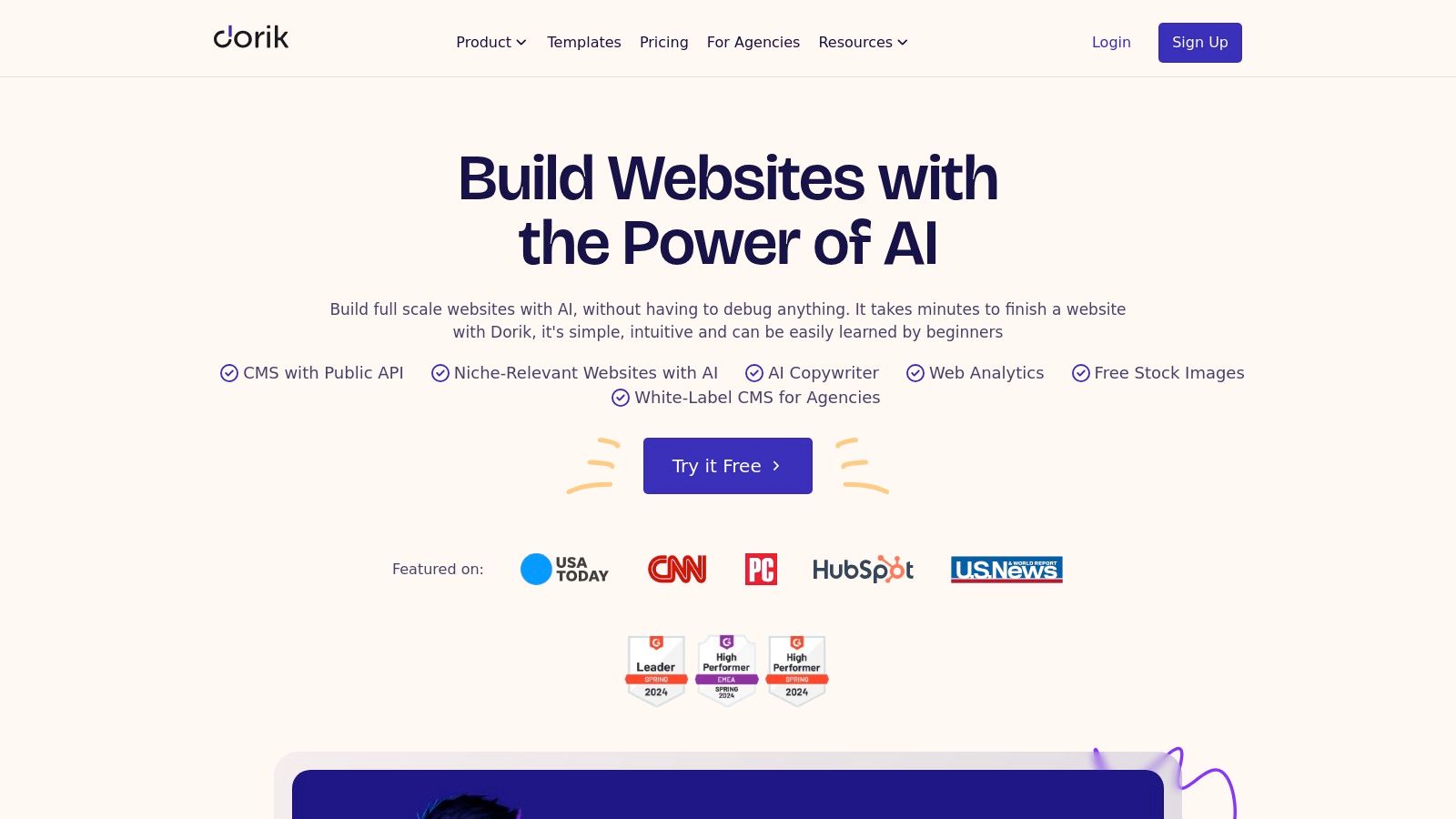
Dorik positions itself as a streamlined and highly accessible option in the no-code website builder landscape, focusing on speed and simplicity. It's an excellent choice for solo founders, agencies, and small businesses who need to launch professional-looking websites quickly without getting bogged down by overly complex tools. Its standout feature is its balance of essential functionalities like a native CMS, memberships, and an AI site generator, all wrapped in a user-friendly interface.
The platform is designed to be lightweight, which translates to fast-loading websites, a crucial factor for SEO and user experience. Dorik makes building feel intuitive, allowing users to go from concept to a live site with minimal friction, making it a strong contender for those who prioritize efficiency.
Key Features & Use Cases
Dorik bundles powerful features that are often sold as separate add-ons elsewhere, providing significant value. The platform’s AI website generator can create a full, multi-page site in minutes based on a simple text prompt, offering a fantastic starting point for any project.
- Agencies & Freelancers: The white-label feature (available on the Business plan) is a major draw, allowing agencies to offer a branded website-building service to their clients.
- Content Creators & Bloggers: The native CMS and blogging tools are robust and easy to manage, perfect for publishing articles and managing content-driven sites.
- Membership Sites: You can create gated content and sell subscriptions directly through the platform, making it ideal for course creators, coaches, and community builders.
Pricing & Practical Considerations
Dorik offers a free plan for single-page sites with Dorik branding. Paid plans are competitively priced, starting with the Personal plan (around $15/month billed annually) which includes a custom domain and removes branding. The Business plan unlocks the valuable white-label and agency features. All paid plans come with unlimited storage and bandwidth.
Pros:
- Extremely straightforward UI and fast page-load speeds.
- Strong value proposition for agencies with its white-label dashboard.
- All-in-one platform with CMS, memberships, and AI built-in.
Cons:
- The integration ecosystem is smaller compared to industry giants like Wix or Webflow.
- Fewer advanced design customization options for highly detailed projects.
- The template library is growing but not as extensive as some competitors.
Website: https://dorik.com
12. G2: Website Builder Software Category (Comparison/Research)
While not a builder itself, G2's Website Builder Category is an indispensable research hub that belongs in any serious evaluation process. It acts as a comprehensive software marketplace, aggregating thousands of real user reviews, rankings, and in-depth product data. Its primary value is in providing social proof and unbiased insights to help you vet and compare the best no-code website builders before committing.
Instead of relying solely on marketing claims, G2 allows you to filter tools by business size, user satisfaction scores, and specific features. This helps you move beyond the big names and discover niche platforms that might be a better fit for your unique needs. Using G2 effectively means you can build a strong business case for your chosen tool, backed by third-party data and peer experiences.
Key Features & Use Cases
G2's strength lies in its structured data and comparison tools, which simplify the complex task of software selection. The platform is built for transparent, data-driven decision-making.
- Stakeholder Buy-In: Ideal for presenting a shortlist to a team or manager. The "Grid" reports visually rank builders based on satisfaction and market presence, making it easy to justify a choice.
- Side-by-Side Comparisons: Select multiple no-code builders and compare them feature-for-feature, looking at ratings for ease of use, quality of support, and ease of setup.
- Vetting Niche Tools: Discover and validate lesser-known platforms that might offer better pricing or specific functionality not available in mainstream builders.
Pricing & Practical Considerations
Access to G2 for research and reading reviews is completely free. The platform makes money from vendors who pay for premium profiles, sponsored placements, and lead generation. This is important to keep in mind while browsing.
Pros:
- Broad coverage of vendors, from industry leaders to emerging players.
- Filters for business size (Small Business, Mid-Market, Enterprise) help find relevant options.
- Provides recent, real-world user sentiment and feedback.
Cons:
- Sponsored placements can influence visibility, requiring careful review.
- You must read reviews critically to distinguish genuine feedback from less helpful entries.
- The sheer volume of information can be overwhelming without a clear research goal.
Website: https://www.g2.com/categories/website-builder
Top 12 No-Code Website Builders Comparison
| Platform | Core Features & Flexibility | User Experience & Quality ★★★★★ | Value & Pricing 💰 | Target Audience 👥 | Unique Selling Points ✨ |
|---|---|---|---|---|---|
| Wix | Drag-drop editor, 900+ templates, app market | ★★★★☆ Beginner-friendly, versatile | 💰 Free plan; paid tiers for ecommerce | Small biz, portfolios, online stores | AI branding/helpers, large app ecosystem 🏆 |
| Squarespace | Designer templates, ecommerce, marketing tools | ★★★★☆ Award-winning design | 💰 14-day trial; new 4-tier pricing | Creatives, marketers, SMBs | Fluid Engine editor, all-in-one workflow ✨ |
| Webflow | Pixel-precise design, CMS, built-in hosting/CDN | ★★★★☆ Near-code control | 💰 Complex pricing; 0-2% ecommerce fees | Designers, developers, marketers | Production-grade control, Webflow University |
| Shopify | Ecommerce focus, POS, 8k+ apps | ★★★★★ Best ecommerce UX | 💰 Free trial; promo pricing available | Ecommerce stores & multichannel | Best checkout, rich app ecosystem 🏆 |
| Hostinger Website Builder | AI tools, ecommerce, free domain/SSL | ★★★☆☆ Affordable, fast hosting | 💰 Low intro rates; renewal jump | Small US businesses, solopreneurs | AI tools + 0% transaction fees ✨ |
| GoDaddy Website Builder | AI setup (Airo), marketing suite, ecommerce | ★★★☆☆ Fast onboarding, integrated | 💰 Intro discounts; high renewal | Small US businesses wanting one-stop | All-in-one domain, hosting, email |
| Weebly (by Square) | Simple editor, ecommerce basics, Square payments | ★★★☆☆ Beginner-friendly, budget | 💰 Free plan; low annual costs | First-time builders, simple sellers | Square integration, free tier |
| Framer | Fast editor, CMS, A/B testing, AI tools | ★★★★☆ Modern, high-polish | 💰 Per-site pricing; scalable | Startups, agencies, marketers | Performance + design fidelity + AI |
| Carrd | One-page sites, responsive, very low pricing | ★★★☆☆ Ultra-simple, fast learning | 💰 Extremely low annual cost | Personal, MVPs, portfolios | Fastest one-pager publishing ✨ |
| Tilda | Block-based design, CRM, code export option | ★★★★☆ Clean design, easy landing | 💰 Free plan + two-tier paid structure | Landing pages, content sites, devs | Zero Block custom design & code export |
| Dorik | AI generator, CMS, memberships, white-label | ★★★☆☆ Simple UI, fast page speed | 💰 Competitive mid-tier pricing | Solo founders, agencies | White-label, unlimited storage/bandwidth |
| G2 (Comparison site) | Vendor reviews, segmented grids, up-to-date reports | ★★★★☆ Broad vendor and user insights | 💰 Free research tool | Buyers, decision-makers | User reviews + filters for smart selection |
From Builder to Business: Making Your Final Choice
You've navigated the landscape of the best no code website builders, from all-in-one powerhouses like Wix to design-centric platforms like Webflow and Framer. The journey from selecting a tool to launching a successful online presence is exciting, but making that final decision can feel daunting. The key is to shift your focus from which builder is "best" overall to which builder is best for you.
The right choice hinges entirely on your specific goals, technical comfort, and long-term business vision. By now, you should have a clearer picture of where each platform excels. Let's distill the core takeaways to help you make a confident decision.
Recapping the Right Tool for the Job
Think of this not as a competition, but as a toolkit. Each tool is designed for a specific task.
- For Simplicity and Speed: If your primary goal is to get a beautiful, functional website online quickly with minimal fuss, Wix, Squarespace, and the Hostinger Website Builder are your top contenders. They offer intuitive drag-and-drop interfaces and fantastic templates perfect for service businesses, portfolios, and blogs.
- For Unmatched E-commerce: If your business is built on selling products online, Shopify is the undisputed champion. Its robust inventory management, secure payment gateways, and massive app ecosystem are built from the ground up to help you sell more.
- For Total Design Freedom: For designers, agencies, and creatives who demand pixel-perfect control without writing code, Webflow and Framer are in a class of their own. They offer the power of custom development with a visual interface, ideal for creating truly unique, high-performance websites.
- For Niche and Specific Needs: Don't overlook the specialists. Carrd is brilliant for simple, one-page sites, while Tilda and Dorik offer unique block-based systems that can be incredibly efficient for building landing pages and component-driven sites.
Beyond the Builder: Your Implementation Checklist
Choosing a platform is just the first step. A successful website is more than just the technology behind it; it's a strategic business asset. As you prepare to build, keep these critical factors in mind:
- Define Your Core Objective: What is the single most important action you want a visitor to take? Is it to book a call, buy a product, or subscribe to a newsletter? Every design and content decision should support this primary goal.
- Plan Your Content Strategy: High-quality images, compelling copy, and clear calls to action are non-negotiable. Gather your assets before you start building to ensure a smooth and efficient process.
- Consider Long-Term Scalability: Your business will grow, and your website must grow with it. Think about your five-year plan. Will your chosen builder support the features you'll need down the road, like membership areas, advanced e-commerce, or complex integrations?
- Optimize for Conversion: A beautiful site is great, but a site that converts visitors into customers is better. To maximize your website's potential for growth, you might also be interested in how to effectively build a chatbot for lead generation to engage visitors and capture valuable information 24/7.
The "no code" revolution has democratized web creation, empowering entrepreneurs and marketers to bring their ideas to life without needing a developer. The platforms we've explored provide the foundation, but your strategy, creativity, and dedication will build the business. Embrace the power at your fingertips, choose the tool that aligns with your vision, and start building the digital future you imagine.
Feeling overwhelmed or need an expert to translate your ambitious vision into a high-performance website on any platform? The team at OneNine specializes in just that, helping businesses design, build, and scale their online presence. Learn how OneNine can become your strategic web partner.


