
Creative agencies juggle a unique mix of client demands, tight deadlines, and complex feedback loops. Standard project management software often falls short, lacking critical features like visual proofing, intuitive resource scheduling, and client-friendly portals. The result is often chaotic workflows, missed deadlines, and frustrated teams. This guide cuts through the noise and gets straight to the solutions.
We've compiled a detailed breakdown of the top project management tools for creative agencies, focusing on the features that actually matter to your team's day-to-day operations. Inside, you'll find an honest assessment of platforms like Asana, monday.com, Wrike, and Adobe Workfront, complete with screenshots, direct links, and pricing details. We analyze how each tool handles specific creative needs, from managing high-volume design requests to streamlining complex video production pipelines.
This resource is designed to help you find the right fit quickly. We’ll cover everything from Adobe Creative Cloud integrations and billable hours tracking to capacity planning and client collaboration features. To gain a deeper understanding of the specialized platforms built for handling creative workflows, delve into this comprehensive guide on creative project management tools. Our goal is to equip you with the insights needed to choose a platform that empowers your team, improves client communication, and ultimately boosts your bottom line. Let's find the tool that brings order to your creative chaos.
1. Asana
Asana is a powerhouse in work management, making it one of the most popular project management tools for creative agencies. It excels at turning chaotic creative processes into clear, actionable workflows. Teams can manage everything from high-level campaign roadmaps in the Portfolio view to daily design tasks on a Kanban board, ensuring strategic goals and granular work are always connected.
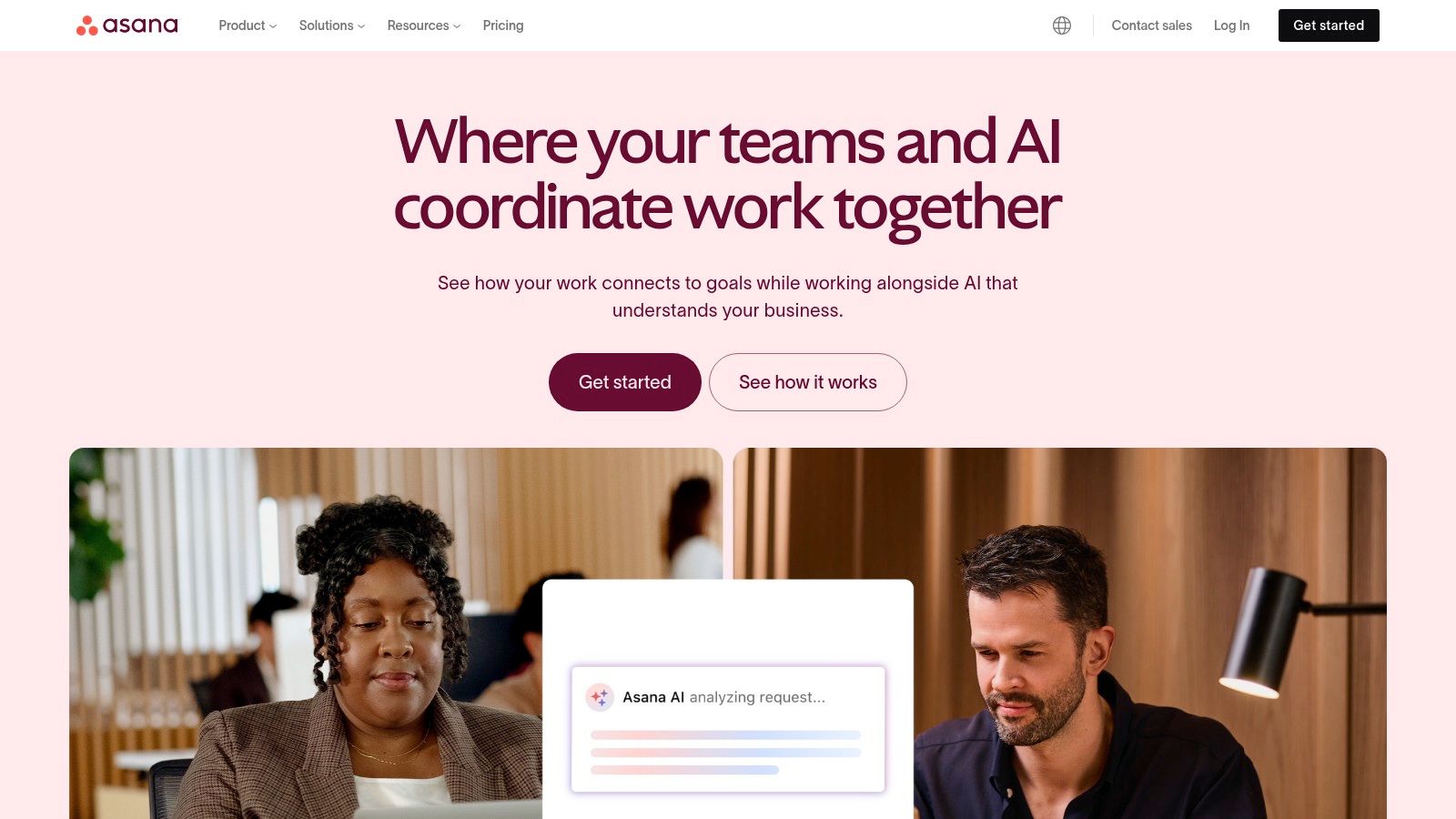
The platform’s strength lies in its flexibility and visual appeal. Creative teams can use Forms to standardize client intake and creative briefs, while the Timeline view offers a Gantt-style chart to manage dependencies and deadlines for complex projects like video production or website launches. Its integration with Adobe Creative Cloud allows designers to see tasks and provide updates directly within their creative tools, streamlining the feedback loop.
Key Details & Pricing
- Best For: Agencies needing a scalable, visually intuitive tool for managing diverse creative projects.
- Pros: Very user-friendly with an extensive template library for marketing workflows. Excellent for both small teams and enterprise-level agencies.
- Cons: Key features like workload management and approvals are locked behind more expensive tiers. The per-user pricing can add up quickly for larger teams.
- Pricing: Offers a free Basic plan. Paid plans start at $10.99 per user/month (billed annually).
Website: https://asana.com
2. monday.com
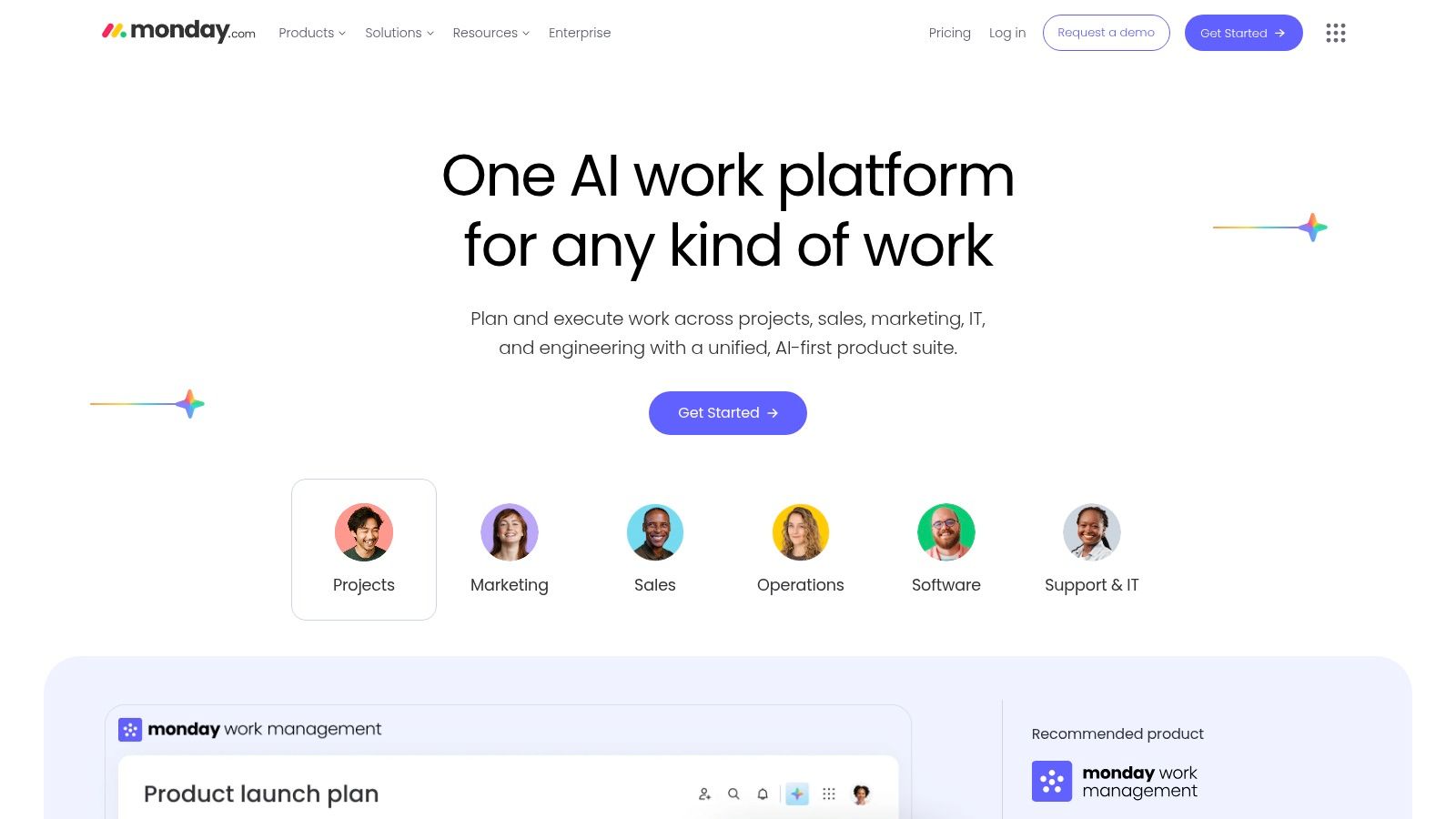
monday.com is a highly visual Work OS favored by creative agencies for campaign planning, asset tracking, and cross-team collaboration. Its purpose-built Work Management products let teams design custom boards with Gantt, Timeline, and Calendar views. Automated workflows cut down on manual updates while guest access ensures clients stay informed and involved.
Key Details & Pricing
- Best For: Agencies seeking versatile project management tools for creative agencies with no-code customization
- Pros:
- Flexible boards and strong creative ops templates
- Granular permissions for internal teams and client collaboration
- Powerful automations and AI add-ons reduce admin workloads
- Cons:
- Pricing scales by seat packs
- Key features split across separate products
- Automation and integration quotas vary by plan
- Pricing: Free plan for up to 2 seats. Paid plans start at $8 per seat/month (billed annually). Automation and integration actions range from 250 to 25,000 based on tier.
Practical Tips
- Use cross-board dashboards to consolidate campaign metrics.
- Set up automations to assign tasks and update statuses automatically.
- Integrate with Adobe Creative Cloud and Slack to streamline feedback loops.
Website: https://monday.com
Learn more about monday.com on onenine.com
3. Wrike
Wrike is one of the leading project management tools for creative agencies, offering a full work management solution with deep creative and marketing capabilities. It combines request forms, proofing, resource planning, and Adobe Creative Cloud integration in a single hub.
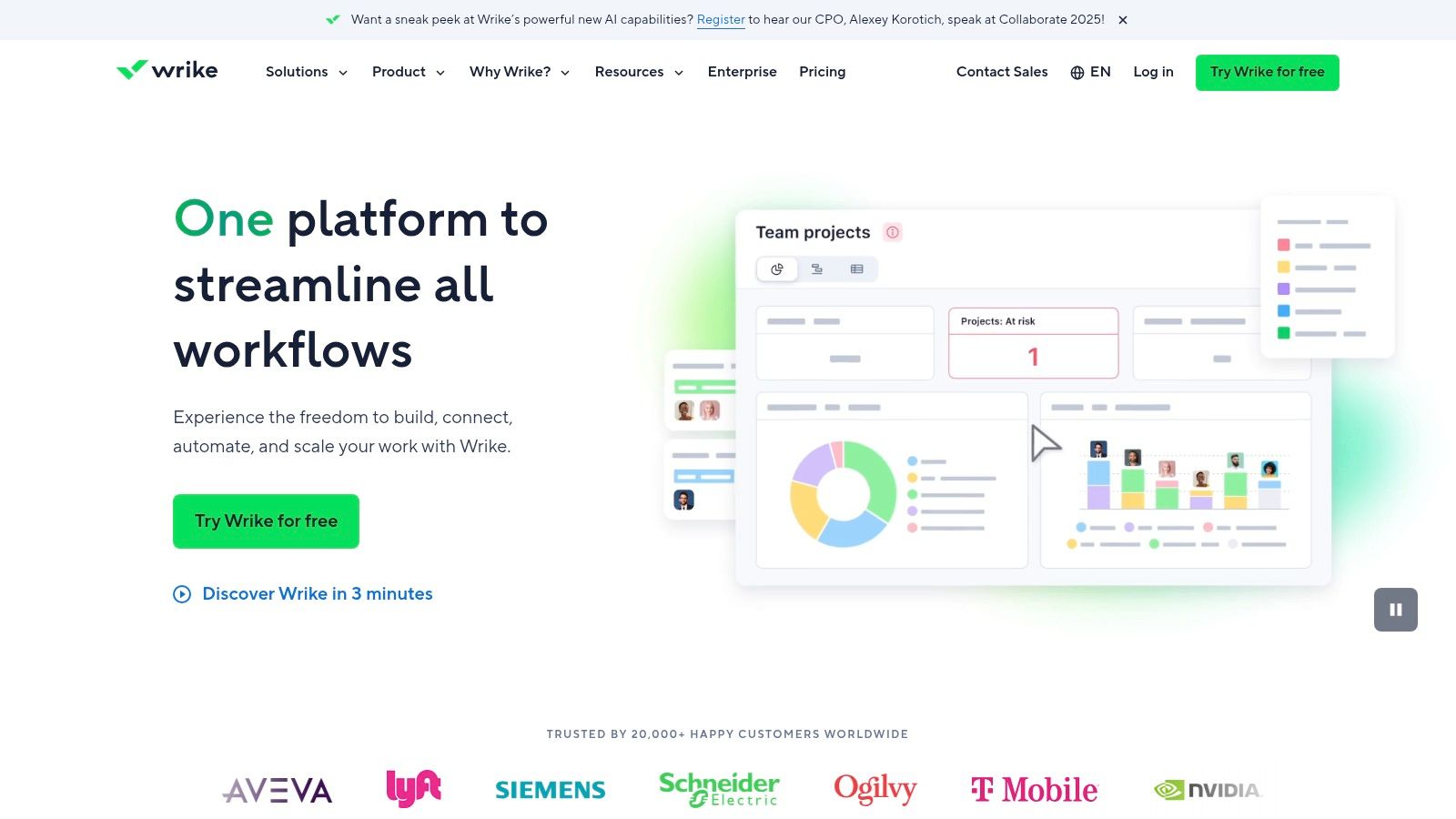
Its request intake forms and blueprint templates standardize creative briefs, while built-in HTML proofing and approvals streamline review cycles. Teams can plan budgets, track billable hours, and balance workload in real time with robust resource planning. DAM connectors to Bynder or MediaValet keep assets organized and searchable. The Adobe Creative Cloud extension lets designers update tasks without leaving their favorite apps, speeding feedback loops.
Key Details & Pricing
- Best For: Creative agencies and in-house teams needing structured intake and proofing at scale
- Pros: Excellent for multi-channel campaigns, strong approval workflows, enterprise-grade security
- Cons: Interface complexity requires onboarding time, some features locked in higher tiers or add-ons
- Pricing: Free plan available; paid plans start at $9.80 per user/month (billed annually)
Website: https://www.wrike.com
4. Teamwork.com
Teamwork.com is an agency-centric project management platform combining resource management, time and budget tracking, profitability reporting, and branded client portals, tailored for client service teams. It is built to streamline every stage of creative agency workflows from intake through invoicing.
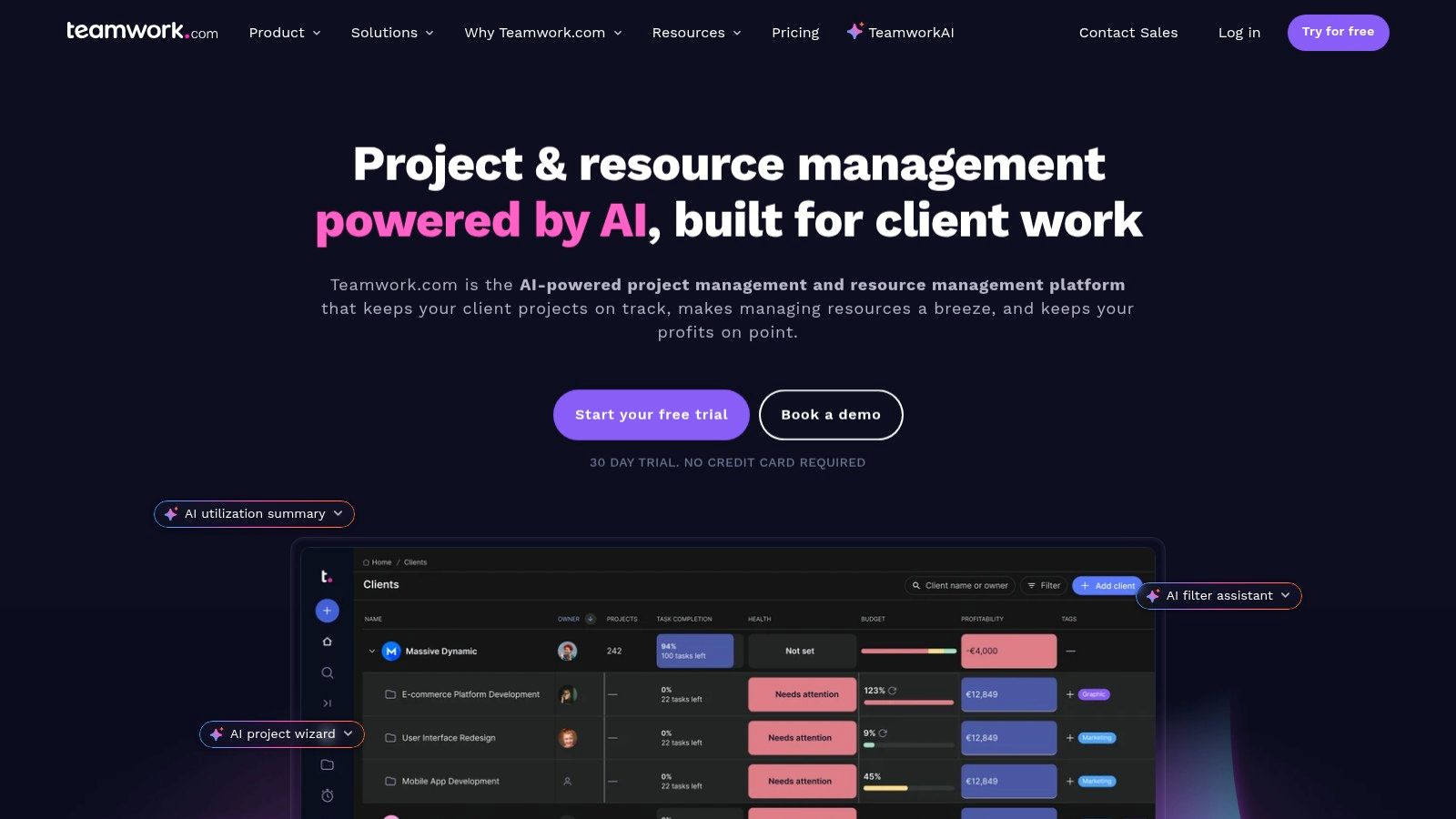
The platform’s strength lies in its end to end agency features. Teams can plan resources with intake forms and utilization reports while tracking billable time and budgets in one dashboard. Built-in client collaboration and approvals streamline feedback loops, and invoicing integrations make billing seamless. With templates for onboarding and campaigns and the TeamworkAI assist feature, agencies can automate routine tasks and improve project profitability.
Key Details & Pricing
- Best For: Agencies needing integrated resource, time, and financial management in one tool.
- Pros: Tailored client permissions and branded portals; clear billable vs non billable reporting.
- Cons: Advanced financial reports and profitability dashboards require higher tiers; may need add ons for a full billing stack.
- Pricing: Free plan available with limited features. Paid plans start at $9.99 per user per month (billed annually).
Website: https://www.teamwork.com
Learn more about Teamwork.com on onenine.com for tips on managing client expectations and improving agency workflows.
5. ClickUp
ClickUp aims to be the "one app to replace them all," and for many creative agencies, it comes remarkably close. It combines tasks, documents, whiteboards, goals, and chat into a single, highly customizable platform. Agencies can structure their workspace with hierarchies that perfectly map to clients, projects, and individual tasks, making it one of the most adaptable project management tools for creative agencies.
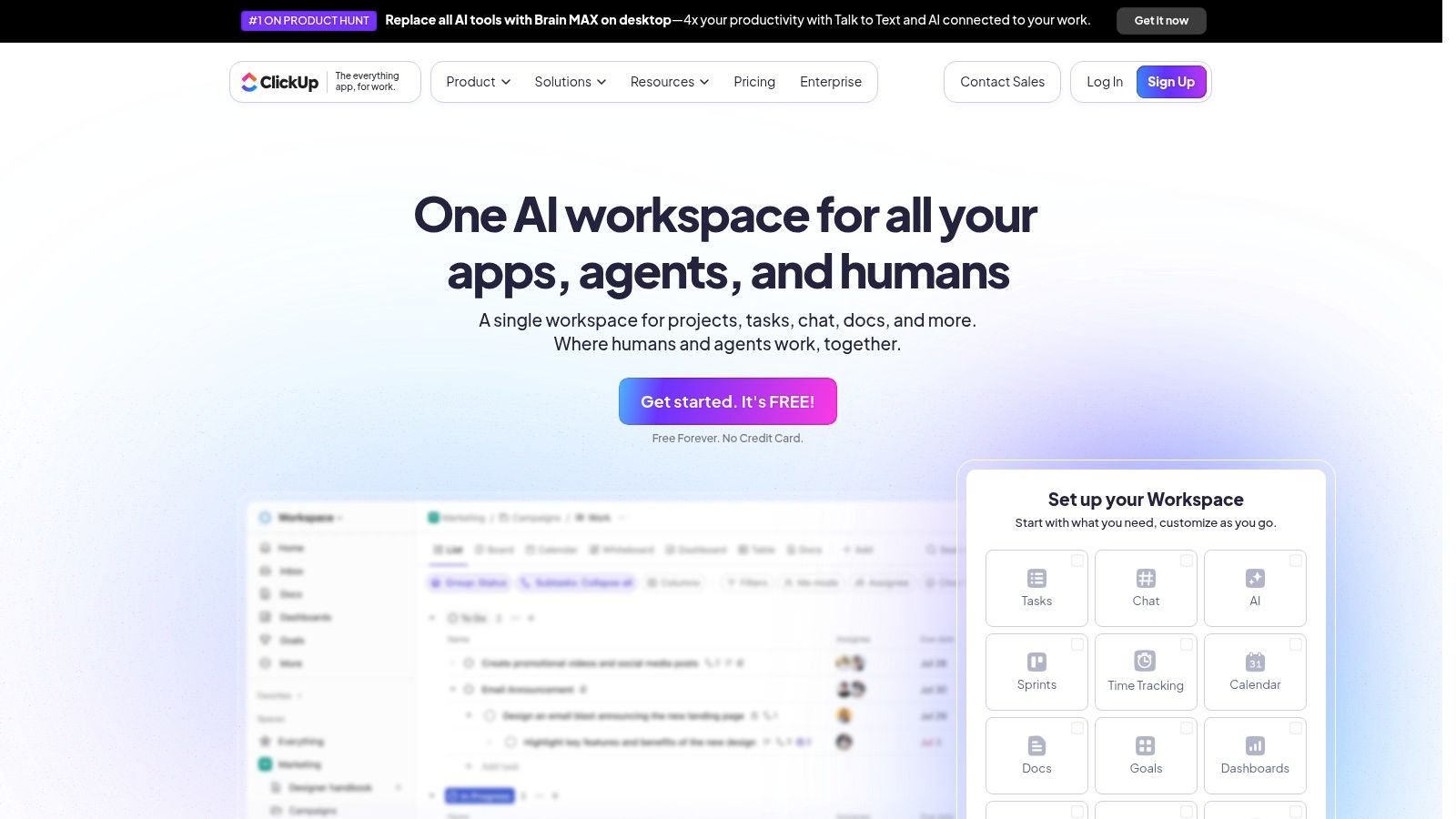
The platform’s power lies in its comprehensive feature set, including multiple project views like Board, Gantt, and Calendar, alongside collaborative Docs for creative briefs and whiteboards for brainstorming. Integrated time tracking and workload management help with resource allocation, while its rapidly evolving AI suite can assist with everything from summarizing comment threads to generating task updates. The ability to fine-tune guest permissions (on higher tiers) is also a major plus for client collaboration. For agencies looking to get the most out of platforms like this, there are numerous project management tips on OneNine.com.
Key Details & Pricing
- Best For: Agencies wanting an all-in-one, highly customizable hub for projects, docs, and client management.
- Pros: Very competitive pricing for a broad feature set. Highly customizable hierarchies are suited for client-project-task structures.
- Cons: The sheer number of features can feel complex and overwhelming for new users. The best guest and permission controls require more expensive tiers.
- Pricing: Offers a generous free plan. Paid plans start at $7 per user/month (billed annually).
Website: https://clickup.com
6. Basecamp
Basecamp has long been a favorite among creative agencies that prioritize simplicity and clear client communication over complex features. It consolidates every project into a single, self-contained workspace with six core tools: a message board, to-dos, a schedule, documents and files, a group chat, and automated check-ins. This all-in-one approach eliminates the need to jump between different apps for files, messages, and tasks, making it incredibly straightforward for both internal teams and clients.
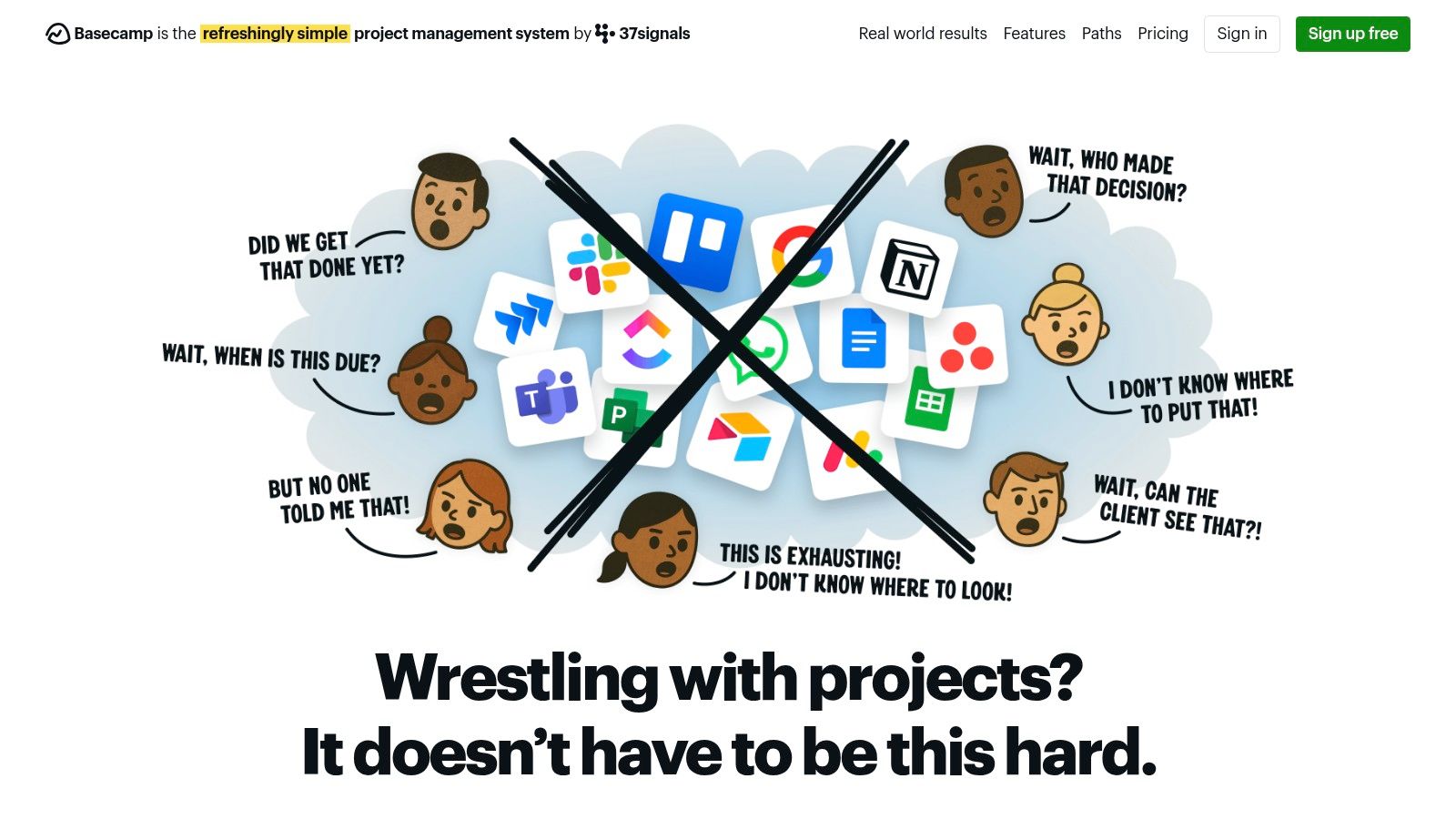
The platform’s real strength is its client-friendliness. Agencies can give clients access to specific projects, allowing them to track progress, provide feedback on deliverables, and approve work without the steep learning curve of more traditional project management tools. This direct line of communication helps streamline approvals and keep everyone aligned. For agencies tired of managing projects through messy email chains, Basecamp offers a refreshingly organized and centralized alternative.
Key Details & Pricing
- Best For: Agencies wanting a simple, client-facing hub for communication and project organization.
- Pros: Very low administrative overhead and easy for clients to use. Its unique flat-rate "Pro Unlimited" plan is cost-effective for large teams and agencies with many collaborators.
- Cons: Lacks advanced project management features like dependencies, workload views, and complex reporting. Time tracking and other admin features require add-on purchases.
- Pricing: Basecamp plan is $15 per user/month. The Pro Unlimited plan is $299/month (billed annually) for unlimited users.
Website: https://basecamp.com
7. Smartsheet
Smartsheet offers a unique, spreadsheet-like interface that provides a powerful foundation for managing complex creative operations. While it looks familiar, it functions as a dynamic work OS, allowing agencies to build robust systems for project tracking, resource allocation, and client reporting. It’s particularly effective for agencies that manage high-volume, data-heavy campaigns where traditional PM tools might feel too constrained.
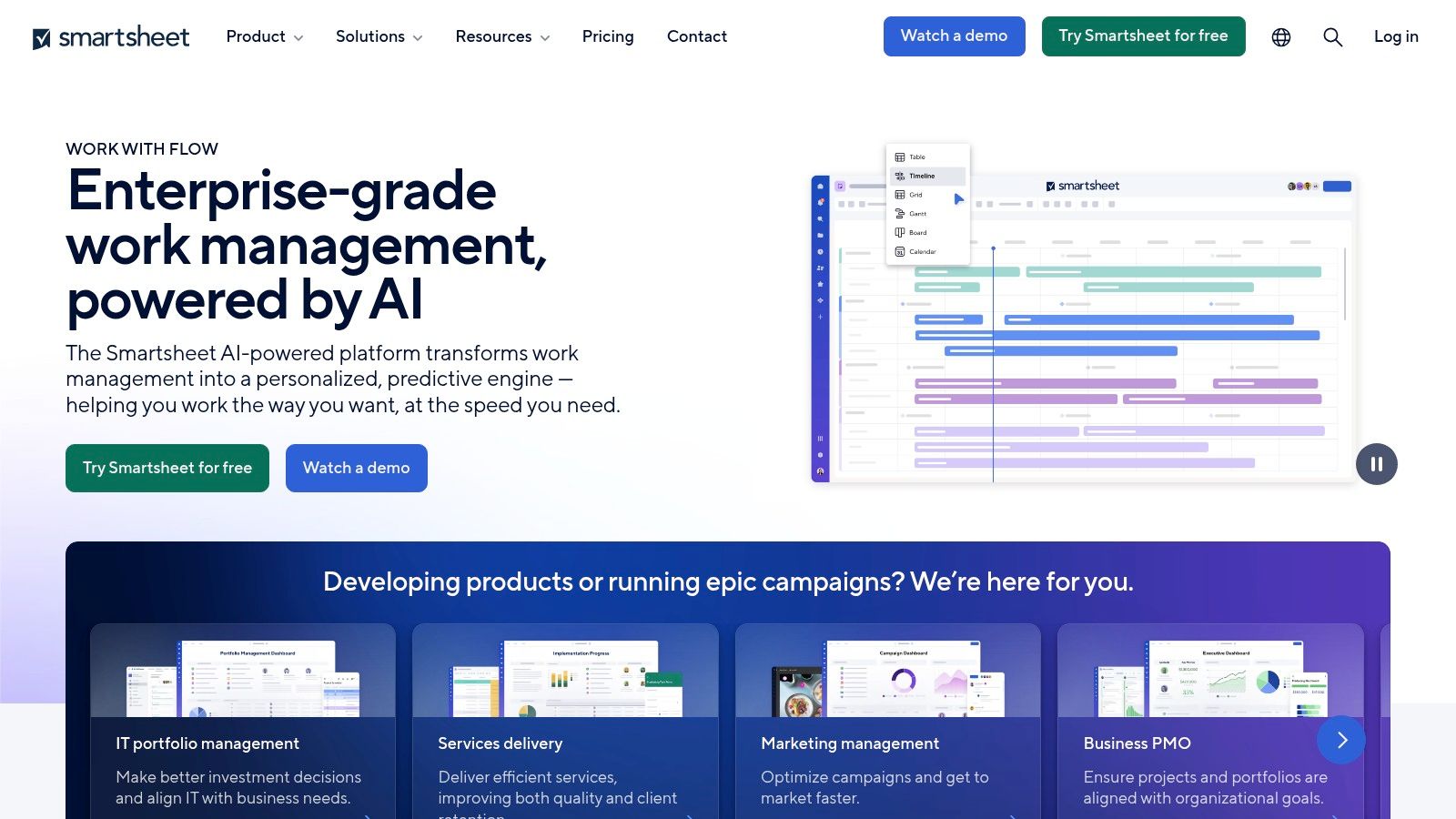
The platform shines with its powerful automations, reporting dashboards, and enterprise-grade controls. Creative teams can use Forms for detailed brief submissions and leverage Gantt charts for long-term project planning. The integration with Brandfolder, a digital asset management (DAM) platform, is a key differentiator, making it an excellent choice for in-house creative operations or large agencies needing to manage vast libraries of brand assets alongside their projects. This makes it one of the more structured project management tools for creative agencies with complex needs.
Key Details & Pricing
- Best For: Enterprise-level creative operations and marketing teams that need powerful data management and automation.
- Pros: Familiar spreadsheet interface with enterprise-grade controls. Rich automations, reporting, and portfolio scaling options.
- Cons: Premium add-ons are required for the best resource and portfolio features. It has a steeper learning curve and a heavier administrative workload than lighter PM tools.
- Pricing: Offers a free plan. Paid plans start at $7 per user/month (billed annually).
Website: https://smartsheet.com
8. Airtable
Airtable is a relational no-code database and interface builder favored by creative agencies. It powers campaign operations, content calendars, asset tracking and client portals. As one of the rising project management tools for creative agencies it brings database flexibility to everyday workflows.
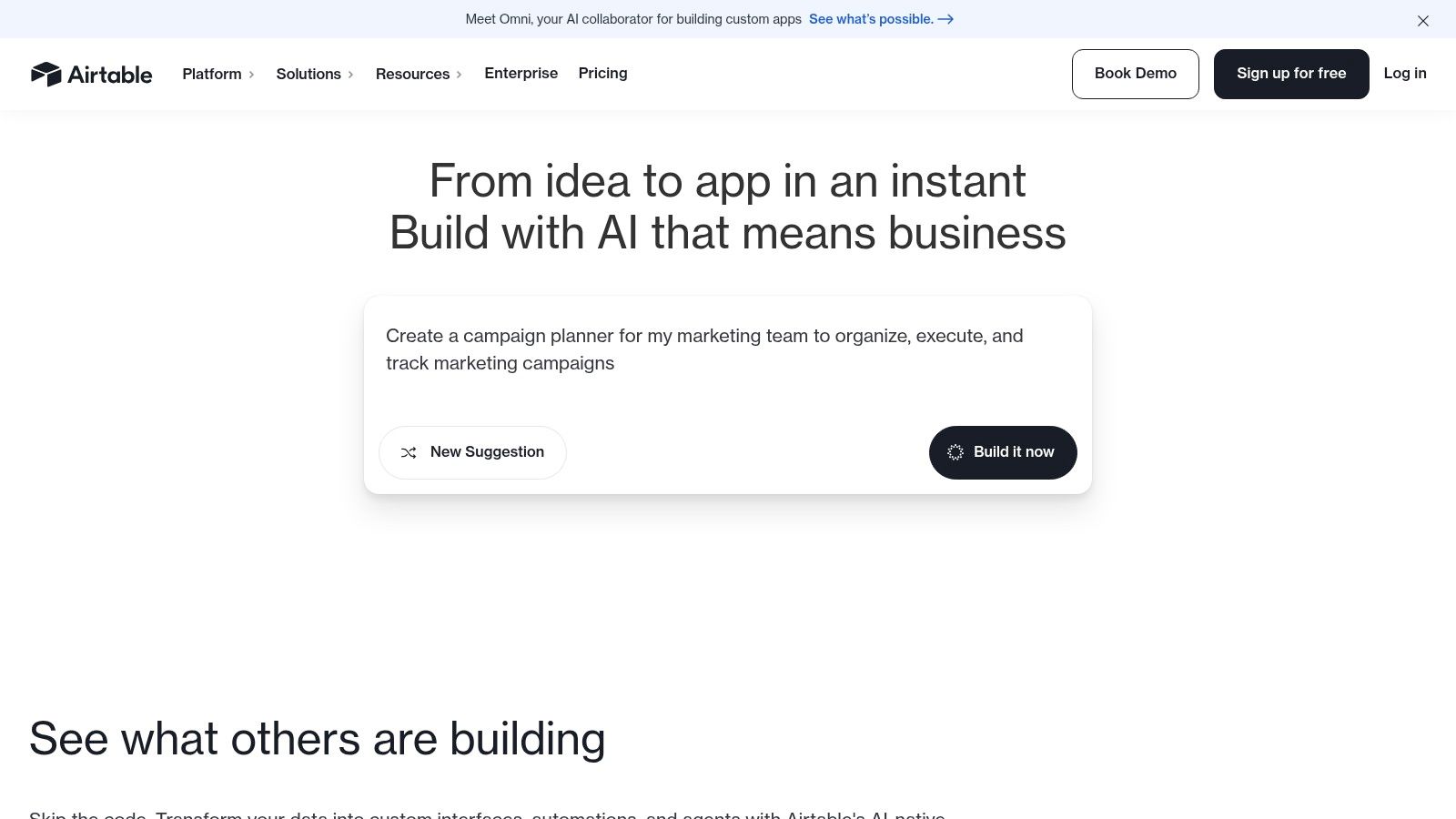
With custom bases, interfaces and forms teams can standardize briefs and intake without code. Timeline and Gantt views pair with automations and extensions for approval flows and digital asset management. It also integrates with Slack, Adobe Creative Cloud and Zapier to centralize creative reviews. The intuitive drag-and-drop interface and smartphone app ensure accessibility, while Business and Enterprise tiers add advanced permissions and support. The help center and community forum aid onboarding new admins.
Key Details & Pricing
- Best For: Agencies needing bespoke creative workflows and asset tracking with database power
- Pros: Extremely flexible for custom builds, large template ecosystem across marketing and creative operations
- Cons: Complex builds may require administrative expertise, higher tiers needed for larger record limits and advanced security
- Pricing: Free plan with limited records; Plus at $10 per user/month; Business at $20 per user/month
Website: https://airtable.com
9. Adobe Workfront
Adobe Workfront is an enterprise-grade work management platform built for large, complex marketing and creative organizations. It goes beyond standard task management, offering deep operational controls, strategic portfolio planning, and robust governance features. For agencies handling high-volume, multi-channel campaigns with strict compliance needs, Workfront connects strategy, planning, and execution in a single, centralized system.
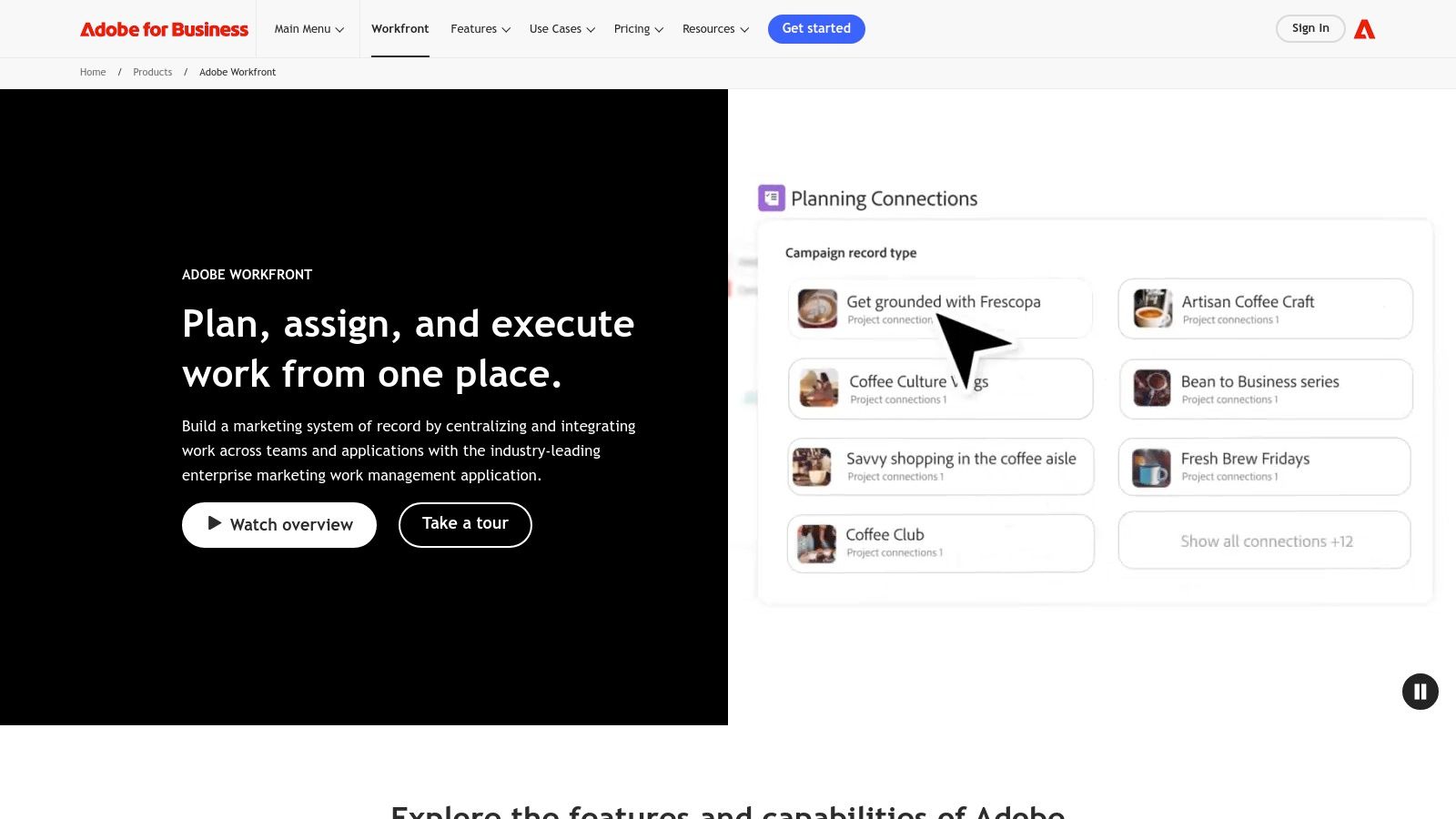
The platform’s core strength is its seamless integration with the Adobe ecosystem, particularly Adobe Experience Manager and Creative Cloud. This allows for streamlined asset review, sophisticated proofing workflows, and automated content delivery pipelines. Features like Workfront Fusion provide powerful automation capabilities, while advanced resource planning and financial management tools give leadership unparalleled visibility into project ROI and team capacity, making it a top-tier project management tool for creative agencies at the enterprise level.
Key Details & Pricing
- Best For: Large, enterprise-level creative teams and marketing departments requiring deep integration and operational governance.
- Pros: Purpose-built for enterprise marketing and creative workflows at scale. Strong security, compliance, and unmatched Adobe stack integration.
- Cons: Custom pricing leads to a higher total cost of ownership and longer implementation times. It is overly complex for small studios or mid-sized agencies.
- Pricing: Available through custom enterprise quotes only; no publicly listed prices.
Website: https://business.adobe.com/products/workfront/workfront.html
10. Resource Guru
Resource Guru focuses on solving one of the biggest challenges for creative agencies: resource management. While not a traditional project management tool, it’s a critical supplement for planning who is working on what and when. The platform provides a clear, visual calendar to schedule team members and equipment, preventing overbooking and ensuring workloads are balanced across projects.
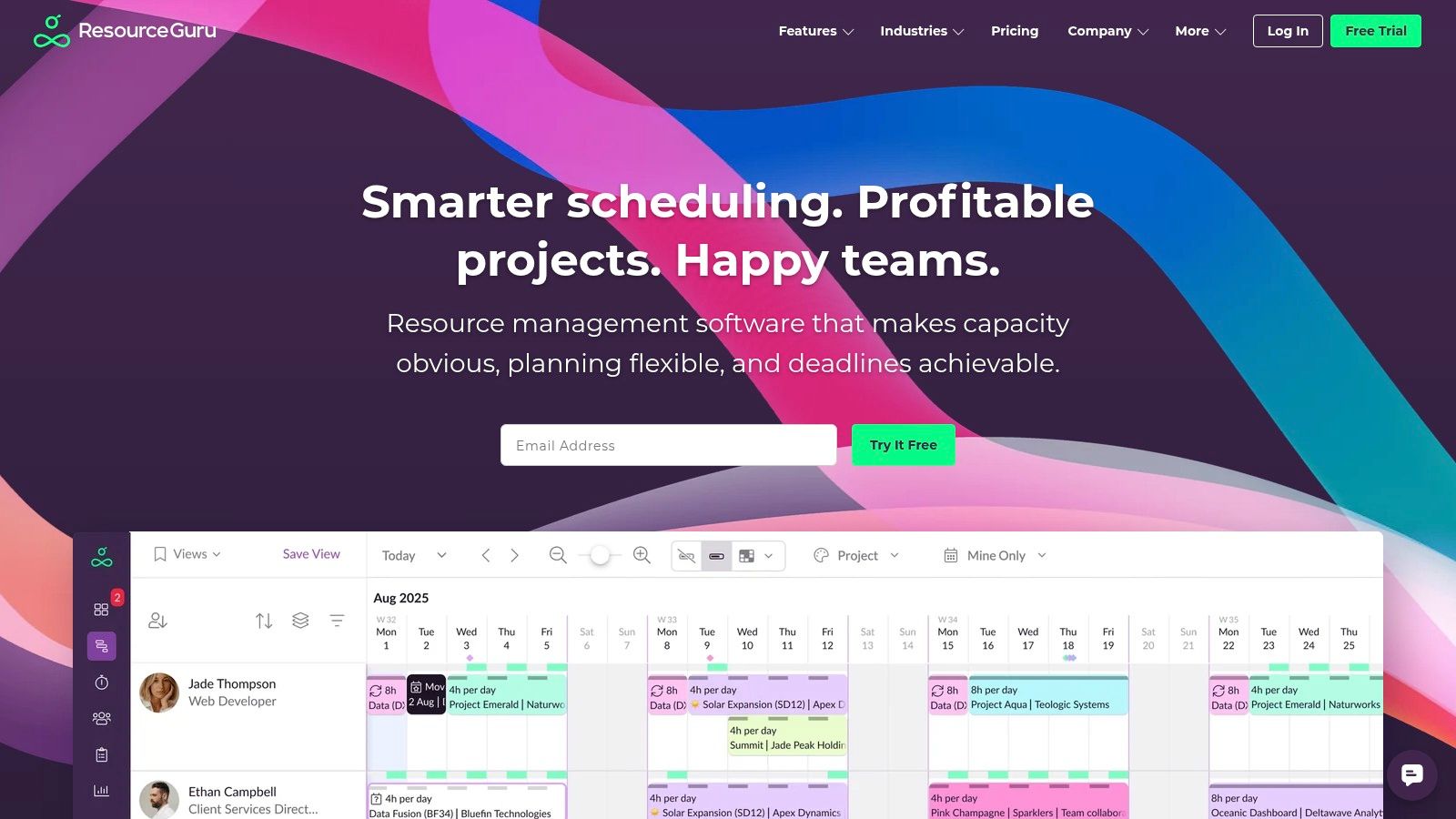
Its strength is its simplicity and singular focus on capacity planning. Agencies can easily see availability at a glance, factor in leave and holidays, and make informed decisions about taking on new work. It integrates with tools like Slack and Outlook, allowing it to fit neatly into an existing tech stack. For agencies struggling with burnout or inefficient staff allocation, Resource Guru provides the visibility needed to optimize how creative talent is utilized, making it an indispensable part of their project management toolkit.
Key Details & Pricing
- Best For: Agencies needing a dedicated tool for staff scheduling and capacity planning to pair with their primary PM software.
- Pros: Quick adoption with a clear visual scheduling interface. Low per-person pricing and generous free trials.
- Cons: Not a full project management replacement. Advanced features like enhanced security and phone support are limited to higher-tier plans.
- Pricing: Starts at $3 per user/month (billed annually) for the Grasshopper plan.
Website: https://resourceguruapp.com
11. Float
Float is less of a traditional project management tool and more of a specialized resource management platform, but it’s an indispensable favorite for creative agencies. Its core strength lies in answering the critical question: "Who is working on what, and when?" The platform provides a bird's-eye view of team availability, capacity, and scheduled projects, making it incredibly easy for studio managers to assign tasks, balance workloads, and prevent burnout.
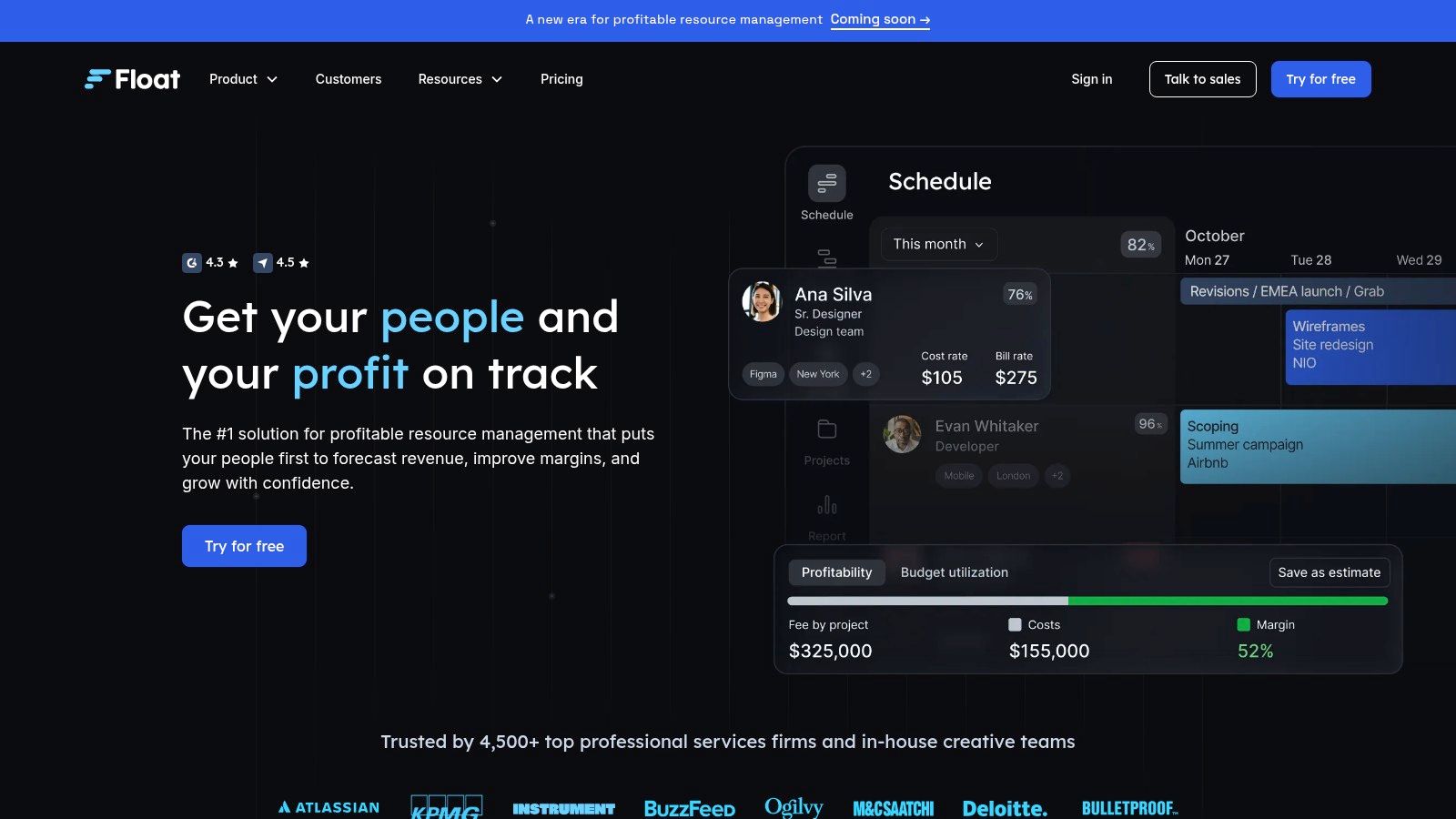
While other tools manage tasks, Float manages your most valuable asset: your team’s time. It excels at project scoping, helping agencies accurately estimate hours and track planned vs. actual time to maintain healthy project margins. Its intuitive, drag-and-drop interface and clear visual timeline make it one of the most user-friendly resource planners available. It integrates with tools like Asana, Trello, and Jira to pull in projects, making it a powerful complement to a broader project management ecosystem.
Key Details & Pricing
- Best For: Agencies needing a robust, visual tool for resource planning and team capacity management.
- Pros: Exceptional user experience for studio resource planning. Clear pricing per scheduled person, with free guest access for viewers.
- Cons: It's focused on resourcing, not comprehensive project management. Key features like SSO are limited to higher-tier plans.
- Pricing: Starts at $7.50 per person/month for the Resource Planning plan. A Pro plan with time tracking is $12.50 per person/month (billed annually).
Website: https://float.com
12. FunctionFox
FunctionFox is a long-standing project management tool built from the ground up specifically for creative agencies and in-house creative teams. Its core strength lies in its meticulous time and expense tracking capabilities, allowing agencies to monitor budgets, manage retainers, and generate detailed profitability reports with precision. It uses industry-standard terminology, making it feel immediately familiar to agency veterans.
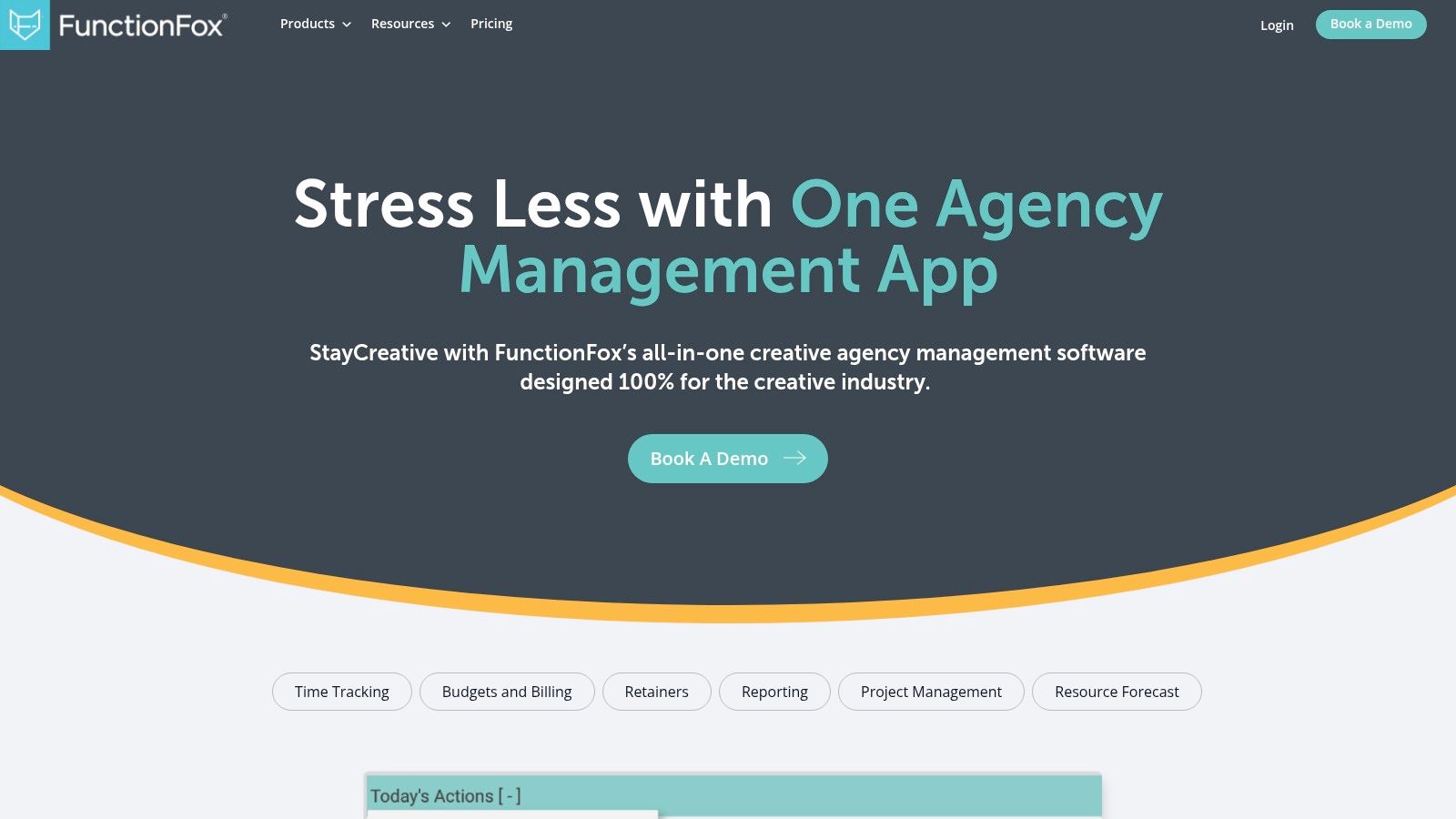
The platform goes beyond simple timesheets with features like a CEO Desktop for high-level overviews, To-do lists, and schedule/Gantt charts to manage project timelines. Its traffic reporting helps managers understand team availability and resource allocation, preventing burnout and ensuring deadlines are met. While its interface may seem less modern than some competitors, its focused feature set makes it one of the most practical project management tools for creative agencies prioritizing financial health and time management.
Key Details & Pricing
- Best For: Small to mid-sized agencies that need robust, straightforward time tracking and budget management.
- Pros: Tailored terminology and workflows for creative agencies. Strong support reputation and simple rollout for small teams.
- Cons: The user interface and integrations are less modern compared to newer platforms. Some file-sharing features require add-ons or higher subscription tiers.
- Pricing: Starts at $5 per user/month (billed monthly) for the Classic plan, with a minimum of $35/month.
Website: https://functionfox.com
Project Management Tools Feature Comparison
| Platform | Core Features / Highlights | User Experience & Quality ★ | Value Proposition 💰 | Target Audience 👥 | Unique Selling Points ✨ | Pricing Overview 💰 |
|---|---|---|---|---|---|---|
| Asana | Timelines, portfolios, workflow builder, 100+ integrations | Easy onboarding ★★★★☆ | Scales small to enterprise 💰💰 | Creative & marketing teams 👥 | Strong templates, Adobe & Slack integrations ✨ | Per-seat; costly for large agencies 💰💰 |
| monday.com | Visual boards, automations, dashboards, AI add-ons | Flexible, no-code customization ★★★★☆ | Strong client collaboration 💰💰 | Agencies & cross-team collab 👥 | Rich automations, guest client access ✨ | Seat packs pricing; features split 💰💰 |
| Wrike | Proofing, request forms, Adobe CC integration | Powerful but complex ★★★★☆ | Enterprise scaling, security 💰💰💰 | Agencies & in-house creatives 👥 | Deep creative review & resource planning ✨ | Tiered; some legacy bundles 💰💰 |
| Teamwork.com | Resource mgmt, budgets, client portals | Agency-focused, clear reporting ★★★★ | Tailored for agencies 💰💰 | Client-service teams 👥 | Client portals, profitability tracking ✨ | Higher tiers for advanced billing 💰 |
| ClickUp | Tasks, docs, AI suite, multiple views | Feature-rich, steep learning ★★★★☆ | Competitive pricing 💰 | Agencies & freelancers 👥 | AI automation, customizable hierarchies ✨ | Affordable with add-ons 💰 |
| Basecamp | Simple project hub, message boards, unlimited clients | Very user-friendly ★★★☆☆ | Flat-rate pricing for large teams 💰 | Creative studios & small teams 👥 | Flat-rate 'Pro Unlimited' plan ✨ | Flat-rate, low admin overhead 💰 |
| Smartsheet | Spreadsheet interface, automations, DAM integration | Familiar but admin-heavy ★★★☆☆ | Enterprise-grade controls 💰💰💰 | Marketing & creative ops teams 👥 | Advanced reporting & portfolio scaling ✨ | Add-ons for best features 💰💰 |
| Airtable | No-code DB, interfaces, automation | Flexible but complex ★★★★☆ | Bespoke creative workflows 💰 | Creative agencies 👥 | Large template library, custom interfaces ✨ | Higher tiers for limits/security 💰 |
| Adobe Workfront | Enterprise-grade proofing & resource planning | Enterprise-level, requires training ★★★★☆ | Robust security & integration 💰💰💰 | Mid-large enterprise marketing 👥 | Deep Adobe stack integration, automation ✨ | Custom pricing, high cost 💰💰💰 |
| Resource Guru | Resource scheduling & capacity planning | Clear visual scheduling ★★★★☆ | Low per-person pricing 💰 | Agencies needing resourcing 👥 | Focused on capacity & bookings ✨ | Affordable, limited advanced security 💰 |
| Float | Scheduling, capacity, margin tracking | Excellent UX for resource planning ★★★★ | Transparent per-person pricing 💰 | Studios & agencies 👥 | Mobile apps, margin insights ✨ | Tiered pricing with guest access 💰 |
| FunctionFox | Time tracking, budgets, retainers | Agency-specific workflows ★★★☆☆ | Simple rollout for small teams 💰 | Creative agencies 👥 | Tailored terminology & reporting ✨ | Moderate pricing, add-ons needed 💰 |
Making Your Final Choice: How to Select the Right Tool for Your Team
Navigating the landscape of project management tools for creative agencies can feel overwhelming. We've explored a dozen powerful platforms, from all-in-one work hubs like Asana and monday.com to specialized solutions like Resource Guru and Float. The key takeaway is simple: there is no single "best" tool for every agency. The right choice depends entirely on your team’s unique challenges, culture, and operational goals.
Your decision shouldn't be about finding the software with the longest feature list. Instead, focus on identifying the one that solves your most pressing problems. A platform that excels at client-facing portals like Teamwork.com is perfect for an agency struggling with chaotic feedback loops, while a team drowning in resource scheduling conflicts would find immediate value in a tool like Float.
A Practical Framework for Your Decision
To move from analysis to action, follow these practical steps to ensure you select and implement a tool that truly serves your agency. Don't let paralysis by analysis stop you from making a decision that could transform your productivity.
- Identify Your Top 3 Pain Points: Before you even think about features, list the biggest bottlenecks in your current workflow. Is it scope creep, missed deadlines, poor resource visibility, or inefficient creative approvals? This list is your compass.
- Shortlist 2-3 Contenders: Revisit the tools we've covered and select the few that directly address your primary pain points. For example, if visual timeline management is critical, Wrike or Smartsheet might be top contenders. If ultimate customization is your goal, look closer at ClickUp or Airtable.
- Run a Real-World Trial: Sign up for a free trial with your shortlisted tools and use them for a small, real-world project. Involve a few key team members, from project managers to creatives. A tool that looks great on paper might feel clunky in practice. This hands-on test is the most important step.
- Evaluate Key Factors: During your trial, assess each tool against these critical criteria:
- Ease of Adoption: How quickly can your team learn and start using it effectively? A steep learning curve can kill momentum.
- Integration Capabilities: Does it connect seamlessly with the other software you rely on, like Slack, Google Drive, or Adobe Creative Cloud?
- Scalability: Will this tool grow with your agency? Consider its pricing tiers and ability to handle more complex projects and a larger team in the future.
Beyond the Tool: Implementation is Everything
Remember, even the best project management software is just a tool. Its success hinges on clear processes and team-wide buy-in. Once you’ve made your choice, invest time in proper onboarding and establish clear guidelines for how it should be used. This ensures consistency and maximizes your return on investment.
Many of these platforms incorporate principles from various project management methodologies. For agencies looking to adopt more structured, iterative workflows, exploring different approaches can be beneficial. For a broader perspective on modern project management tools, including those with agile capabilities, you might find this list helpful: 12 Best Agile Project Management Tools for 2025.
Ultimately, choosing the right project management tool is an investment in your agency's future. It’s about creating an environment where creativity can flourish without being hindered by administrative chaos. By focusing on your specific needs and committing to a thoughtful implementation, you can build a more organized, collaborative, and profitable creative business.
A powerful project management tool is the engine, but a well-maintained website is the vehicle that drives your agency forward. OneNine offers unlimited, expert WordPress support and maintenance, ensuring your digital presence is as reliable and efficient as your new workflow. Let us handle the technical details, so you can focus on what you do best: creating amazing work for your clients.


