

The Real Impact of Responsive Design on User Experience
User experience is paramount online, and responsive design plays a crucial role. Responsive design adapts seamlessly to any device, ensuring a consistent and enjoyable experience for every visitor. This adaptability isn't just about resizing images. It's about restructuring content, optimizing navigation, and tailoring the entire user journey based on the device used. Think of it as a website changing its layout to fit the screen it's displayed on.
Why Responsive Design Matters
This approach differs greatly from simply having a "mobile-friendly" site. A mobile-friendly site might be accessible on a phone, but often offers a compromised experience. It may lack the intuitive navigation and streamlined functionality of true responsive design. This difference directly impacts conversion rates. Users are far more likely to engage and complete desired actions on sites offering a seamless experience, regardless of access method.
Debunking the Myths
One misconception is the perceived cost and complexity of responsive design. With modern web development tools like Bootstrap and React, building responsive sites has become much more efficient. The long-term benefits often outweigh the initial investment. Consider this: as of 2025, approximately 90% of all websites (a staggering 1.71 billion) have implemented responsive design. This is driven by the fact that 59.16% of global website traffic came from smartphones in 2022. Find more detailed statistics here. This widespread adoption highlights the recognized importance of mobile accessibility and the value of responsive design.
Focusing on User Benefits
To further understand user experience, consider Responsive Design Best Practices for 2025. By focusing on user needs and adapting to their preferred browsing methods, businesses can foster greater engagement, boost conversion rates, and achieve their online objectives. This means focusing on core elements like:
- Intuitive navigation
- Easily accessible content
- Fast loading speeds
The Business Case for Responsive Design
The positive impact of responsive design extends beyond user satisfaction. It directly influences key business metrics. Websites that prioritize a seamless user experience tend to see improvements in:
- Bounce rate
- Time on site
- Conversions
This return on investment is a compelling argument for businesses of all sizes to embrace responsive design as a core web development principle.
Mobile-First Design: Beyond the Buzzword

Many businesses talk about their mobile-first strategies, but often don't deliver a truly smooth mobile experience. This happens because many misunderstand what prioritizing mobile really means. It's not about shrinking the desktop site. It's about rethinking the user experience, beginning with the smallest screen. This section explores the practical side of mobile-first design and how to do it without losing desktop functionality.
Content Prioritization: The Core of Mobile-First
Good mobile-first design starts with carefully choosing the most important content. Smaller screens have limited space. This makes us decide what information users need first when they visit a mobile page. For an e-commerce site, product images, prices, and the "add to cart" button are key. Less important details, like long descriptions, can go on secondary pages. This helps mobile users find what they need fast, improving engagement and conversions.
This focused approach results in a cleaner, more efficient mobile experience. By prioritizing key elements, designers can ensure that users aren't overwhelmed by unnecessary information.
Progressive Enhancement: Building Up, Not Stripping Down
Prioritizing content leads to progressive enhancement. Instead of designing for desktop then removing features for mobile (graceful degradation), mobile-first starts with the basics. Features are added as screen size increases. This builds a strong mobile foundation and adds complexity for larger displays. Think of building a house, starting with the foundation, then adding walls and floors. It won't collapse. This contrasts with building a full house, then removing parts of the foundation for mobile.
This method ensures that the mobile experience is always optimized, while also providing a richer experience for users on larger screens.
Performance Optimization: Mobile's Hidden Key
Many overlook performance optimization in mobile-first design. Mobile users don't like slow sites. 53% of mobile users abandon a site if it takes more than three seconds to load. Fast mobile loading is crucial. Optimizing images, reducing JavaScript, and using effective caching are essential for a good mobile experience.
Speed is often the determining factor in whether a user stays on a site or leaves to find a faster alternative.
Mobile-first design is now fundamental to modern web development. 60% of designers use mobile-first strategies. This approach is supported by the fact that 55% of global website traffic comes from mobile devices. Big companies like Airbnb have benefited. They saw a 23% boost in mobile engagement after updating their interface. Explore this topic further.
This shift in focus underscores the importance of prioritizing the mobile experience in today's web development landscape.
Testing for Real-World Behavior
Finally, thorough testing is vital. Mobile testing shouldn't only check functionality. It should also look at real-world user behavior. Testing on various real devices and network conditions is important. This reveals how users interact with your site on the go. This includes different operating systems, browsers, and network speeds to find and fix performance issues. This creates a good experience for all mobile users, no matter their device or connection.
By considering real-world usage scenarios, developers can ensure a consistent and positive experience for all users.
Mastering Fluid Layouts That Actually Convert
Fixed-width designs are a thing of the past. Today, responsive design principles are essential, requiring fluid layouts that adapt seamlessly to any screen size. High-performing websites use fluid grid systems, allowing content to flow naturally and preserving visual hierarchy on any device. This adaptability is key for maximizing conversions and delivering a consistent user experience.
To achieve this fluidity, web developers rely on relative units like percentages or viewport units (vw, vh) instead of fixed pixel values. For example, setting width: 80vw for a container allows it to occupy 80% of the viewport width, no matter the screen size. This ensures a consistent look and feel across different devices.
CSS Grid vs. Flexbox: Choosing The Right Tool
Two powerful tools for building fluid layouts are CSS Grid and Flexbox. Both offer layout flexibility, but they each have their strengths. CSS Grid is best suited for complex, two-dimensional layouts, similar to arranging items on a grid. Flexbox, on the other hand, excels at managing alignment and distribution within a single container. It's perfect for smaller, self-contained sections inside a larger grid. Picking the right tool depends on the specific requirements of your design.
To help you choose, let's look at a comparison of these two powerful CSS layout methods. The table below summarizes key differences and similarities.
To help you choose the best layout method for your needs, the following table provides a comparison of CSS Grid and Flexbox:
CSS Layout Methods Comparison
| Layout Method | Best Use Cases | Browser Support | Learning Curve | Flexibility |
|---|---|---|---|---|
| CSS Grid | Complex, two-dimensional layouts; overall page structure | Excellent, modern browsers | Steeper initially | High for large-scale layouts |
| Flexbox | One-dimensional layouts; managing alignment and distribution within a container; component layout | Excellent, modern browsers | Relatively easier | High for smaller-scale layouts |
This table highlights the strengths of each method. While Grid excels at large-scale layout structuring, Flexbox provides more granular control over individual components within those structures.
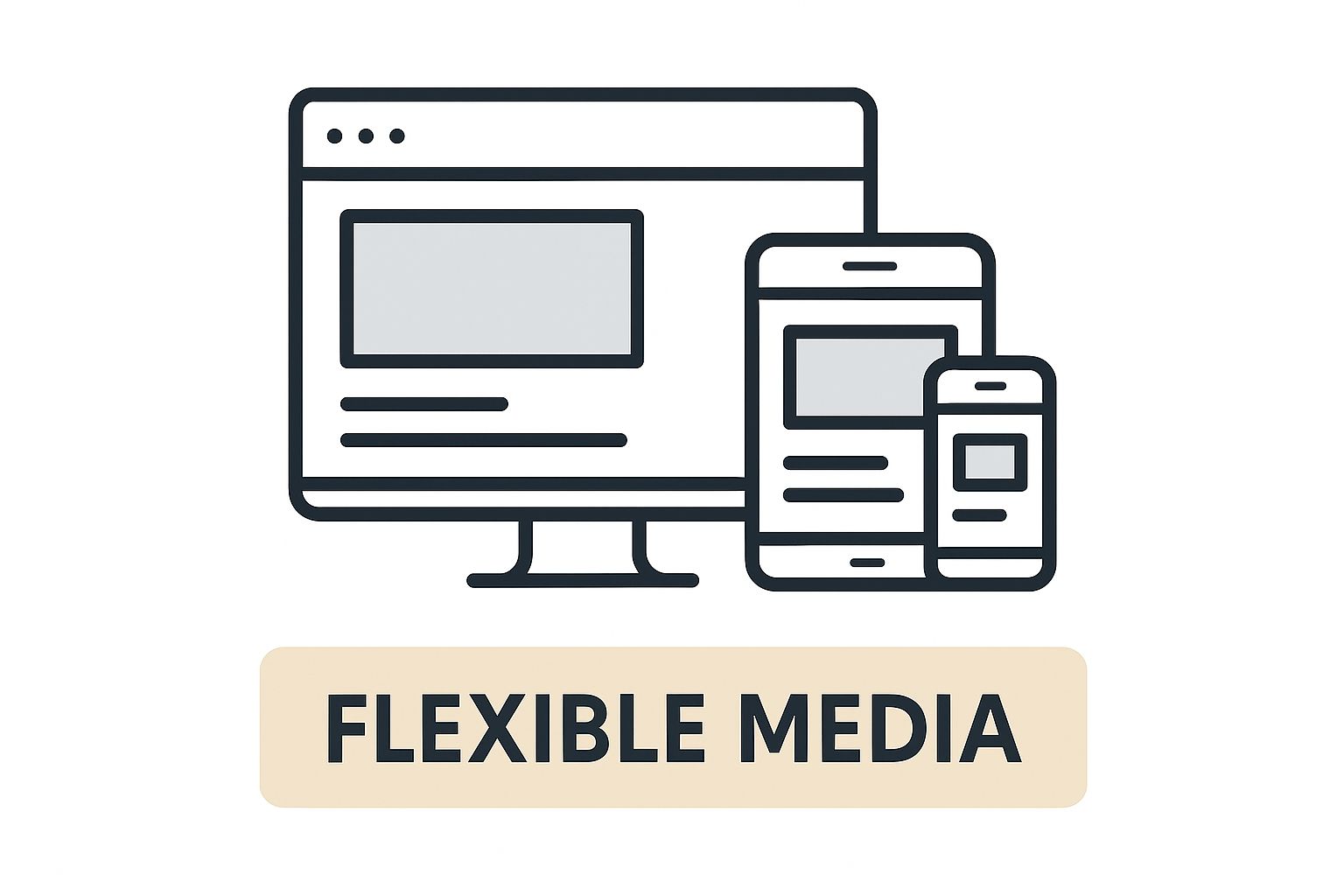
The infographic above demonstrates how flexible media elements resize and adapt to different devices, illustrating the "Flexible Media" concept. This responsiveness ensures images and videos maintain their visual appeal and functionality across various screen sizes – a core aspect of responsive design.
Handling Edge Cases: Ultra-Wide Monitors and Unusual Aspect Ratios
While common screen sizes should be the primary focus, considering edge cases, such as ultra-wide monitors or devices with unusual aspect ratios, is essential for a truly polished responsive design. Using properties like min-width and max-width can prevent content from stretching excessively on large screens or becoming cramped on smaller ones. These properties set the minimum and maximum dimensions an element can occupy, ensuring a balanced layout on a wide array of devices. This attention to detail creates a consistently enjoyable user experience, no matter how users access your content.
Reducing Development Time With Fluid Layouts
Beyond improving the user experience, well-implemented fluid layouts reduce development time for future website updates. Because the layout adapts dynamically, manual adjustments are less necessary when adding new content or making design changes. This streamlines the development process, facilitating quicker iterations and more efficient site maintenance. Over time, this adaptability saves significant time and resources.
Responsive Images That Don't Break Your Performance
Visuals are key to grabbing attention online. But if your images aren’t implemented correctly, they can slow your website to a crawl. This section covers responsive images, which adapt to different screens, without sacrificing speed. We’ll explore techniques used by successful sites so you can create visuals that look great and load quickly, providing a smooth experience for everyone.
Art Direction Across Breakpoints
Art direction for responsive design involves more than just resizing. It’s about adjusting the image itself to fit different screen sizes. Think of a wide banner image on a desktop. On a mobile phone, you might crop it to focus on the main subject. This ensures important details aren't lost and the image remains visually appealing on any screen size.
Keeping your images relevant and engaging on all devices is a great way to ensure a positive user experience.
Choosing the Right Responsive Image Approach
Different content requires different approaches. For prominent hero images, the <picture> element with multiple source sets is ideal. This lets you serve different image files optimized for specific screen sizes, ensuring the browser downloads the right one. For images within a content grid, using srcset and sizes attributes in the <img> tag is often simpler and more efficient. Knowing which method to use will boost both performance and image quality.
Automating Image Optimization
Manually optimizing every single image takes time. Automating this process with the right tools and build processes will dramatically improve efficiency. Services like ShortPixel or Cloudinary can automatically compress your images, convert them to modern formats like WebP, and generate different sizes for various breakpoints. This frees you up to focus on creating great content.
Common Responsive Image Mistakes and Their Solutions
One common mistake is sending huge images to mobile devices. This wastes bandwidth and slows down loading. Another pitfall is ignoring modern image formats like WebP, which provide better compression and quality than JPEG or PNG. Using the right techniques can help you avoid these performance-killing errors. Fixing these issues will improve the user experience and can even boost your search engine ranking.
Testing Responsive Media Across Devices
Testing responsive images on real devices is essential. Tools like BrowserStack and LambdaTest allow you to test on various devices and browsers. This ensures your images look sharp and load fast no matter how someone accesses your site. Thorough testing catches problems before they impact your users, ensuring a consistent experience.
By focusing on these responsive image techniques, you can create visually rich and high-performing websites. This translates to happier users and encourages them to keep coming back, ultimately leading to higher user satisfaction and conversions.
Typography That Works Everywhere (Without Compromise)

Typography is often a pain point in responsive design. However, leading websites understand the importance of maintaining readability and brand consistency across devices. This means using techniques that ensure text looks good and functions well on any screen size. Let's explore how to achieve this balance in your typography.
Fluid Typography: Adapting to Any Screen
Fluid typography adjusts to different screen sizes without manual breakpoints. It uses relative units like rem or vw instead of fixed pixel sizes. Think of it as water adapting to the shape of its container. The text scales to fit the available space.
Setting font-size: 1.5rem, for example, allows the text to scale relative to the root font size. This maintains consistent proportions across various screen dimensions. The result is a smooth, consistent reading experience no matter the device.
Maintaining Visual Hierarchy
A clear visual hierarchy is essential for guiding the user's eye and highlighting key information. This becomes even more important on smaller screens where space is at a premium.
Using different font sizes, weights, and styles (like bold or italics) creates contrast and directs attention. Larger, bolder headlines naturally stand out, while smaller body text offers supporting details. This ensures important content remains prominent on every device.
To illustrate different techniques and their benefits and drawbacks, let's look at the following table:
Responsive Typography Techniques
This table compares different approaches to responsive typography with implementation examples.
| Technique | Implementation Method | Pros | Cons | Example |
|---|---|---|---|---|
| Fluid Typography | Using rem or vw units for font sizes |
Adapts smoothly to different screen sizes | Can be challenging to control precise sizing | font-size: 1.5rem; |
| Clamp() | Uses the clamp() function in CSS |
Sets minimum, preferred, and maximum font sizes | Browser compatibility may be an issue | font-size: clamp(1rem, 2vw, 1.5rem); |
| Media Queries | Adjust font sizes at specific breakpoints | Provides precise control over typography at different screen sizes | Requires more manual adjustments and can become complex | @media (min-width: 768px) { font-size: 1.2rem; } |
This table highlights the key differences between popular responsive typography techniques. While fluid typography offers smooth scaling, clamp() allows for more control, and media queries offer the most precise adjustments. Choosing the right technique depends on your specific design needs.
Small Adjustments, Big Impact
Small typography tweaks can have a surprisingly large impact on conversion rates. Optimizing font size, line height, and letter spacing improves readability and increases user engagement.
For instance, increasing line height can reduce eye strain, making it easier for visitors to digest longer text blocks. These seemingly minor adjustments can significantly influence how users interact with your site.
Testing Readability and Accessibility
Testing on real devices is essential. What appears perfect on a desktop may be illegible on a mobile phone. Use browser developer tools (Chrome DevTools) to simulate different screen sizes or test on various physical devices.
Maintaining accessibility is also crucial. Ensure sufficient color contrast between text and background, and provide alternative text for screen readers. Accessible typography makes your website usable for everyone, regardless of ability.
Multilingual Content in Responsive Designs
Typography becomes even more nuanced with multilingual content. Different languages have different character lengths and visual characteristics.
Carefully consider font choices and layout adjustments to accommodate varying text lengths. A sentence that's short in English might be much longer in another language. Addressing these variations is vital for a truly internationalized responsive design.
Strategic Breakpoints That Enhance User Experience
Stop relying on device-specific breakpoints that constantly demand updates. This section reveals how top-performing responsive sites use content-driven breakpoints, creating optimal experiences regardless of screen size. We'll explore practical examples, demonstrating how fewer breakpoints often lead to better experiences. This strategic approach ensures a consistent user experience and reduces development time.
This method focuses on where your content naturally requires adjustments, not on specific devices. This ensures the design adapts to the content, not the other way around. This creates a more fluid and adaptable design overall.
Identifying Natural Breakpoints in Your Content
Instead of targeting specific devices, pay attention to where your content naturally breaks. Imagine a three-column layout. At a certain width, it becomes cramped. That's a natural breakpoint. The goal is to identify these points by analyzing your content at different screen sizes.
For example, a news website might use breakpoints for:
- Single-Column Mobile View: Prioritizing headlines and essential information.
- Two-Column Tablet View: Introducing related articles alongside the main content.
- Three-Column Desktop View: Showing a wider range of content and navigation options.
Implementing Breakpoints With Minimal CSS Complexity
Efficient implementation is key. Too many media queries can bloat your CSS and make maintenance a nightmare. Aim for the fewest breakpoints necessary for a good user experience. This makes your code cleaner and more efficient.
Modern CSS tools like the clamp() and min()/max() functions offer dynamic control over layout and typography without solely relying on media queries. This streamlines your CSS, leading to a more flexible design.
Maintaining Design Consistency Across Breakpoints
Consistency matters. While adapting to different screen sizes, ensure your design maintains a cohesive identity. This means consistent visual hierarchy, typography, and brand experience. This builds familiarity and reinforces your brand, regardless of how users access your site.
Your main navigation should remain accessible, regardless of screen size. Logo placement and overall site structure should also stay consistent. This provides a predictable and user-friendly experience.
Testing Breakpoints for a Seamless User Experience
Testing your breakpoints across devices and browsers is crucial. Tools like BrowserStack and LambdaTest offer a way to test across real devices and browsers, ensuring your design adapts seamlessly. This proactive approach catches issues early, guaranteeing a polished experience.
Container Queries: The Future of Responsive Design
Container queries are a significant advancement in responsive design. Unlike media queries, which react to viewport size, container queries respond to the size of their parent container. This allows developers to create truly modular components that adapt to their layout context.
This offers more flexibility and enables complex layouts not possible with media queries alone. Container queries give developers finer control, paving the way for more sophisticated and responsive designs.
Performance Optimization: The Hidden Responsive Principle
Performance is a key part of responsive design. A beautiful website is pointless if it's slow. This section explores how top websites prioritize performance on all devices, without sacrificing a rich user experience. We'll dive into practical techniques for measuring performance, writing efficient JavaScript, and optimizing content delivery.
Measuring What Matters: Metrics That Impact User Experience
The first step is understanding which metrics truly reflect user experience. While page load time is important, it’s not the only factor. Metrics like Time to First Byte (TTFB), First Contentful Paint (FCP), and Time to Interactive (TTI) offer more specific insights. A low TTFB, for example, shows a fast server response. A quick FCP reassures users that the page is loading. These metrics provide a more complete picture of the user’s real experience.
Taming JavaScript: Reducing Impact on Mobile Devices
JavaScript powers interactive website features, but it can also slow things down, particularly on mobile devices. Minimizing JavaScript execution is critical. Techniques like code splitting, tree shaking, and deferring non-critical scripts can make a big difference. Code splitting breaks large JavaScript files into smaller parts, loading only what's needed. Tree shaking removes unused code to reduce file size. Deferring non-critical scripts lets the page render before running less important JavaScript. These strategies make for a faster, more responsive experience.
Content Delivery: Prioritizing Critical Resources
Optimizing content delivery is also crucial for responsive performance. This means prioritizing above-the-fold content, the part of the webpage you see first. Lazy loading images and videos defers loading off-screen elements until needed. This speeds up the initial page load. It’s like a buffet – you take what you want first, then go back for more. This ensures users see content quickly. Using a Content Delivery Network (CDN) can also reduce latency by serving content from servers closer to the user.
Conditional Loading and Performance Bottlenecks
Conditional loading serves different assets based on the device or network. For example, sending smaller images to mobile devices on slower networks can greatly improve load times. It’s also important to identify performance bottlenecks specific to responsive designs. Complex layouts can slow down rendering, especially on less powerful devices. Simplifying CSS and optimizing images can help with this.
By prioritizing performance, you can ensure your responsive design delivers a great experience. Use these techniques and see improvements in load times, engagement, and conversions. Ready to take your website to the next level? OneNine provides expert website management and development services. Learn more about how OneNine can help you.


