

Choosing a website host is one of the most critical decisions for your online presence. It's the foundation that dictates your site's speed, security, and ability to grow, directly influencing user experience and your position in search engine results. With countless providers vying for your attention, the process of finding the right fit can be daunting. This guide is designed to eliminate that confusion, providing a clear, comprehensive comparison of the best website hosting providers available today.
We've specifically tailored this resource for small to medium-sized businesses (SMBs), entrepreneurs, marketers, and agencies who need reliable performance without a dedicated IT department. Instead of just listing features, we dive into what matters most: real-world performance metrics, compatibility with popular platforms like WordPress and Shopify, the quality of customer support, and practical use-case scenarios. This ensures you can match a provider to your specific business needs, whether you're launching a simple portfolio, a bustling e-commerce store, or a high-traffic marketing site.
Think of your host as the engine of your website. A powerful engine ensures fast load times, which is a major factor in keeping visitors engaged and improving SEO. Beyond choosing a host, understanding the technical aspects that contribute to site performance is vital. You can learn more about how to effectively improve site speed through various fixes, including caching and image optimization, which can significantly enhance user experience.
Our goal is to help you make a confident, informed decision. Each entry in this listicle includes a detailed breakdown, screenshots, and direct links to help you evaluate the options quickly. We’ll cover everything from shared hosting for beginners to managed solutions for established businesses, analyzing providers like Hostinger, SiteGround, WP Engine, and more to find the best fit for your project and budget.
1. Hostinger
Hostinger has carved out a significant space among the best website hosting providers by delivering an exceptionally low entry price point, making it a top choice for startups, solo entrepreneurs, and small businesses launching their first website. Its primary appeal is the blend of affordability with a user-friendly experience, designed to remove technical barriers for non-developers. The platform’s custom hPanel is a standout feature, offering a clean, intuitive alternative to the traditional cPanel that many beginners find overwhelming.
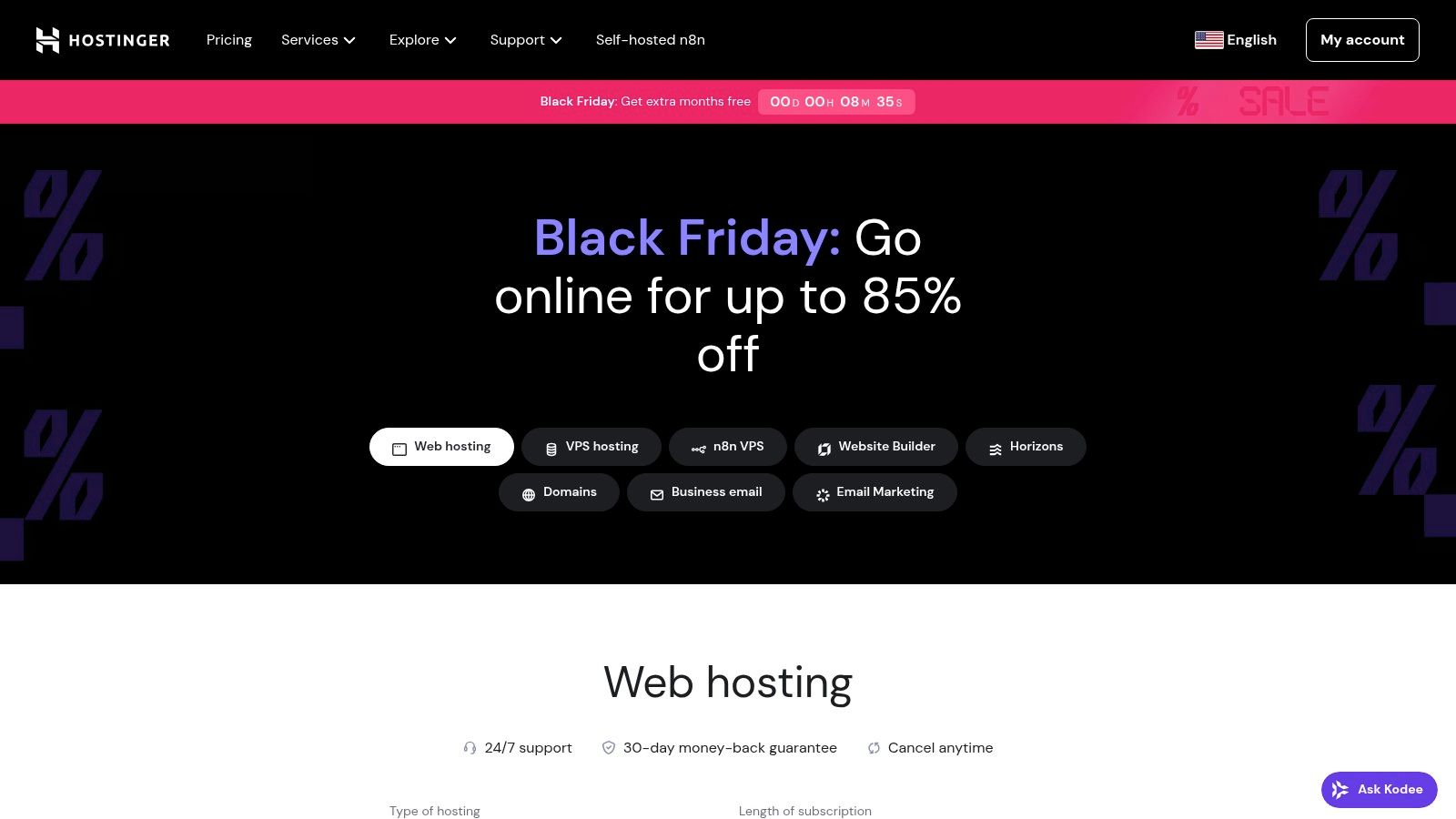
The onboarding process is particularly smooth, with guided setup flows that walk you through connecting a domain, installing WordPress, and configuring your free SSL certificate. Hostinger also integrates modern tools like an AI website builder and content generator directly into its plans, which can be a huge time-saver for businesses needing to get online quickly without a dedicated marketing team.
Who is Hostinger For?
Hostinger is an ideal fit for new projects and budget-conscious users. It excels for simple WordPress sites like portfolios, blogs, or brochure-style business websites where minimizing initial costs is the main priority. The long-term introductory pricing offers tremendous value for those willing to commit to a 48-month plan.
Key Details & Pricing
| Feature | Hostinger Premium Plan |
|---|---|
| Introductory Price | Starts at $2.99/month (48-month term) |
| Key Inclusions | Free domain (1st year), SSL, weekly backups |
| Control Panel | Custom hPanel |
| Best For | New websites, blogs, small business sites |
| Limitation | Renewal prices are significantly higher |
Practical Tip: To maximize value, opt for the longest introductory term you are comfortable with. Be sure to calendar your renewal date and re-evaluate your needs before the price increase takes effect.
Website: https://www.hostinger.com
2. Bluehost
Bluehost has established itself as one of the best website hosting providers, largely due to its official recommendation by WordPress.org since 2005. This long-standing relationship translates into a hosting environment finely tuned for WordPress, offering seamless one-click installations, automatic updates, and a suite of integrated tools designed to simplify site management. Its user-friendly custom dashboard is a major draw for beginners, providing a clear, guided path to launching a website without needing technical expertise.
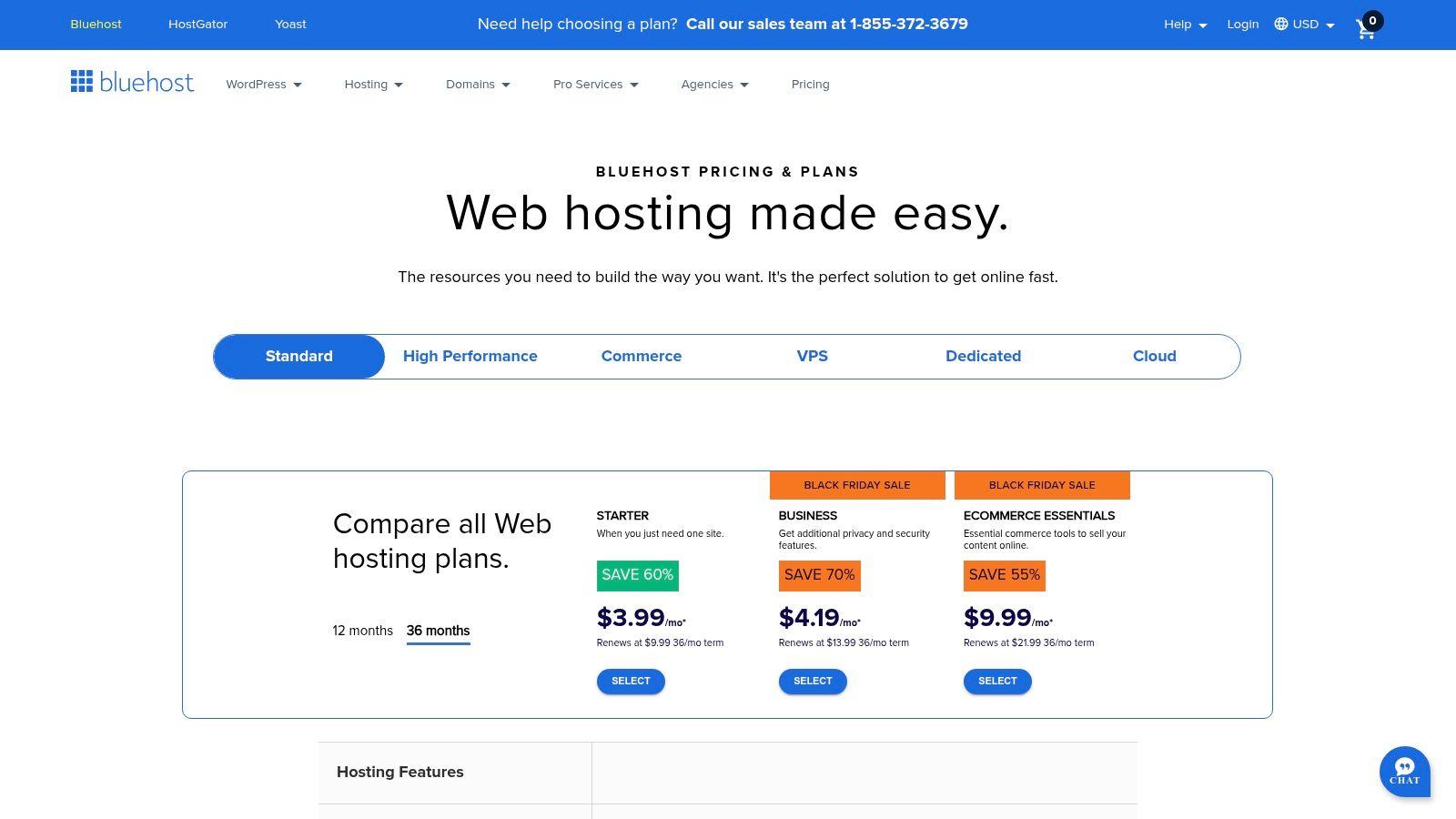
The platform focuses heavily on an approachable onboarding experience, making it a reliable choice for small business owners and new bloggers. Features like a free domain for the first year, a free SSL certificate, and 24/7 support via chat and phone remove common initial hurdles. Higher-tier plans introduce valuable tools like a staging environment, allowing users to test changes safely before pushing them to the live site, which is crucial for maintaining a professional online presence.
Who is Bluehost For?
Bluehost is an excellent choice for WordPress beginners, small businesses, and bloggers who prioritize ease of use and strong support. Its integrated dashboard and guided setup are perfect for those launching their first website. The ecosystem is built to scale, so as a business grows, users can easily upgrade from shared hosting to more powerful VPS or dedicated server options without migrating platforms. You can learn more about Bluehost in our guide to choosing the right website hosting.
Key Details & Pricing
| Feature | Bluehost Choice Plus Plan |
|---|---|
| Introductory Price | Starts at $5.45/month (12-month term) |
| Key Inclusions | Free domain (1st year), SSL, daily backups |
| Control Panel | Custom dashboard with cPanel access |
| Best For | WordPress sites, small businesses, blogs |
| Limitation | Renewal prices are significantly higher |
Practical Tip: Take advantage of the WordPress staging environment available on the Choice Plus plan and up. This allows you to clone your site, test new plugins or design changes, and deploy them to your live site with confidence, preventing potential downtime.
Website: https://www.bluehost.com
3. SiteGround
SiteGround positions itself as a premium, performance-focused provider in the shared hosting market, making it one of the best website hosting providers for businesses that prioritize speed and reliability. Built on the Google Cloud Platform, it delivers robust uptime and fast loading times, which are critical for user experience and SEO. Its custom control panel, Site Tools, is clean and logically organized, offering a modern alternative to cPanel that both beginners and developers find efficient.
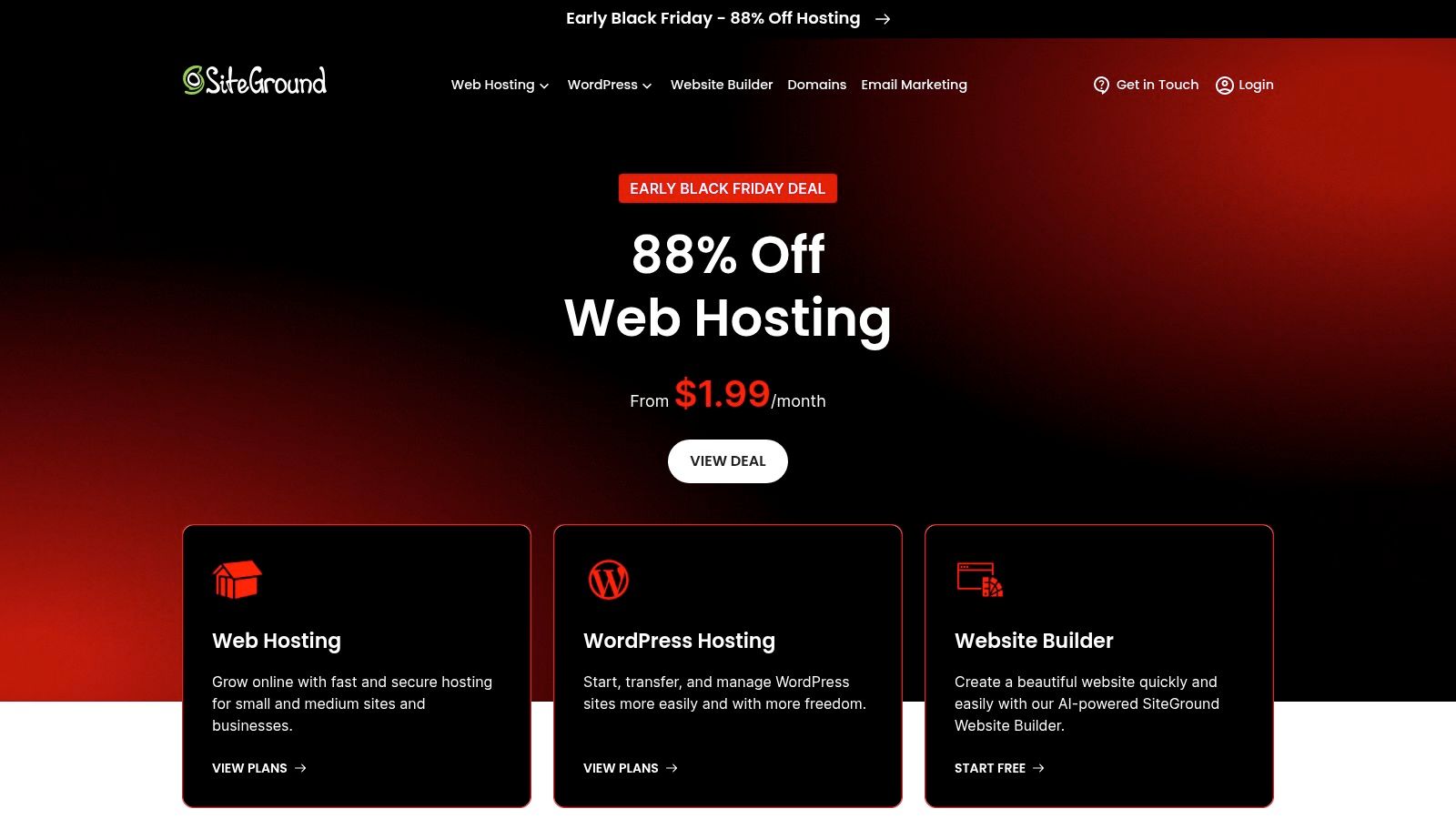
The company is particularly well-regarded for its exceptional customer support, offering quick and knowledgeable assistance via phone, chat, and tickets. SiteGround also includes a proprietary security and performance stack with features like a custom web application firewall (WAF), an AI anti-bot system, and daily backups, providing peace of mind for business owners who want a secure, managed environment without the complexity.
Who is SiteGround For?
SiteGround is an excellent choice for small to medium-sized businesses, agencies, and WordPress professionals who need high performance and top-tier support. It's ideal for those who have outgrown entry-level hosting and are willing to invest a bit more for superior speed, security, and developer-friendly features like staging environments (on GrowBig and GoGeek plans).
Key Details & Pricing
| Feature | SiteGround GrowBig Plan |
|---|---|
| Introductory Price | Starts at $4.99/month (12-month term) |
| Key Inclusions | Free SSL, CDN, daily backups, staging |
| Control Panel | Custom Site Tools |
| Best For | Growing businesses, agencies, WordPress sites |
| Limitation | Renewal prices are considerably higher |
Practical Tip: Use the free WordPress Migrator plugin for an easy transfer, but be sure to test your site thoroughly in the staging environment before going live. This helps catch any plugin or theme conflicts without affecting your live site.
Website: https://www.siteground.com
4. DreamHost
DreamHost has earned its reputation as one of the best website hosting providers through its long-standing commitment to transparent pricing and a WordPress-centric approach. It stands out for its straightforward plans that bundle essential features like a free domain, SSL certificates, and automated daily backups without complex tiers. This makes it a dependable choice for users who value clarity and want to avoid surprise fees, offering a solid foundation for building and growing a website.
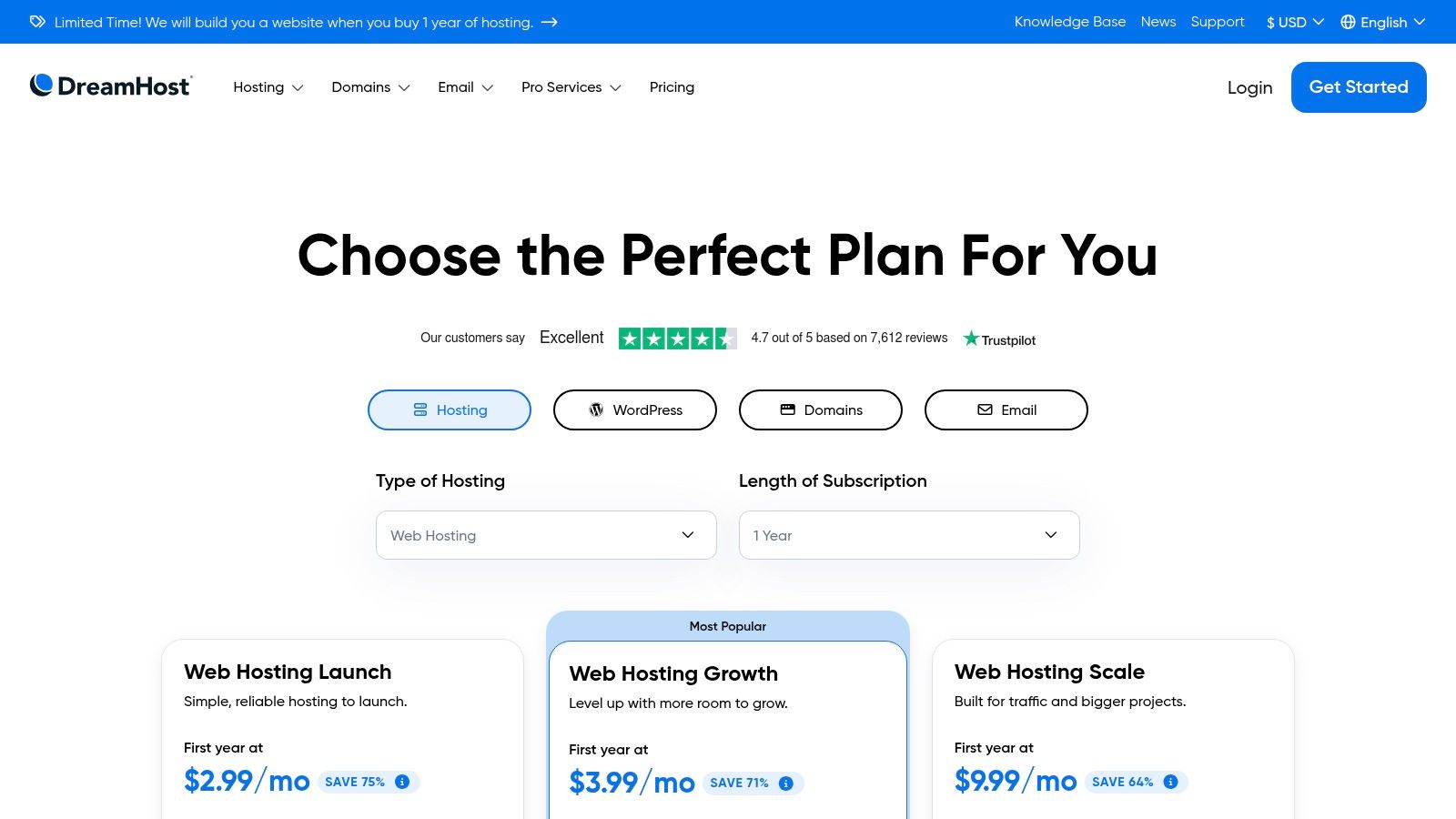
The platform caters well to both beginners and experienced users with its custom control panel, which is clean and easy to navigate. For those needing a quick start, DreamHost offers an AI-powered website builder called "Liftoff" and optional professionally built starter sites. Its generous 97-day money-back guarantee on shared hosting plans is one of the longest in the industry, giving new customers ample time to test the service risk-free.
Who is DreamHost For?
DreamHost is an excellent option for WordPress users of all skill levels, from bloggers to small businesses, who prioritize predictable costs and robust, included features. Its DreamPress managed hosting is a powerful step-up for those with growing traffic, and the unmetered bandwidth on shared plans provides peace of mind for sites with fluctuating visitor numbers.
Key Details & Pricing
| Feature | DreamHost Shared Starter Plan |
|---|---|
| Introductory Price | Starts at $2.59/month (3-year term) |
| Key Inclusions | Free domain (1st year), SSL, daily backups |
| Control Panel | Custom Control Panel |
| Best For | WordPress sites, beginners, transparent pricing |
| Limitation | Phone support is a paid add-on for some plans |
Practical Tip: Take advantage of the long 97-day refund window to thoroughly test the platform's performance and support. While live chat is available, be aware that phone support might require an extra fee on lower-tier plans.
Website: https://www.dreamhost.com/pricing/?utm_source=openai
5. A2 Hosting
A2 Hosting distinguishes itself among the best website hosting providers with a strong focus on speed and performance, particularly through its "Turbo" server options. The platform is engineered for users who prioritize faster load times, offering NVMe storage and advanced caching solutions that deliver tangible performance gains. This makes it a popular choice for businesses running e-commerce sites, high-traffic blogs, or any website where user experience is directly tied to speed.
Unlike providers that push proprietary control panels, A2 Hosting sticks with the industry-standard cPanel, offering a familiar environment for experienced users and developers. It also provides a robust suite of developer-friendly tools, including SSH access, Git integration, and support for Node.js and Python right out of the box on shared plans. The combination of raw performance and technical flexibility gives it a unique edge for users who have outgrown basic hosting.
Who is A2 Hosting For?
A2 Hosting is an excellent choice for website owners who demand high performance and have some technical comfort. It is particularly well-suited for established WordPress sites, small to medium e-commerce stores, and developers who need more control and power than entry-level hosts provide, without committing to a full VPS.
Key Details & Pricing
| Feature | A2 Hosting Turbo Boost Plan |
|---|---|
| Introductory Price | Starts at $5.99/month (36-month term) |
| Key Inclusions | NVMe Storage, Free Site Migration, Turbo Servers |
| Control Panel | cPanel |
| Best For | Performance-critical sites, e-commerce, developers |
| Limitation | Entry-level plans do not include a free domain |
Practical Tip: To see the full benefit of A2 Hosting, invest in one of the Turbo plans. The performance difference is noticeable and often justifies the higher cost compared to their standard shared hosting tiers.
Website: https://www.a2hosting.com
6. InMotion Hosting
InMotion Hosting stands out among the best website hosting providers for its strong emphasis on business-class performance and US-based customer support. It differentiates itself by offering high-speed NVMe SSD storage across many of its plans, not just the premium tiers, which delivers a tangible speed boost for business websites, e-commerce stores, and WordPress blogs. This focus on reliable technology makes it a solid choice for established businesses that prioritize performance and dependable support.
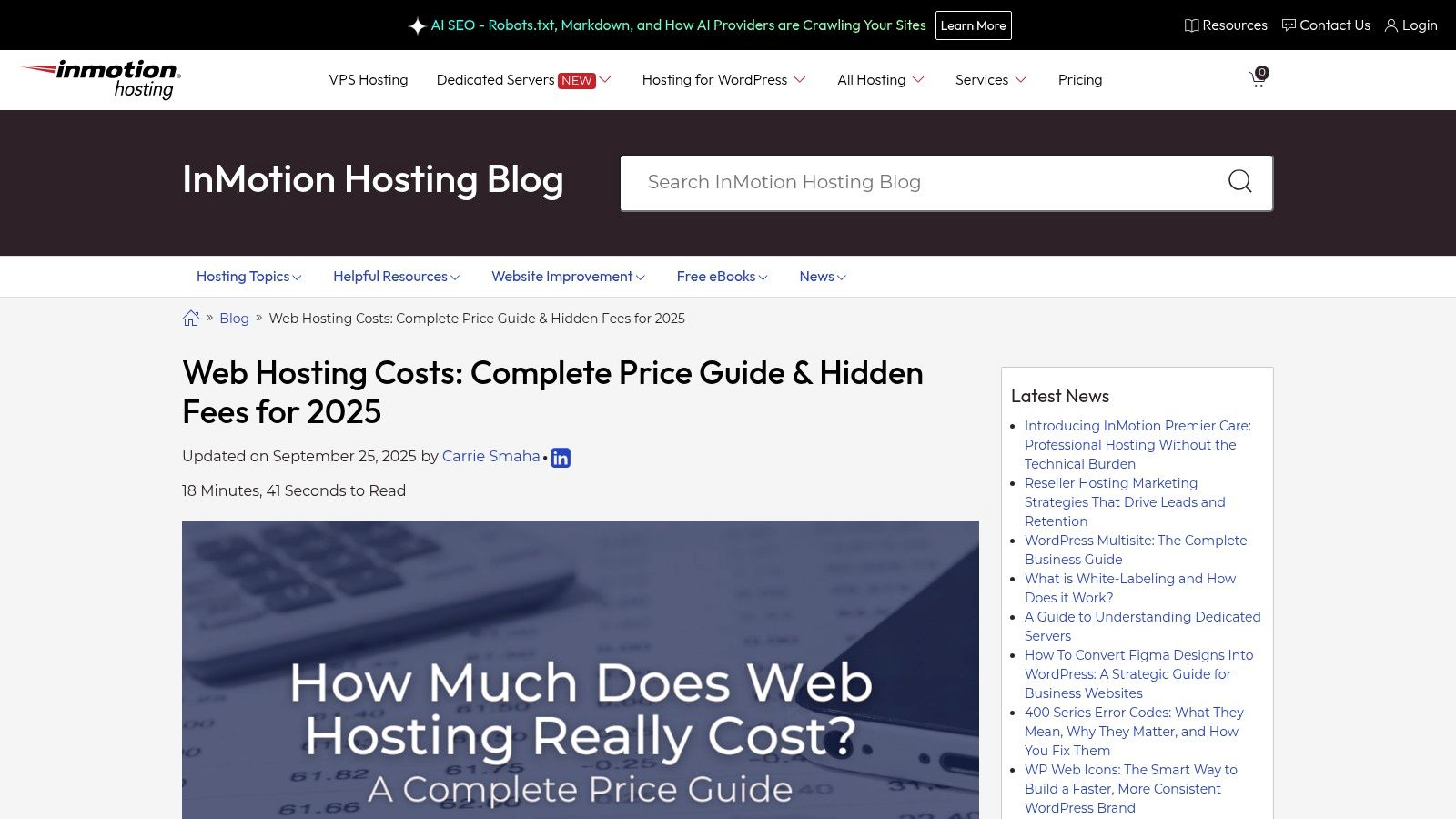
The platform offers a comprehensive range of solutions, scaling from shared hosting up to powerful dedicated servers, allowing businesses to grow without needing to switch providers. InMotion also includes the BoldGrid site builder with many plans, providing a user-friendly, drag-and-drop tool for creating professional WordPress sites. Its generous 90-day money-back guarantee on longer-term plans also offers significant peace of mind for new customers.
Who is InMotion Hosting For?
InMotion Hosting is ideal for small to medium-sized businesses that value performance and expert, accessible support. It’s particularly well-suited for users who have outgrown entry-level hosts and need more robust infrastructure and faster storage, as well as those who prefer the assurance of speaking with a knowledgeable, US-based support team.
Key Details & Pricing
| Feature | InMotion Hosting Launch Plan |
|---|---|
| Introductory Price | Starts at $3.29/month (36-month term) |
| Key Inclusions | Free domain (1st year), SSL, NVMe SSDs |
| Control Panel | cPanel |
| Best For | SMB websites, growing blogs, e-commerce |
| Limitation | Add-ons and premium features can increase costs |
Practical Tip: Leverage the 90-day money-back guarantee to thoroughly test the platform's performance and support. Migrate your site and monitor its speed and uptime to ensure it meets your business requirements before committing fully.
Website: https://www.inmotionhosting.com/blog/cost-of-web-hosting/?utm_source=openai
7. IONOS (by 1&1)
IONOS has established itself as a major player among the best website hosting providers, particularly in the US and European markets, by offering feature-rich plans at extremely competitive introductory prices. It appeals to users who need reliable shared and WordPress hosting that bundles valuable extras like a free domain and a Wildcard SSL certificate, which secures all subdomains at no extra cost. The platform is designed for both beginners and more experienced users, providing easy one-click installations alongside developer-friendly tools like SSH access and WP-CLI.
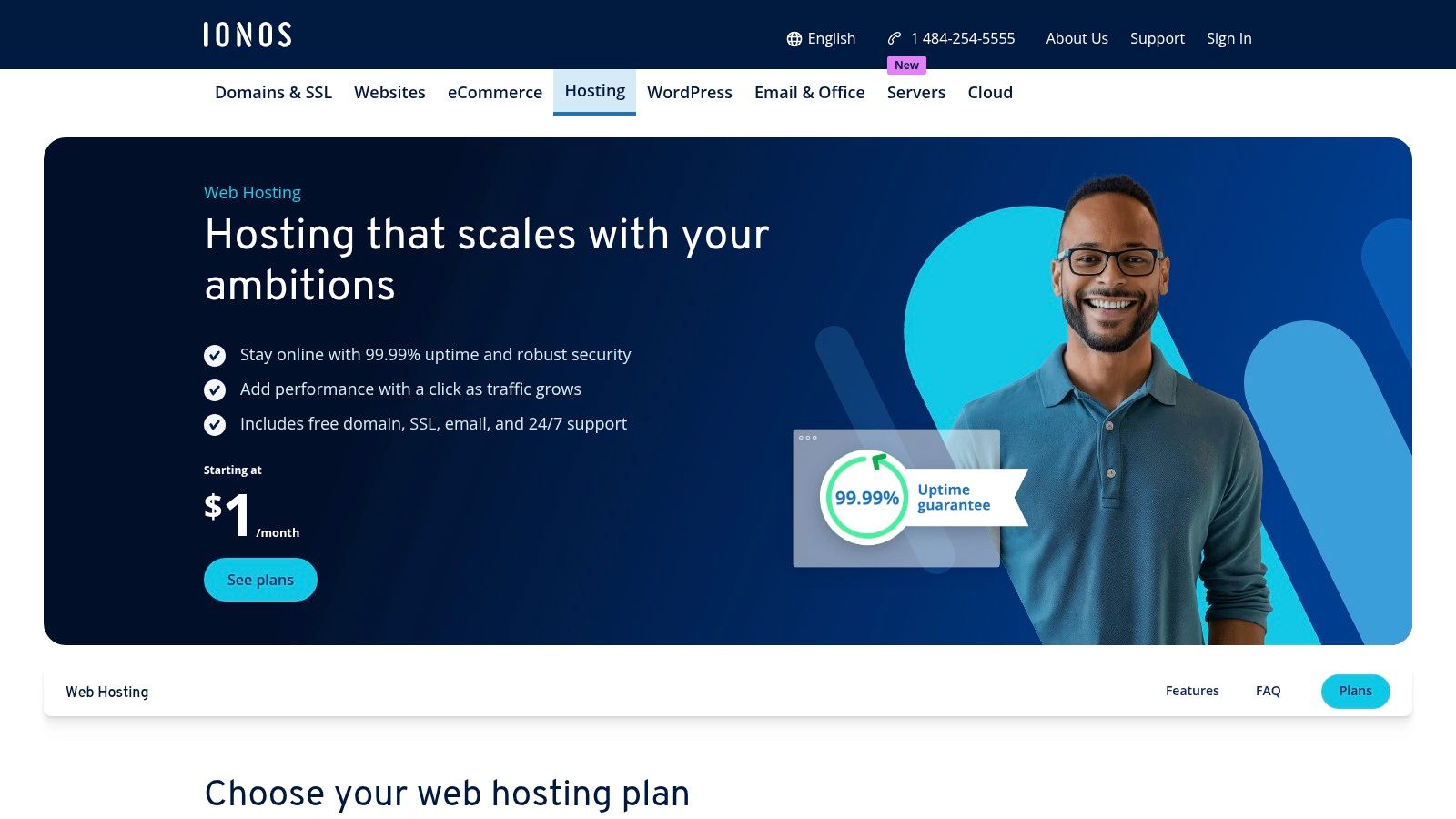
A unique aspect of the IONOS experience is the optional personal consultant, offering a dedicated support contact for guidance and technical help, a feature rarely seen at this price point. While its custom control panel requires a short adjustment period for those accustomed to cPanel, it is logically organized and includes a mobile app for on-the-go administration. The combination of strong promotional pricing, bundled security, and dedicated support makes it a compelling choice.
Who is IONOS For?
IONOS is an excellent option for small businesses, agencies, or individuals who plan to manage multiple subdomains and value the security of a Wildcard SSL from day one. Its low entry cost is perfect for launching new projects, while the included daily backups and 24/7 support provide peace of mind for business-critical websites.
Key Details & Pricing
| Feature | IONOS Plus Plan |
|---|---|
| Introductory Price | Starts at $1/month (12-month term) |
| Key Inclusions | Free domain (1st year), Wildcard SSL, daily backups |
| Control Panel | Custom IONOS Control Panel |
| Best For | Business sites, users needing subdomain security |
| Limitation | Control panel has a learning curve; renewal rates are higher |
Practical Tip: Leverage the free Wildcard SSL to its full potential by creating subdomains for different site functions like a blog (blog.yourdomain.com) or a store (shop.yourdomain.com) without needing to purchase additional SSL certificates.
Website: https://www.ionos.com/hosting/web-hosting.html?utm_source=openai
8. GoDaddy
GoDaddy is one of the world's largest domain registrars, making it a household name and an incredibly convenient choice for bundling hosting and domain management. Its primary strength lies in offering an all-in-one ecosystem where businesses can secure a domain, set up professional email, and launch a website from a single dashboard. The familiar cPanel interface and 24/7 global support make it accessible for users who prefer a traditional hosting environment with readily available assistance.
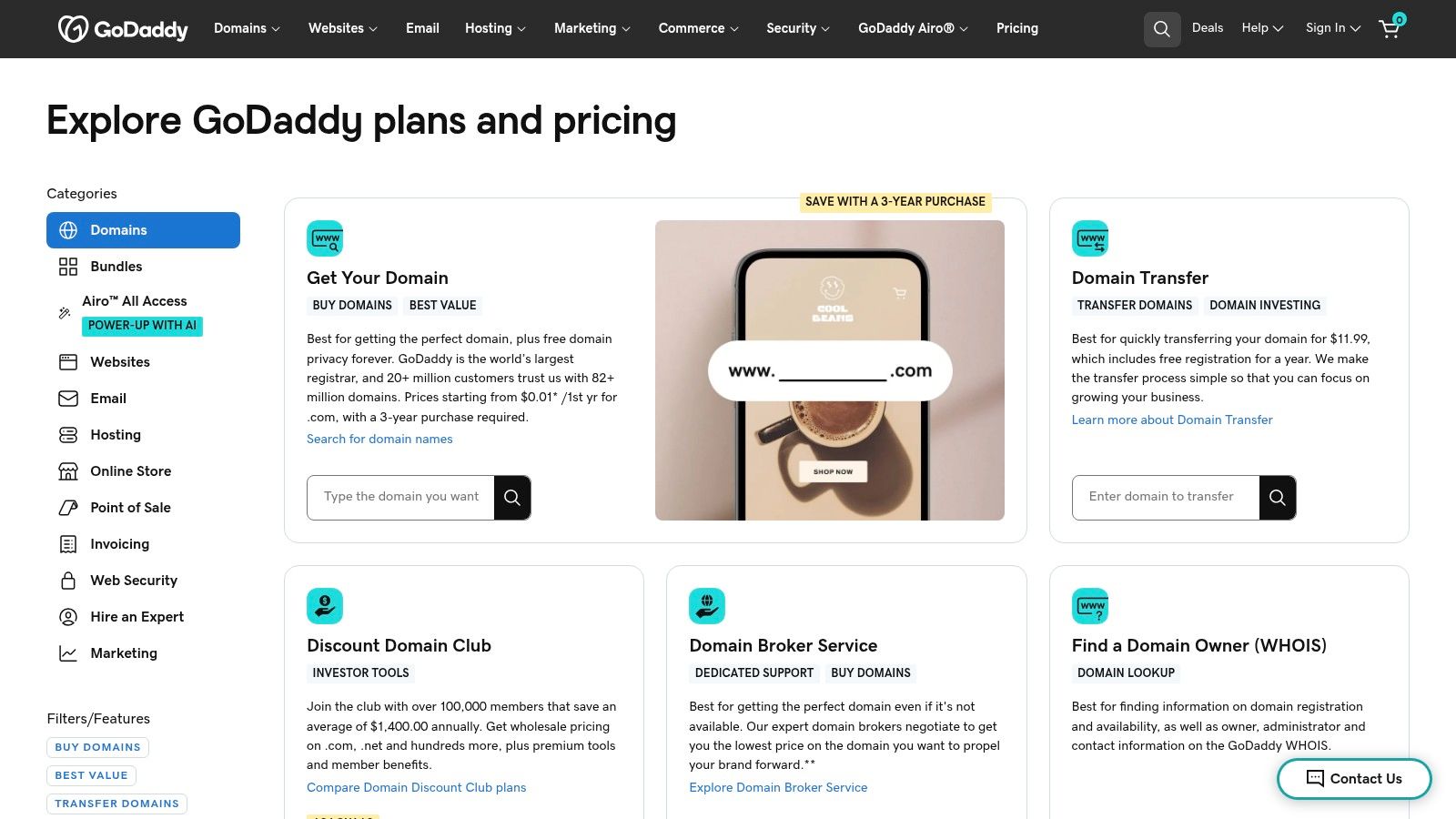
The platform offers a broad spectrum of hosting products, from standard shared hosting for new sites to high-performance "Web Hosting Plus" tiers for growing traffic. This scalability, combined with a vast marketplace of add-ons, provides a clear upgrade path for businesses as their needs evolve. For those specifically using WordPress, GoDaddy offers streamlined setups, which you can learn more about using WordPress through GoDaddy.
Who is GoDaddy For?
GoDaddy is best suited for small business owners and entrepreneurs who value the simplicity of managing their entire online presence through one provider. Its frequent promotional pricing for new, long-term plans makes it an attractive starting point for those looking to bundle domains, hosting, and email at a low initial cost.
Key Details & Pricing
| Feature | GoDaddy Economy Plan |
|---|---|
| Introductory Price | Starts at $5.99/month (36-month term) |
| Key Inclusions | Free domain (1st year), Free SSL (1st year) |
| Control Panel | cPanel |
| Best For | All-in-one domain and hosting bundles |
| Limitation | Upsells are common; renewals for domains and SSL are at standard rates |
Practical Tip: Pay close attention to the renewal prices for all services, including the domain and SSL certificate, which are often free for only the first year. The deepest discounts require a 36-month commitment, so factor that into your long-term budget.
Website: https://www.godaddy.com/pricing?utm_source=openai
9. WP Engine
WP Engine sets the gold standard for premium managed WordPress hosting, targeting businesses and agencies that cannot afford to compromise on performance, security, or uptime. It is one of the best website hosting providers for those who have outgrown shared hosting and require a robust, fine-tuned environment specifically for WordPress. The platform handles all the technical heavy-lifting, including core updates, daily backups, and server-level caching with its proprietary EverCache technology, freeing up teams to focus on content and growth.
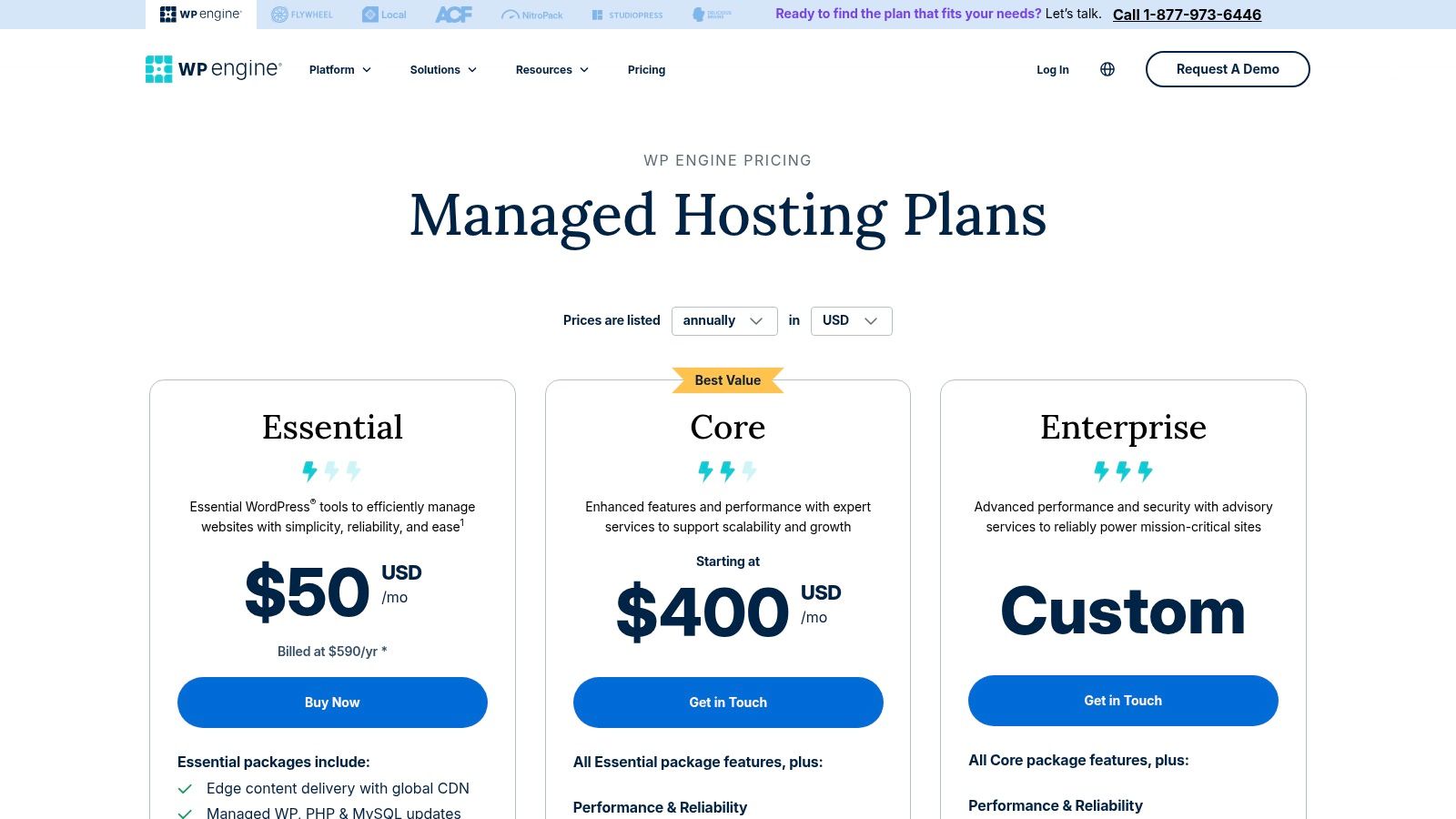
A key differentiator is its developer-centric workflow, which includes separate development, staging, and production environments. This allows for safe testing and deployment of changes without impacting the live site. Combined with Git integration, a global CDN, and an integrated Web Application Firewall (WAF), WP Engine delivers a comprehensive toolkit for professional development and mission-critical websites that demand reliability and speed.
Who is WP Engine For?
WP Engine is built for serious WordPress users, including high-traffic blogs, e-commerce stores, agencies managing client sites, and enterprises where website performance is directly tied to revenue. Its managed environment and expert support are ideal for teams without a dedicated server administrator who still need enterprise-grade power.
Key Details & Pricing
| Feature | WP Engine Startup Plan |
|---|---|
| Introductory Price | Starts at $20/month (annual prepay) |
| Key Inclusions | 10GB storage, 50GB bandwidth, dev/stage/prod environments, daily backups |
| Control Panel | Custom User Portal |
| Best For | High-performance WordPress sites, agencies |
| Limitation | Significantly more expensive than shared hosting; strict visitor limits can lead to overage fees |
Practical Tip: Use the staging environment extensively. Before pushing any new plugin, theme update, or custom code to your live site, test it thoroughly in staging to catch potential conflicts or errors in a safe sandbox.
Website: https://wpengine.com/plans/?utm_source=openai
10. Kinsta
Kinsta represents the premium tier of managed WordPress hosting, leveraging the power of Google Cloud Platform's fastest machines to deliver exceptional performance and reliability. It is specifically designed for businesses, agencies, and high-traffic sites where speed, security, and a hands-off management experience are non-negotiable. The platform’s custom MyKinsta dashboard is a major highlight, offering a clean, powerful interface for managing sites, monitoring performance analytics, and collaborating with team members.
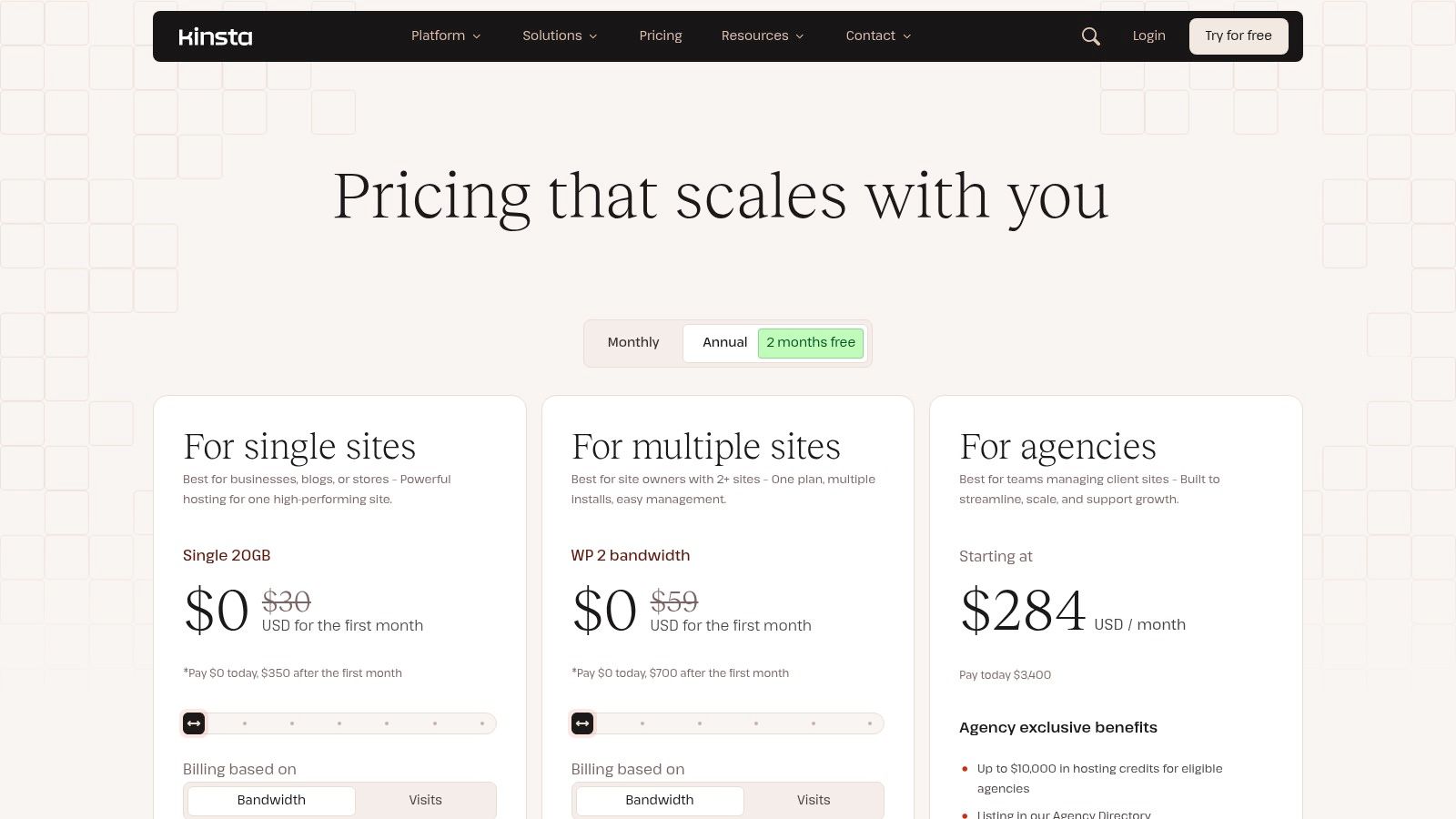
Unlike traditional hosts, Kinsta bundles enterprise-level features like Cloudflare integration, proactive security monitoring, free migrations, and automatic daily backups into all plans. This focus on performance and security makes it a standout choice for mission-critical WordPress sites, including e-commerce stores and membership platforms that cannot afford downtime or slow load times. The support team consists of WordPress experts, ensuring technical issues are resolved quickly and effectively.
Who is Kinsta For?
Kinsta is the ideal solution for established businesses, agencies managing multiple client sites, and anyone running a revenue-generating WordPress website where performance directly impacts the bottom line. It’s built for users who have outgrown shared hosting and need a robust, scalable, and secure environment without wanting to manage server infrastructure themselves.
Key Details & Pricing
| Feature | Kinsta Business 1 Plan |
|---|---|
| Introductory Price | Starts at $100/month |
| Key Inclusions | Google Cloud C2 infrastructure, Cloudflare Enterprise, APM tool |
| Control Panel | Custom MyKinsta Dashboard |
| Best For | High-traffic sites, agencies, e-commerce |
| Limitation | Premium pricing; overage fees for visits and CDN usage apply |
Practical Tip: Use Kinsta’s built-in Application Performance Monitoring (APM) tool to identify slow plugins or database queries. This can help you optimize your site for maximum speed without needing third-party tools.
Website: https://kinsta.com/pricing/?utm_source=openai
11. DigitalOcean
DigitalOcean has established itself as one of the best website hosting providers for developers and tech-savvy teams who require full control over their server environment. Unlike traditional shared hosting, it offers powerful virtual private servers, known as "Droplets," that can be configured with custom software stacks. This developer-centric approach prioritizes simplicity, transparent pricing, and robust performance, making it a go-to for custom applications, APIs, and high-traffic websites.
The platform is celebrated for its clean user interface and extensive documentation, which empower users to spin up, scale, and manage servers with ease. While it requires technical expertise, this unmanaged model provides complete freedom to optimize performance and security precisely to your needs. This is a prime example of a modern cloud hosting solution where you pay only for the resources you consume.
Who is DigitalOcean For?
DigitalOcean is perfect for developers, startups, and agencies that have the technical skills to manage a server. It is ideal for hosting custom-built web applications, staging environments, or resource-intensive projects where shared hosting limitations are a bottleneck. It is not suitable for beginners looking for a hands-off, all-in-one solution.
Key Details & Pricing
| Feature | DigitalOcean Basic Droplet |
|---|---|
| Introductory Price | Starts at ~$4-$6/month |
| Key Inclusions | Scalable VMs (Droplets), free DNS, firewalls |
| Control Panel | Custom cloud control panel |
| Best For | Developers, custom applications, tech startups |
| Limitation | Unmanaged; requires strong server admin skills |
Practical Tip: Use DigitalOcean's "1-Click Apps" from the marketplace to quickly deploy common software like WordPress, Docker, or Node.js. This can save significant time on initial server setup and configuration.
Website: https://www.digitalocean.com/pricing?utm_source=openai
12. Amazon Lightsail
Amazon Lightsail offers a simplified and predictable entry point into the powerful AWS ecosystem, making it one of the best website hosting providers for developers and businesses that plan to scale. It bundles everything needed to launch a project, including a virtual private server (VPS), SSD storage, data transfer, and a static IP, into a single, low-cost monthly plan. This approach removes the complexity and variable pricing associated with full AWS services like EC2.
The platform is designed for rapid deployment, offering pre-configured blueprints for popular stacks and applications like WordPress, LAMP, or Node.js. This allows users to spin up a new server and get their application running in minutes. While it simplifies the AWS experience, it retains the core benefit of providing a clear upgrade path to more advanced services as your project's needs grow.
Who is Amazon Lightsail For?
Lightsail is ideal for developers, startups, and small businesses that need the reliability and power of AWS without the steep learning curve or unpredictable billing. It's perfect for hosting simple websites, web applications, or development environments where users are comfortable managing their own server updates and security.
Key Details & Pricing
| Feature | Amazon Lightsail Linux Plan |
|---|---|
| Introductory Price | Starts at $3.50/month |
| Key Inclusions | Bundled compute, SSD, data transfer, static IP |
| Control Panel | Custom AWS Lightsail console |
| Best For | Simple apps, dev environments, AWS-powered sites |
| Limitation | User is responsible for all server management |
Practical Tip: Use Lightsail's snapshot feature to create manual backups of your server before performing major updates or changes. These snapshots are cost-effective and provide a simple way to restore your instance if something goes wrong.
Website: https://aws.amazon.com/lightsail
Top 12 Website Hosting Providers: Features & Pricing Comparison
| Provider | Core features ✨ | Quality ★ | Best for 👥 | Price/value 💰 | Standout 🏆 |
|---|---|---|---|---|---|
| Hostinger | Shared & WordPress hosting; hPanel; AI site builder; weekly backups | ★★★☆ | 👥 New sites & budget SMBs | 💰 Very low promos (48‑mo); higher renewals | 🏆 Fast onboarding & AI tools |
| Bluehost | Shared, WP, VPS & dedicated; staging & plugin management; free domain (yr1) | ★★★★ | 👥 Small businesses & WP beginners | 💰 Promo pricing; renewal increases | 🏆 Deep WordPress ecosystem |
| SiteGround | Google Cloud-backed tiers; CDN & daily backups; performance/security stack | ★★★★ | 👥 Small businesses & WP pros | 💰 Mid-range; renewal hikes | 🏆 Strong uptime & responsive support |
| DreamHost | Clear plans; unmetered bandwidth; Liftoff AI builder; daily backups | ★★★☆ | 👥 Startups & WP users who want transparency | 💰 Straightforward pricing; best with annual prepay | 🏆 Generous refund window & AI builder |
| A2 Hosting | Turbo NVMe servers; cPanel; dev tooling (SSH, Git); multiple plans | ★★★★ | 👥 Developers & performance-focused sites | 💰 Variable by term; no free domain often | 🏆 Turbo/NVMe performance tiers |
| InMotion Hosting | NVMe storage; US support; BoldGrid builder; wide plan catalog | ★★★☆ | 👥 US businesses needing hands-on support | 💰 Good value with multi‑year prepay | 🏆 Strong US-based onboarding & support |
| IONOS | Unmetered bandwidth; wildcard SSL; SSH/WP-CLI; personal consultant | ★★★ | 👥 Budget-conscious EU/US users | 💰 Very low promos ($1–$6); renewals higher | 🏆 Consultant + bundled domain/SSL |
| GoDaddy | Domain + hosting bundle; cPanel; backups; large add-on marketplace | ★★★ | 👥 Users wanting one provider for domains & hosting | 💰 Frequent promos; many upsells | 🏆 All-in-one marketplace convenience |
| WP Engine | Managed WordPress; EverCache, CDN, WAF; dev workflows & backups | ★★★★★ | 👥 High-traffic WP sites & agencies | 💰 Premium pricing; visit-based plans | 🏆 Top-tier WP performance & security |
| Kinsta | Google Cloud + Cloudflare Enterprise; analytics; managed WP tooling | ★★★★★ | 👥 Agencies & businesses needing managed WP | 💰 Premium; visit/CDN overages possible | 🏆 Clean UX & proactive security |
| DigitalOcean | Droplets (VMs), App Platform; DNS, firewalls, metrics; transparent docs | ★★★★ | 👥 Developers & teams wanting control | 💰 Predictable VM pricing; unmanaged tasks | 🏆 Simple, transparent cloud for custom stacks |
| Amazon Lightsail | Flat-priced instance bundles; 1-click blueprints; managed DBs | ★★★★ | 👥 Small projects wanting AWS simplicity | 💰 Predictable bundles (~$5+); limited advanced AWS | 🏆 Easy entry into AWS ecosystem |
Beyond Hosting: Partnering for Total Website Management
Choosing the right partner from our list of the best website hosting providers is a foundational decision for your digital presence. It’s the plot of land where you build your online home. As we've explored, the ideal choice depends entirely on your specific circumstances, balancing budget, technical expertise, performance needs, and long-term growth ambitions.
From the incredible value and speed of Hostinger for new projects to the specialized, high-performance WordPress environments of WP Engine and Kinsta, the options are vast. We've seen how Bluehost provides an accessible entry point for beginners, while developers might gravitate toward the raw power and scalability of DigitalOcean. Each provider offers a distinct set of tools designed for a particular user.
Key Takeaways: How to Choose Your Ideal Host
Making the right decision requires you to look beyond flashy introductory prices and unlimited bandwidth claims. To truly find the best website hosting provider for your business, you must internalize a few core principles we've discussed.
1. Align Hosting with Your Business Stage:
- New Ventures & SMBs: Providers like SiteGround or A2 Hosting offer a fantastic blend of performance, support, and affordability. They provide a solid foundation without overwhelming you with technical complexity.
- High-Growth & E-commerce: If your site is mission-critical and drives significant revenue, investing in a premium managed host like Kinsta or a scalable cloud solution like Amazon Lightsail is non-negotiable. The uptime and speed directly impact your bottom line.
- Developers & Agencies: Control and flexibility are paramount. A provider like DigitalOcean gives you a blank canvas to build highly customized, scalable applications, assuming you have the technical skills to manage the infrastructure.
2. Prioritize Performance and Support:
A slow-loading website is a liability. Pay close attention to performance benchmarks, server locations, and features like caching and CDN integration. Equally important is support. When something inevitably goes wrong, you need a responsive and knowledgeable support team that can resolve your issue quickly, not just a chatbot that sends you links to FAQ articles.
3. Plan for the Future:
Your business won't stand still, and your website shouldn't either. The provider you choose today must be able to accommodate your growth tomorrow. Consider their scalability options. Can you easily upgrade your plan? Is the migration process to a more powerful server straightforward? Choosing a host with a clear upgrade path saves you from painful, costly migrations down the road.
From Hosting Provider to Strategic Partner
Selecting a host is just the beginning. A website is a living asset that requires continuous attention, including security monitoring, software updates, performance optimization, and content changes. For many entrepreneurs, marketers, and agency owners, these technical tasks become a significant drain on time and resources, pulling focus away from core business activities.
This is where the model of website management evolves from a simple hosting contract to a strategic partnership. Your hosting provider gives you the infrastructure, but a true web partner handles the entire lifecycle of your site. They ensure it remains secure, fast, and aligned with your business goals, freeing you to concentrate on strategy, sales, and customer relationships. This shift from DIY management to a fully managed solution is often the key to unlocking sustainable digital growth. Your energy is best spent on your business, not on the technical minutiae of running its website.
Tired of juggling hosting, updates, and performance optimizations? At OneNine, we transform your website from a technical burden into a powerful business asset. We build, manage, and maintain high-performance websites on WordPress, Shopify, and Webflow so you can focus on growth. Learn how OneNine can become your dedicated web partner today.


