From logos and product photos to videos and marketing PDFs, your business creates and manages a massive volume of digital files every day. Without a clear system, this collection quickly becomes digital chaos. Files get lost, outdated versions are used accidentally, and teams waste countless hours searching for the right asset. This disorganization directly impacts your bottom line, leading to workflow bottlenecks, brand inconsistencies, and missed opportunities. A common symptom of this chaos is inconsistent social media branding, where outdated logos or off-brand images are used across different platforms, damaging your company's image.
This is where a robust Digital Asset Management (DAM) strategy becomes essential. It’s not just about storage; it’s a systematic approach to organizing, accessing, and distributing your valuable digital content efficiently and securely. Implementing a solid DAM framework protects your brand, empowers your team, and creates a scalable foundation for growth. Think of it as the central nervous system for your company's creative and marketing operations.
This guide moves beyond generic advice to provide a comprehensive list of actionable digital asset management best practices. We will break down exactly how to build a system that works for your small or medium-sized business. You will learn how to:
- Establish a centralized and accessible asset repository.
- Implement powerful metadata standards for easy searching.
- Manage digital rights and licensing to avoid legal issues.
- Create standardized file naming conventions that everyone can follow.
- Integrate automated workflows to save time and reduce errors.
- Conduct regular audits to keep your library clean and relevant.
- Build a scalable storage and backup plan for long-term security.
By following these steps, you can transform your digital clutter into a powerful, streamlined asset library that fuels your business success. Let’s get started.
1. Establish a Centralized Digital Asset Repository
The foundational step in effective digital asset management is creating a single, centralized repository. This is a unified, cloud-based hub where every digital asset your company owns, from logos and product images to videos and marketing documents, is stored, organized, and made accessible. Think of it as a secure, intelligent library for your brand’s content, eliminating the chaos of assets scattered across individual hard drives, random cloud folders, and various team servers.
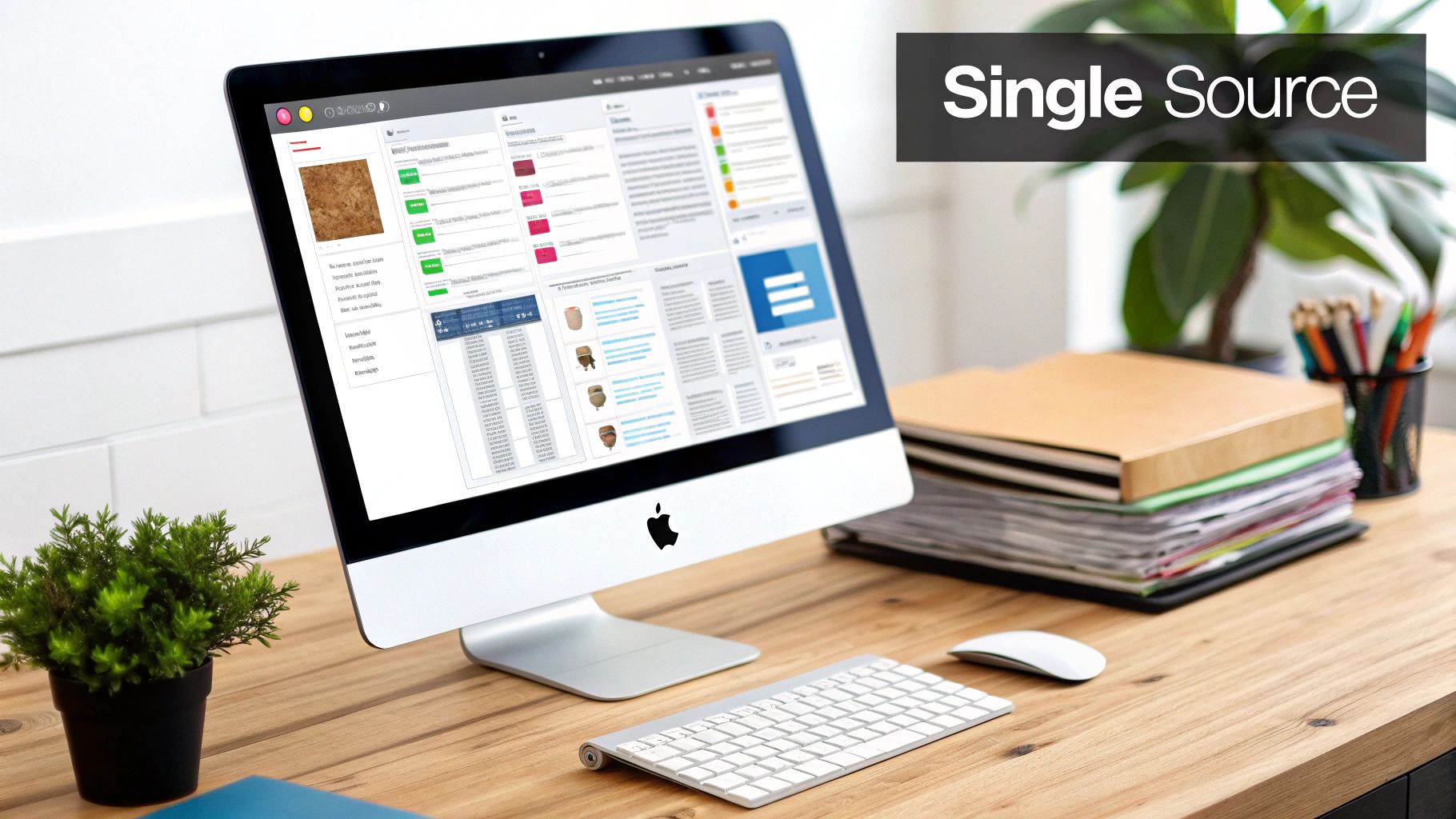
This approach creates a "single source of truth." When your marketing team in one city needs the latest product photos, they go to the same place as the sales team in another. This prevents the use of outdated logos, unapproved images, or incorrect document versions, ensuring brand consistency and legal compliance across all channels. This practice is crucial for maintaining a coherent brand identity, especially for agencies managing multiple client websites or SMBs scaling their operations.
Why It's a Top Best Practice
A centralized system directly tackles the most common pain points in content operations. Without one, teams waste valuable time hunting for files, recreating lost assets, and correcting errors caused by using the wrong versions. This inefficiency is a significant drain on resources. Centralization streamlines workflows, enhances collaboration, and provides robust control over your brand’s most valuable content.
For instance, a global brand like Marriott International uses a centralized DAM to manage assets for its 7,000+ properties. This ensures a guest sees a consistent brand experience whether they are booking a room online for a hotel in Paris or Tokyo. This level of coordination is impossible without a single source of truth.
How to Implement It
Successfully launching a centralized repository requires a strategic approach. Follow these actionable steps for a smooth transition:
- Start with a Pilot Program: Instead of a disruptive company-wide launch, select one department or a single project to pilot the new system. This allows you to identify potential issues, gather feedback, and refine your processes in a controlled environment.
- Establish Clear Naming Conventions: Before you migrate a single file, define a standardized file naming and metadata tagging structure. A consistent format like
[CampaignName]_[AssetType]_[Date]_[Version].jpgmakes assets instantly searchable and identifiable. - Provide Comprehensive Training: Your DAM is only as good as the team using it. Host mandatory training sessions tailored to different user roles (e.g., designers, marketers, sales). Provide ongoing support and accessible documentation to ensure high adoption rates.
- Plan for Backup and Recovery: Ensure your chosen platform has robust, automated backup procedures and a clear disaster recovery plan. Your digital assets are critical business infrastructure; protecting them is non-negotiable.
This fundamental step of creating a central hub is a cornerstone of modern digital asset management best practices, laying the groundwork for all other strategies to succeed.
2. Implement Comprehensive Metadata Standards
If a centralized repository is the library, then metadata is the card catalog that makes it usable. Implementing comprehensive metadata standards means systematically tagging every asset with descriptive, searchable information. This data can include keywords, descriptions, usage rights, creation dates, and technical specifications, transforming a simple file into an intelligent, self-describing asset.
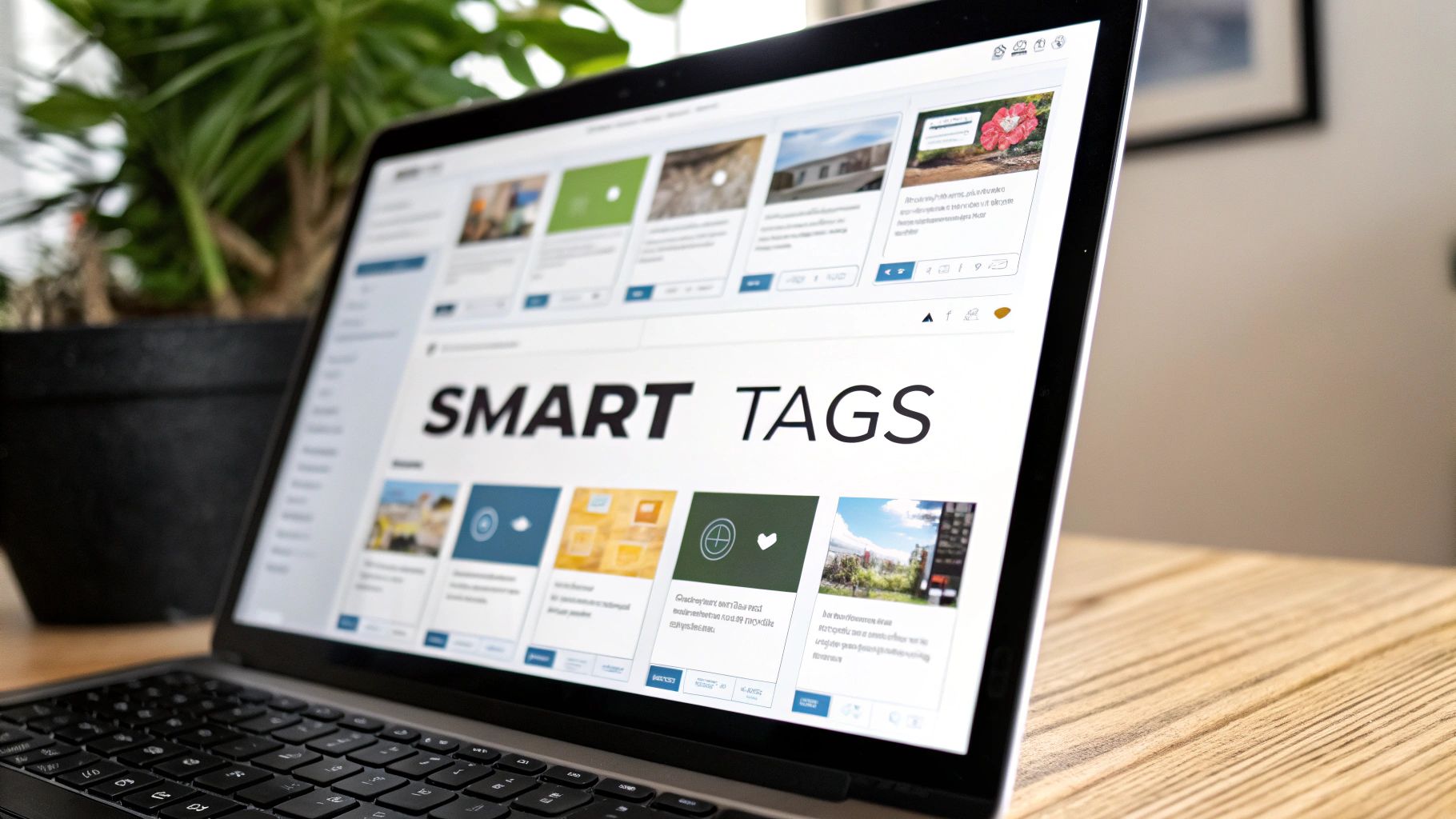
This practice makes assets discoverable. Instead of searching for IMG_8734.jpg, a team member can search for "red running shoe product shot for summer campaign" and instantly find the exact image they need. This level of detail is critical for managing copyrights, tracking asset performance, and ensuring that content is used correctly. For specific types of digital assets like videos, dedicated strategies for optimizing metadata for video assets are crucial to maximize their reach and effectiveness on platforms like YouTube.
Why It's a Top Best Practice
Without robust metadata, a DAM system quickly becomes a digital junk drawer. Assets get lost, leading to costly re-shoots or re-creations, and the risk of using an image without proper licensing increases dramatically. Strong metadata governance is a core pillar of digital asset management best practices because it directly powers search, automates workflows, and protects your organization from legal and brand compliance issues. It's the engine that makes your asset library truly efficient.
For example, a content giant like National Geographic relies on an incredibly detailed metadata system for its vast photography archives. A photo is tagged not just with its subject but also its geographic location, the photographer, the date, and even the emotional tone it conveys. This allows editors to find the perfect image from millions of options in seconds, a feat impossible without a meticulous metadata strategy.
How to Implement It
Creating a powerful metadata schema is a methodical process. Follow these actionable steps to build a system that scales:
- Define Your Core Fields: Start by identifying the essential information every asset needs. This usually includes a unique ID, a descriptive title, keywords, creation date, creator, and usage rights. Make these fields mandatory for every new upload.
- Establish a Controlled Vocabulary: To prevent inconsistent tagging (e.g., "US," "USA," "United States"), create a defined list of terms, or a taxonomy, for key fields like location, product line, or campaign name. This ensures search consistency.
- Leverage AI for Automation: Modern DAM platforms often include AI tools that can automatically suggest tags by analyzing image or video content. Use these features to handle initial tagging, then have a human review and refine it for accuracy.
- Conduct Regular Metadata Audits: Periodically review your assets to ensure tags are accurate, complete, and consistent. A scheduled cleanup process prevents your metadata quality from degrading over time, keeping the system reliable and efficient.
3. Establish Clear Digital Rights Management and Licensing Protocols
Beyond simple storage and organization, a critical component of digital asset management best practices is the rigorous control of intellectual property. This involves creating systematic processes for tracking, managing, and enforcing usage rights, licensing agreements, and copyright compliance across all your digital assets. It’s about knowing exactly who can use which asset, where, for how long, and under what conditions.
This practice transforms your DAM from a simple content library into a powerful compliance engine. By embedding licensing information directly into each asset’s metadata, you prevent costly legal disputes and brand damage that arise from misuse. When a team member searches for an image, they don’t just see the file; they see its usage restrictions, expiration date, and required attributions.
Why It's a Top Best Practice
Neglecting digital rights management (DRM) is a high-stakes gamble. Using a stock photo beyond its license term or in an unapproved medium can result in significant fines and legal action. For agencies managing assets for multiple clients, or SMBs using freelance content, the risk is multiplied. A formal DRM protocol provides a crucial safety net, ensuring every asset used is legally compliant.
For example, a global news agency like Reuters depends on a sophisticated licensing system for its imagery and video. Their clients receive clear terms on how, where, and for how long each asset can be used. This prevents misuse and protects the value of their content, a model that any business can adapt to protect its own licensed assets.
How to Implement It
Integrating DRM into your DAM system requires attention to detail and clear communication. Follow these actionable steps to build a robust compliance framework:
- Implement Automated Alerts: Configure your DAM to send automated notifications to asset managers and relevant teams before a license expires. This provides ample time for renewal or to replace the asset, preventing accidental compliance breaches.
- Create Clear Usage Guidelines: Develop and distribute a simple, easy-to-understand guide on your company's licensing policies. Use visual indicators within your DAM (like colored tags or icons) to signify different license types:
Royalty-Free,Rights-Managed, orInternal Use Only. - Conduct Regular Audits: Schedule periodic audits of asset usage across your digital channels, such as your website and social media. Cross-reference published assets against the license information in your DAM to catch and correct any non-compliant usage.
- Integrate Legal and Procurement Workflows: Connect your DAM with your legal and procurement teams. This ensures that all new asset acquisitions are properly vetted for licensing terms and that this information is immediately logged in the central repository upon purchase.
This proactive approach to rights management is a cornerstone of mature digital asset management, safeguarding your business from legal risk and financial penalties.
4. Develop Standardized File Naming and Organization Conventions
Once you have a central repository, the next critical step is to impose order within it. Developing and enforcing standardized file naming and organization conventions is how you transform a digital dumping ground into a highly efficient, searchable asset library. This practice involves creating a consistent, logical system for naming files and structuring folders so that anyone in your organization can find what they need quickly and intuitively, without needing to guess or ask for help.

This system is the information architecture of your DAM. Just as a website needs a clear structure to be usable, your asset library needs a predictable framework. A good naming convention instantly tells a user what an asset is, what campaign it belongs to, its version, and when it was created. This eliminates ambiguity and drastically reduces the time wasted searching for files like Final_Logo_v2_new.png.
Why It's a Top Best Practice
Inconsistent naming is a primary source of chaos in digital asset management. Without clear standards, you create duplicate files, use outdated versions, and lose valuable assets in a sea of poorly labeled content. A standardized system is one of the most effective digital asset management best practices because it builds a scalable foundation for organization, retrieval, and governance.
For example, a company like IKEA, which manages millions of product images across different markets and media, relies on a strict organizational system. An image for a BILLY bookcase might be named in a way that specifies the product, color, angle, and region, making it instantly findable for their global marketing teams. This level of precision is essential for operational efficiency at scale.
How to Implement It
Putting a naming and organization system in place requires clear rules and consistent enforcement. Here are actionable steps to get started:
- Keep It Simple and Intuitive: Your naming convention should be easy to understand and remember. A complex system is likely to be ignored. A great starting point is
[ProjectCode]_[AssetType]_[Descriptor]_[YYYY-MM-DD]_[Version]. - Use Consistent Date Formats: Standardize on the
YYYY-MM-DDformat (ISO 8601). This ensures that files sort chronologically by default, making it easy to find the most recent versions. - Avoid Special Characters and Spaces: Stick to letters, numbers, hyphens (-), and underscores (_). Special characters and spaces can cause issues with certain software and web platforms, leading to broken links or upload errors.
- Document and Train: Create a simple, one-page guide detailing your naming convention and folder structure. Make this part of your employee onboarding and conduct regular refresher training sessions to ensure compliance and reinforce the importance of this practice.
A logical file structure is just as important as the naming itself. For a deeper understanding of how to structure your digital content effectively, you can learn more about crafting a strong information architecture.
5. Implement Automated Workflow Integration
Once your assets are centralized and tagged, the next evolution in digital asset management best practices is to automate the workflows surrounding them. This means seamlessly connecting your DAM system with the other tools your teams use daily, such as creative software, marketing platforms, and business applications. The goal is to create an efficient, hands-free ecosystem where assets move intelligently from creation to distribution without constant manual intervention.
Automated integration transforms your DAM from a simple storage library into an active hub for your entire content lifecycle. When a designer finalizes an image in Adobe Creative Cloud, it can automatically upload to the DAM, inherit the correct metadata, and notify the marketing team in Slack that it's ready for review. This eliminates bottlenecks, reduces human error, and frees up your creative and marketing teams to focus on strategy instead of administrative tasks.
Why It's a Top Best Practice
Automated workflows directly address operational drag and scalability challenges. Manual processes like downloading, resizing, re-uploading, and notifying are not just time-consuming; they are prone to error and become unsustainable as your asset volume grows. Automation streamlines these repetitive tasks, ensuring consistency, accelerating campaign launches, and maintaining strict quality and compliance standards across all digital touchpoints.
For example, a global brand like Adidas uses automated workflows to manage product imagery for its e-commerce sites. When new product photos are approved in their DAM, the system can automatically generate multiple versions optimized for web, mobile, and social media, then push them directly to the corresponding product pages. This level of speed and precision is critical in the fast-paced retail industry.
How to Implement It
Building effective automated workflows requires careful planning and a phased approach. Use these steps to integrate your DAM successfully:
- Start with High-Volume, Repetitive Tasks: Identify the most frequent and manual processes in your content lifecycle. Is it resizing images for different social media platforms? Is it distributing sales collateral to your CRM? Automating these high-impact tasks first will deliver the most immediate value.
- Document All Integration Points: Map out every connection between your DAM and other systems. When designing these connections, it's crucial to consider effective API integration best practices to ensure the integrations are secure, scalable, and maintainable over time.
- Ensure Robust Error Handling: Automated systems can fail. Design your workflows with clear error handling and notification protocols. For instance, if a file fails to sync with your CMS, the system should automatically alert a designated administrator rather than failing silently.
- Maintain a Manual Override: Automation is for efficiency, not rigidity. Always build in a manual override capability. This allows your team to intervene during unique situations or exceptions without having to dismantle the entire automated process.
6. Regular Asset Auditing and Cleanup Processes
An effective digital asset management system is not a "set it and forget it" solution; it’s a living ecosystem that requires regular maintenance. Establishing systematic processes for auditing and cleaning up your assets is critical for maintaining system performance, reducing storage costs, and ensuring all content remains relevant and compliant. This involves regularly reviewing assets for usage, quality, and accuracy, then archiving or deleting what is no longer needed.
This practice prevents your DAM from becoming a digital junkyard filled with outdated, trivial, and duplicate files. A cluttered system makes searching inefficient, increases the risk of using non-compliant or off-brand content, and wastes money on unnecessary storage. By implementing a routine cleanup, you ensure your repository remains a lean, high-value resource that empowers your teams to find and use the right assets quickly.
Why It's a Top Best Practice
Without regular audits, digital asset collections bloat over time, degrading the user experience and undermining the efficiency gains a DAM is supposed to provide. This digital clutter directly translates to wasted time and increased operational risk. Regular auditing is a proactive strategy that keeps your asset library streamlined, searchable, and secure, forming a key part of your overall digital asset management best practices.
For example, a global CPG company like Unilever performs quarterly brand asset audits across its many markets. This ensures that only the latest, approved packaging designs, marketing slogans, and promotional images are in circulation, preventing costly compliance issues and maintaining a consistent global brand identity. This disciplined approach is essential for any business, from a fast-growing SMB to a large enterprise.
How to Implement It
A successful asset audit and cleanup strategy is built on a clear, repeatable process. Follow these actionable steps to keep your DAM in optimal condition:
- Implement Usage Analytics: Use your DAM's built-in analytics to identify underperforming or unused assets. Set a threshold, such as "no views or downloads in 12 months," to flag files for review. This data-driven approach removes guesswork from the cleanup process.
- Establish Clear Retention Criteria: Create a formal policy that defines how long different types of assets should be kept. For example, campaign-specific assets may be archived 90 days after the campaign ends, while evergreen brand logos are retained indefinitely. This policy should align with legal requirements like GDPR data retention rules.
- Involve Key Stakeholders: Asset cleanup shouldn't happen in a vacuum. Involve department heads, brand managers, and legal teams in the review and approval process. Their input ensures that valuable or legally required assets are not accidentally deleted.
- Document All Cleanup Activities: Maintain a log of all audited, archived, and deleted assets. This documentation is crucial for compliance, providing a clear audit trail that justifies why certain actions were taken. This process is similar in principle to a comprehensive website maintenance checklist, where every action is logged for accountability. Learn more about how to structure these maintenance routines with a website maintenance checklist on onenine.com.
7. Scalable Storage and Backup Architecture
A robust digital asset management strategy is built on an architecture that can grow with your business and protect your content from loss. This means designing a scalable storage and backup system that is secure, accessible, and prepared for disaster. This architecture uses solutions like cloud-based platforms and redundant systems to ensure your assets are safe and available, no matter how quickly your content library expands.

The goal is to create a future-proof foundation for your digital assets. As your agency takes on more clients or your SMB launches new product lines, your volume of high-resolution images, videos, and documents will multiply. A scalable system, often powered by services like Amazon Web Services S3 or Microsoft Azure Blob Storage, automatically accommodates this growth without requiring a disruptive and costly overhaul of your infrastructure.
Why It's a Top Best Practice
Without a scalable and secure storage plan, you risk hitting a "content ceiling." Your system becomes slow, expensive to maintain, and vulnerable to data loss, which can bring operations to a halt. A well-designed architecture ensures business continuity, optimizes costs by matching storage tiers to asset access frequency, and provides peace of mind that your valuable content is protected against hardware failure, cyberattacks, or accidental deletion.
For example, a media company like Netflix relies on an incredibly sophisticated and scalable global content distribution network. While an SMB's needs are different, the principle is the same: the storage system must handle massive data loads and deliver assets reliably. This foresight is a critical component of modern digital asset management best practices.
How to Implement It
Building a resilient storage and backup system involves several key actions. Integrate these steps into your DAM strategy to ensure long-term stability and security:
- Implement the 3-2-1 Backup Strategy: This is the gold standard for data protection. Maintain at least three copies of your data on two different types of storage media, with one copy located offsite. For example, have your primary asset in your DAM, a second copy on a local server, and a third in a separate cloud region.
- Use Tiered Storage for Cost Optimization: Not all assets need instant, high-speed access. Classify your assets and use tiered storage. Keep active, frequently used files in "hot" storage for rapid retrieval and move archival or rarely used content to cheaper "cold" storage to reduce costs.
- Conduct Regular Backup and Recovery Tests: A backup plan is useless if it doesn't work. Regularly schedule tests to restore files from your backups. This practice verifies the integrity of your data and ensures your team knows the exact recovery procedure in an emergency. You can learn more about developing these procedures in our guide to best practices for scalable cloud backups.
- Monitor Usage and Performance Metrics: Keep a close watch on your storage consumption, access speeds, and costs. Use the analytics from your cloud provider or DAM system to forecast future needs and identify performance bottlenecks before they impact users.
7 Best Practices Comparison Matrix
| Strategy | Implementation Complexity 🔄 | Resource Requirements ⚡ | Expected Outcomes 📊 | Ideal Use Cases 💡 | Key Advantages ⭐ |
|---|---|---|---|---|---|
| Establish a Centralized Digital Asset Repository | High: setup, migration, governance | Moderate to High: platform, training | Improved collaboration, version control, brand consistency | Organizations with widespread asset silos | Single source of truth, reduces duplicates |
| Implement Comprehensive Metadata Standards | High: planning, standardization | Moderate: tools, ongoing validation | Enhanced asset discoverability, automated workflows | Large asset libraries needing efficient search | Better rights management, supports analytics |
| Establish Clear Digital Rights Management | High: legal integration, monitoring | Moderate: legal expertise, systems | Minimizes risk, enforces compliance | Media, entertainment, and brands managing licenses | Prevents legal disputes, streamlines approvals |
| Develop Standardized File Naming Conventions | Low to Moderate: training, enforcement | Low: guidelines and discipline | Clear asset identification, reduces duplicates | Teams needing consistent asset organization | Simplifies search, facilitates automation |
| Implement Automated Workflow Integration | Very High: technical, integration complexity | High: development, maintenance | Faster project delivery, reduced manual errors | Organizations with repetitive, high-volume tasks | Accelerates workflows, ensures consistent quality |
| Regular Asset Auditing and Cleanup Processes | Moderate: planning, review cycles | Moderate: staffing, tools | Reduced storage costs, improved performance | Large asset repositories needing maintenance | Keeps content relevant, maintains compliance |
| Scalable Storage and Backup Architecture | High: robust infrastructure setup | High: cloud/storage services | Reliable data protection, scalability | Growing organizations requiring data security | Ensures continuity, global accessibility |
From Chaos to Control: Making Your DAM Strategy a Reality
Navigating the landscape of digital assets can feel like taming a wild, ever-expanding universe of files. However, as we've explored, moving from digital chaos to strategic control is not only possible but essential for any modern business, agency, or entrepreneur. The journey is not about finding a single magic bullet; it's about methodically implementing a system of interconnected best practices.
By embracing the core principles detailed throughout this guide, you are building more than just an organized folder structure. You are creating a robust, efficient, and secure foundation for your brand's visual and digital identity. This is the essence of effective digital asset management: transforming a potential liability into a powerful strategic advantage.
Recapping Your Path to DAM Mastery
Let's distill the journey down to its most critical milestones. Each practice we covered is a vital pillar supporting your overall strategy:
- A Centralized Repository: This is your non-negotiable starting point. It eliminates the "where did I save that file?" nightmare and creates a single source of truth for your entire team.
- Comprehensive Metadata: This is the "brain" of your system. Without rich, descriptive metadata, your centralized repository is just a digital junkyard. With it, it becomes an intelligent, searchable database.
- Clear Rights Management: Protecting your business from legal and financial risk is paramount. Establishing clear protocols for digital rights and licensing isn't just a best practice; it's a necessity.
- Standardized Naming & Organization: This brings predictability and order. Consistent conventions for naming files and organizing folders ensure that anyone can find what they need, when they need it, without needing a decoder ring.
- Automated Workflows: Automation is your key to reclaiming time and reducing human error. Integrating your DAM with your CMS and other tools transforms manual, repetitive tasks into seamless, efficient processes.
- Regular Auditing & Cleanup: A DAM system requires maintenance. Periodic audits keep your library relevant, secure, and free of outdated or non-compliant assets, ensuring its long-term value.
- Scalable Architecture: Your business will grow, and your asset library will grow with it. A scalable storage and backup plan ensures your system can handle future demands without collapsing under its own weight.
Key Takeaway: True digital asset management is an ecosystem, not a single tool. It’s the synergistic effect of a centralized library, intelligent metadata, strict governance, and automated workflows that unlocks exponential efficiency and brand consistency.
Your Actionable Next Steps
Feeling overwhelmed? Don't be. The key is to start small and build momentum. You don't need to implement everything overnight.
- Start with an Audit: Begin by taking stock of what you currently have. Where are your assets? Who has access? What are your biggest pain points right now? This initial audit will give you a clear map of the challenges you need to solve.
- Prioritize Your Biggest Win: Identify the single practice that will deliver the most immediate impact. For many SMBs and agencies, this is often establishing a centralized repository or creating basic file naming conventions. Secure that win first.
- Build Your Framework: Document your standards. Even a simple one-page document outlining your metadata requirements and folder structure can create massive alignment and consistency across your team.
Implementing these digital asset management best practices is an investment in your organization's future. It’s an investment in efficiency, enabling your marketing and creative teams to spend less time searching and more time creating. It’s an investment in brand integrity, ensuring that only the correct, approved, and on-brand assets are used across all your platforms. Most importantly, it's an investment in peace of mind, giving you the confidence that your valuable digital property is organized, secure, and ready to be deployed.
Ready to put these best practices into action without the complexity? OneNine offers a streamlined digital asset management solution built directly into your CMS, making it effortless to organize, find, and deploy your assets where you need them most. See how OneNine can help you build your single source of truth today.


